

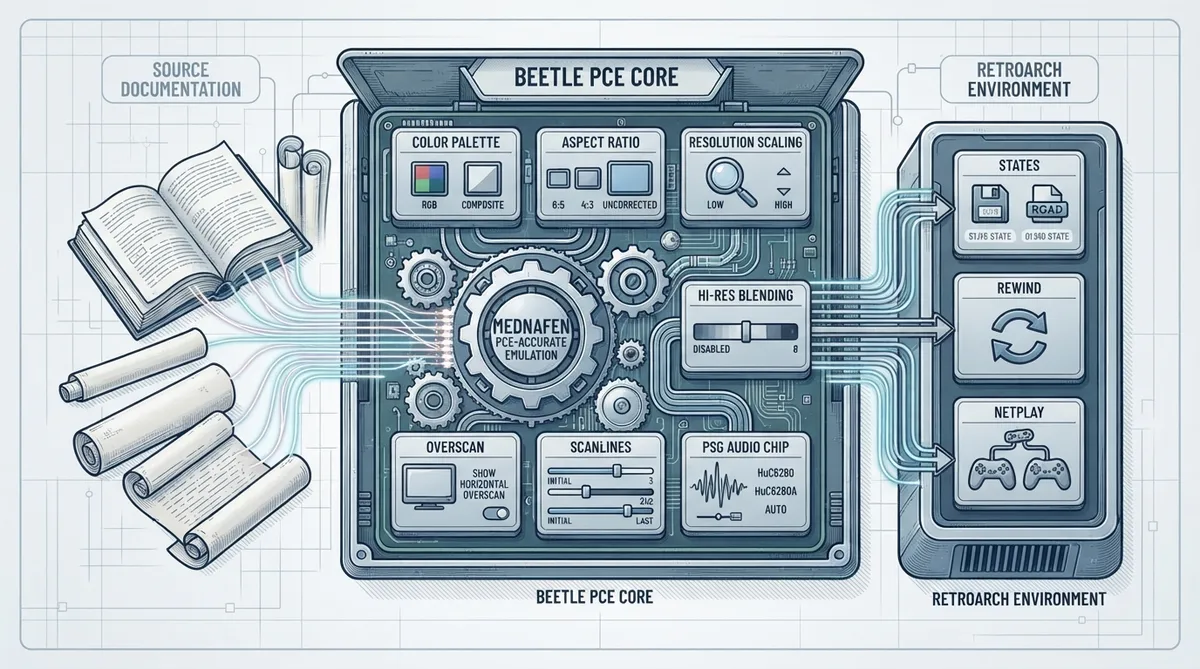
Beetle PCE is a NEC PC Engine (PCE) core for RetroArch, described in the official libretro documentation as forked from Mednafen's PCE-Accurate emulator. The same documentation notes that it is a bit slower than the Fast core but also more accurate. This guide summarizes what that documentation states about supported features and core options.
Documented supported features
- The official documentation's feature table marks the following as supported:
- - States
- - Rewind
- - Netplay
- - Core Options
Documented core options
The documentation lists several core options relevant to the visuals of the PCE core. The values below are documented option names, not recommendations about which setting to choose.
- - Color Palette (pce_palette): documented choices include RGB and Composite.
- - Aspect Ratio (pce_aspect_ratio): documented choices include Auto, 6:5, 4:3 and Uncorrected.
- - Resolution Scaling (pce_scaling): documented choices include Auto, Low Resolution and High Resolution.
- - High Resolution Blending Strength (pce_hires_blend): documented choices are disabled, then levels 1 through 8.
- - Show Horizontal Overscan (pce_h_overscan): documented choices include Auto, disabled and enabled.
- - Initial Scanline (pce_initial_scanline): documented range spans 0 to 40, with 3 as the default.
- - Last Scanline (pce_last_scanline): documented range spans 208 to 242, with 242 as the default.
The documentation describes a PSG Audio Chip option (pce_psgrevision) that requires a restart to take effect. Documented choices include HuC6280, HuC6280A and Auto.
Open questions
The documentation summarized here does not cover installation steps for ROM or disc images, controller mapping details, or firmware requirements for CD titles. Those details are not asserted in this article.
Reference table · Scroll horizontally to see all columns.
| Feature | Documented status |
|---|---|
| States | Supported |
| Rewind | Supported |
| Netplay | Supported |
| Core Options | Supported |
Reference table · Scroll horizontally to see all columns.
| Option | Documented choices |
|---|---|
| Color Palette | RGB, Composite |
| Aspect Ratio | Auto, 6:5, 4:3, Uncorrected |
| Resolution Scaling | Auto, Low Resolution, High Resolution |
| High Resolution Blending Strength | disabled, 1–8 |
| Show Horizontal Overscan | Auto, disabled, enabled |
| Initial Scanline | 0–40 (default 3) |
| Last Scanline | 208–242 (default 242) |
| PSG Audio Chip | HuC6280, HuC6280A, Auto (restart required) |
Sources & references
Content responsibility: FrameTinker editorial desk. Source authors and software maintainers are credited separately below; this is not a claim of hands-on testing.
Published .
RetroArch: mednafen pce — official gaming software documentation https://raw.githubusercontent.com/libretro/docs/master/docs/library/mednafen_pce.mdRetrieved Oct 26, 2026Something doesn’t match your setup?
Suggest a correction