

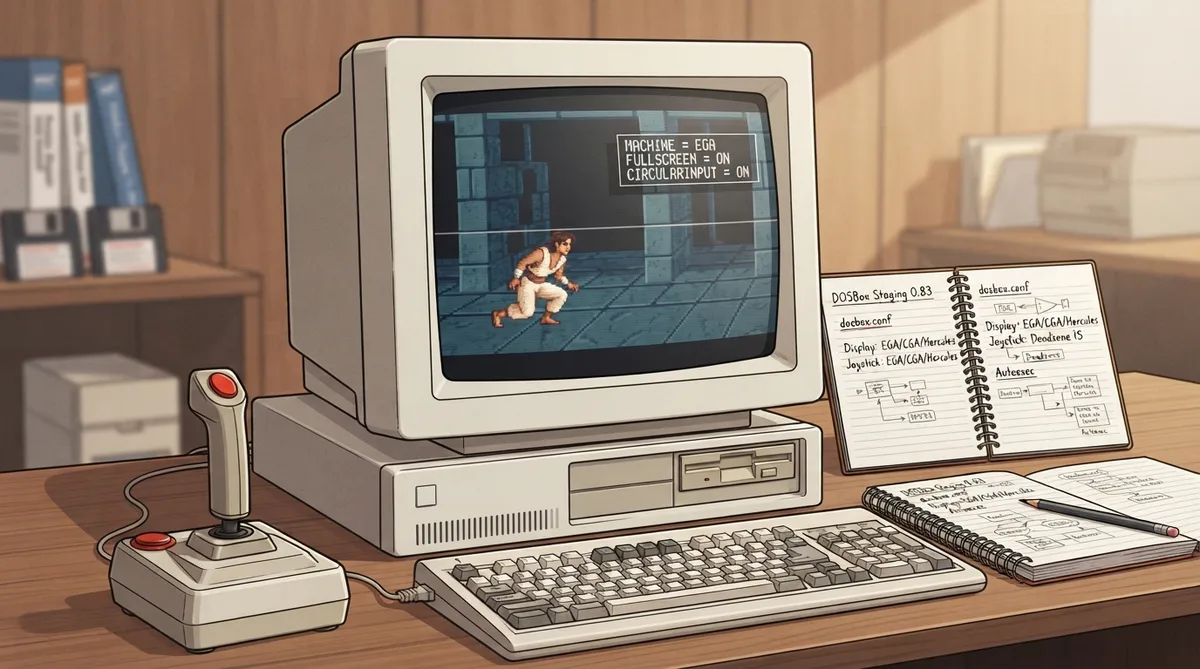
This guide covers the configuration options that DOSBox Staging 0.83 documents for customising Prince of Persia. The game serves here as a testbed for the emulated display adapter and for other enhancements and tweaks. All settings are edited in the dosbox.conf configuration file.
Before you start
You need a working DOSBox Staging 0.83 setup in which Prince of Persia already runs, plus access to your dosbox.conf configuration file. Changes described here are made in that file, and some require a restart of DOSBox Staging to take effect.
Fullscreen mode
You can toggle between windowed and fullscreen mode at any time with Alt+Enter. If you always want the game to start in fullscreen, set fullscreen = on in the [sdl] section of dosbox.conf, then restart DOSBox Staging.
[sdl]
fullscreen = on
Choosing the emulated display adapter
The machine setting in the [dosbox] section selects the emulated graphics adapter. The documentation shows examples for ega, cga and hercules. Set the value that matches the adapter you want to emulate.
[dosbox]
machine = ega[dosbox]
machine = cga[dosbox]
machine = herculesJoystick input
Joystick options are set in the [joystick] section. The documentation shows enabling circular input with circularinput = on and setting a deadzone value of 15. Use these documented values as a starting point for your own controller setup.
[joystick]
circularinput = on
deadzone = 15
Pausing when the window is inactive
To make DOSBox Staging pause automatically when its window loses focus, set pause_when_inactive = yes in the [sdl] section.
[sdl]
pause_when_inactive = yes
Audio effects
The [mixer] section includes reverb and chorus settings. The documentation shows reverb = large together with chorus = normal as an example configuration.
[mixer]
reverb = large
chorus = normal
Launching the game automatically
The [autoexec] section runs DOS commands when DOSBox Staging starts. The documentation shows switching to the C: drive, running prince and then exit.
[autoexec]
c:
prince
exit
Combined example
The documentation's combined example combines permanent fullscreen and pause-on-inactive in [sdl], the mixer effects shown above, and the autoexec commands that start Prince of Persia. Each individual setting is documented in its own section of the guide.
[sdl]
fullscreen = on
pause_when_inactive = yes

[mixer]
reverb = large
chorus = normal

[autoexec]
c:
prince
exit
Recovery and reverting changes
The documentation does not supply specific recovery steps for these settings. Before editing, keep a backup copy of your dosbox.conf. If a change causes an unwanted result, restore the previous value and restart DOSBox Staging.
Reference table · Scroll horizontally to see all columns.
| Section | Setting | Documented value |
|---|---|---|
| [sdl] | fullscreen | on |
| [sdl] | pause_when_inactive | yes |
| [dosbox] | machine | ega, cga or hercules |
| [joystick] | circularinput | on |
| [joystick] | deadzone | 15 |
| [mixer] | reverb | large |
| [mixer] | chorus | normal |
| [autoexec] | commands | c:, prince, exit |
Sources & references
Content responsibility: FrameTinker editorial desk. Source authors and software maintainers are credited separately below; this is not a claim of hands-on testing.
Published .
DOSBox Staging: customising prince of persia — official gaming software documentation https://raw.githubusercontent.com/dosbox-staging/dosbox-staging/main/website/docs/0.83/getting-started/customising-prince-of-persia.mdRetrieved Oct 30, 2026Something doesn’t match your setup?
Suggest a correction