

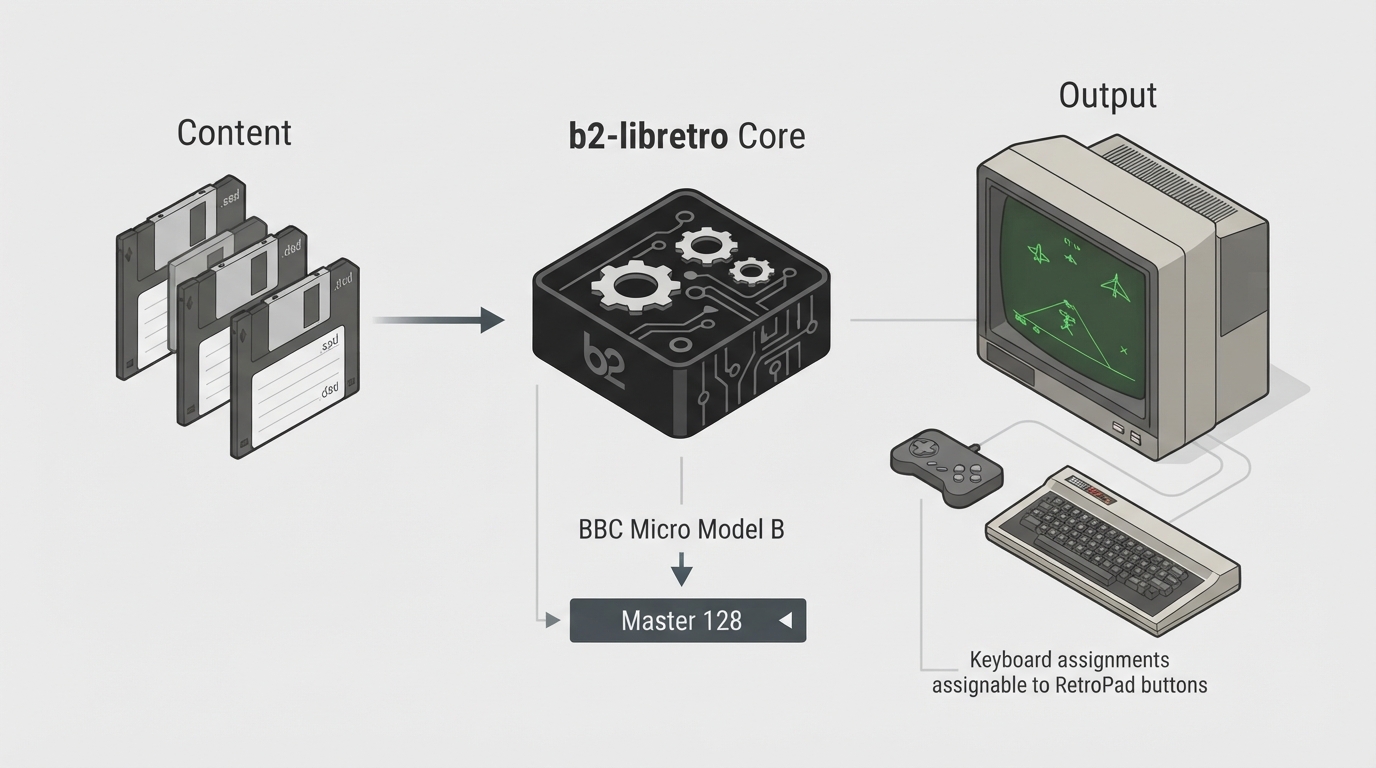
The b2-libretro core for RetroArch emulates the BBC Micro and Master, microcomputers designed and built by Acorn Computers Limited in the 1980s for the BBC Computer Literacy Project. This guide summarizes the official documentation for the core. The instructions below are drawn from that documentation and have not been hands-on tested by the author.
The b2-libretro core was authored by Tom Seddon (b2) and Zoltan Balogh (libretro core-specific modifications). The core is licensed under GPL v3.
Prerequisites
- The documentation states no special requirements for the core. Low-end platform performance is noted as not yet tested.
Supported content and extensions
- Content that can be loaded by the b2 core uses the following file extension: .ssd/.dsd — floppy disk image. No RetroArch databases are associated with the b2 core yet.
No additional directories are used. Only the content disk image is needed.
Frontend-level feature support
The table below summarizes which frontend-level settings and features the b2 core respects, as listed in the official documentation.
Loading content and autodetection
- 1. Load any supported content file. The content type will be autodetected and, if possible, started.
- 2. The core applies one of two behaviors based on the disk image name: if the disk image name contains an executable file name in brackets (such as [CHUCKIE]), a CHAIN command will be issued shortly after initial booting. If the disk image name does not contain such an indication, a Shift key press will be simulated during boot to trigger the autoboot function.
Multi-disk games and BBC Master content
- For multi-disk games, use the Disk Control menu to add the subsequent images and switch between them. For BBC Master games, set the emulated machine type to Master, then close the core and re-open it with the content.
Core options
The b2 core exposes the following options in the core options menu: an Emulated machine selector, an Autoboot toggle, and keyboard assignments for each RetroPad button.
Joypad mapping
The analogue joysticks are mapped to the left analog stick and face button A for RetroArch player 1 and 2 slots. The joypad is fully assignable to keyboard keys in core options.
Keyboard mapping
The BBC Master keyboard layout is shown in a diagram in the official documentation. The BBC Micro layout is the same, apart from the cursor key arrangement and the lack of a keypad.
Keyboard mapping exceptions
Most mappings are straightforward positionally from an ISO UK keyboard, with exceptions marked in the table below. Where no PC keyboard mapping exists for a key, use core options to map it to a RetroPad button.
Geometry and timing
- The b2 core reports the following display and timing values: core-provided FPS is 50; core-provided sample rate is 250 kHz (noted as to be optimized); base width is 768; base height is 288; max width is 768; max height is 576 (interlace mode); core-provided aspect ratio is 4:3.
Known limitations
- Per the official documentation, the following features are not supported: saves, save states, rewind, netplay, memory monitoring (achievements), RetroArch cheats, native cheats, multi-mouse, rumble, sensors, camera, location, subsystem, softpatching, username, language, crop overscan, and LEDs.
Reference table · Scroll horizontally to see all columns.
| Feature | Supported |
|---|---|
| Restart | Yes |
| Saves | No |
| States | No |
| Rewind | No |
| Netplay | No |
| Core Options | Yes |
| Memory Monitoring (achievements) | No |
| RetroArch Cheats | No |
| Native Cheats | No |
| Controls | Yes |
| Remapping | Unknown |
| Multi-Mouse | No |
| Rumble | No |
| Sensors | No |
| Camera | No |
| Location | No |
| Subsystem | No |
| Softpatching | No |
| Disk Control | Yes |
| Username | No |
| Language | No |
| Crop Overscan | No |
| LEDs | No |
Reference table · Scroll horizontally to see all columns.
| Option | Values |
|---|---|
| Emulated machine | B/Acorn 1770; B/Watford 1770 (DDB2); B/Watford 1770 (DDB3); B/Opus 1770; B/Opus CHALLENGER 256K; B/Opus CHALLENGER 512K; B+; B+128; Master 128 (MOS 3.20) |
| Autoboot | on; off |
| Keyboard assignments | Assignable for each RetroPad button |
Reference table · Scroll horizontally to see all columns.
| RetroKeyboard input | BBC Micro/Master keyboard input |
|---|---|
| Keyboard F10 | f0 |
| Keyboard F11 | Break |
| Keyboard Pause | Break |
| Keyboard Backspace | Delete |
| Keyboard Backquote ` | Escape (alternative mapping) |
| Keyboard Equals = | ^ (caret) |
| Keyboard Oem 102 | \ (backslash) |
| Keyboard Home | \ (alternative mapping) |
| Keyboard Left Bracket [ | @ (at) |
| Keyboard Right Bracket ] | [ (left bracket) |
| Keyboard End | _ (underline) |
| Keyboard Quote ' | : (colon) |
| Keyboard Backslash \ | ] (right bracket) (shown as # in ISO map) |
| Keyboard Delete | Delete |
| Keyboard PgUp | Caps Lock |
| Keyboard PgDn | Shift Lock |
| Keyboard NumLock | Shift Lock |
| Keyboard Insert | Copy |
| (no PC keyboard mapping) | Numpad , (comma) |
| (no PC keyboard mapping) | Numpad # |
| (no PC keyboard mapping) | Numpad Delete |
Sources & references
Content responsibility: FrameTinker editorial desk. Source authors and software maintainers are credited separately below; this is not a claim of hands-on testing.
Published .
RetroArch: b2 — official gaming software documentation https://raw.githubusercontent.com/libretro/docs/master/docs/library/b2.mdRetrieved Oct 12, 2026Something doesn’t match your setup?
Suggest a correction