

GW (Handheld Electronic) is a libretro core for RetroArch that runs Game & Watch simulators. The official Libretro documentation page for the core describes it as a libretro core for Game & Watch simulators and lists which RetroArch features it supports.
Feature support at a glance
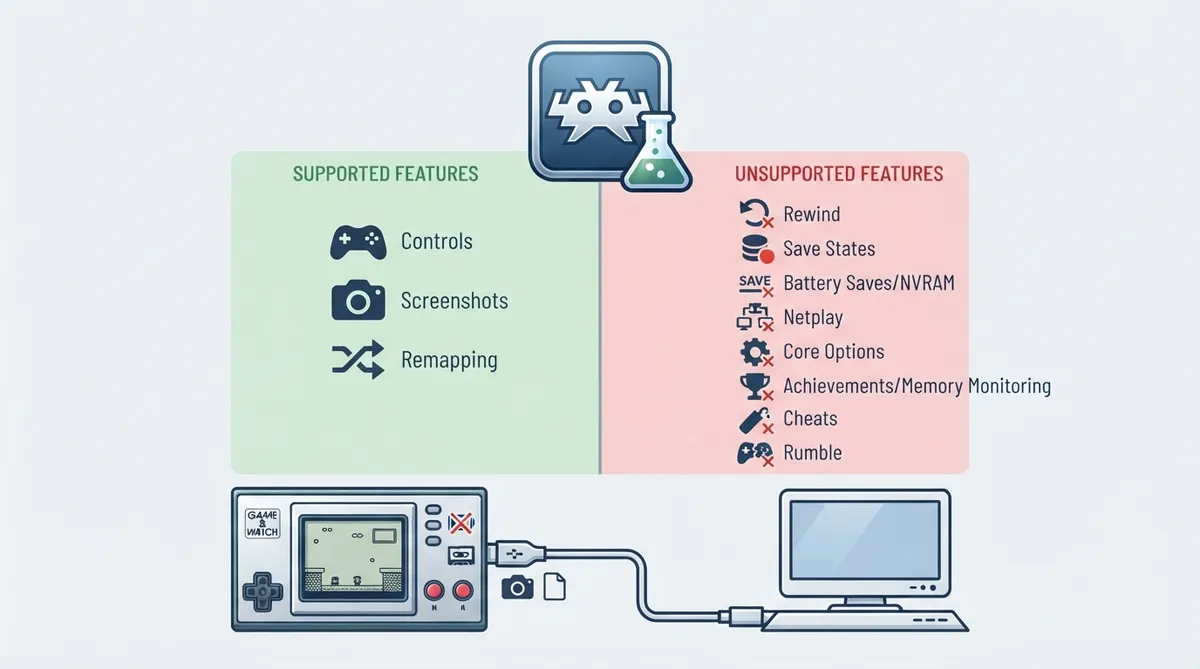
The documentation includes a feature-support table. For the GW core, only screenshots, controls, and remapping are marked as supported. Every other feature listed in the table is marked as unsupported.
Supported features
- Screenshots — marked as supported.
- Controls — marked as supported.
- Remapping — marked as supported.
Unsupported features
The official table marks the following features as unsupported for the GW core: restart, saves, save states, rewind, netplay, core options, memory monitoring (achievements), RetroArch cheats, native cheats, multi-mouse, rumble, sensors, camera, location, subsystem, softpatching, disk control, username, language, crop overscan, and LEDs.
What the distinctions mean in practice
Because saves and save states are listed as unsupported, the documented feature set does not include persistent in-game saving through RetroArch's save-state or battery-save systems for this core. Rewind, netplay, and cheat support are likewise listed as unavailable. The documentation does not describe alternative save methods for the core, so none are stated here.
The presence of control and remapping support means button input is handled within the core's documented feature set. The documentation page supplies the feature table but does not, in the collected material, spell out a per-button control mapping for individual Game & Watch titles.
Scope and limitations
The official description identifies the core as a libretro core for Game & Watch simulators. It does not provide a compatibility list, per-title instructions, or performance claims in the collected material, and none are asserted here.
Reference table · Scroll horizontally to see all columns.
| Feature | Supported |
|---|---|
| Restart | No |
| Screenshots | Yes |
| Saves | No |
| States | No |
| Rewind | No |
| Netplay | No |
| Core Options | No |
| Memory Monitoring (achievements) | No |
| RetroArch Cheats | No |
| Native Cheats | No |
| Controls | Yes |
| Remapping | Yes |
| Multi-Mouse | No |
| Rumble | No |
| Sensors | No |
| Camera | No |
| Location | No |
| Subsystem | No |
| Softpatching | No |
| Disk Control | No |
| Username | No |
| Language | No |
| Crop Overscan | No |
| LEDs | No |
Sources & references
Content responsibility: FrameTinker editorial desk. Source authors and software maintainers are credited separately below; this is not a claim of hands-on testing.
Published .
RetroArch: gw — official gaming software documentation https://raw.githubusercontent.com/libretro/docs/master/docs/library/gw.mdRetrieved Oct 25, 2026Something doesn’t match your setup?
Suggest a correction