

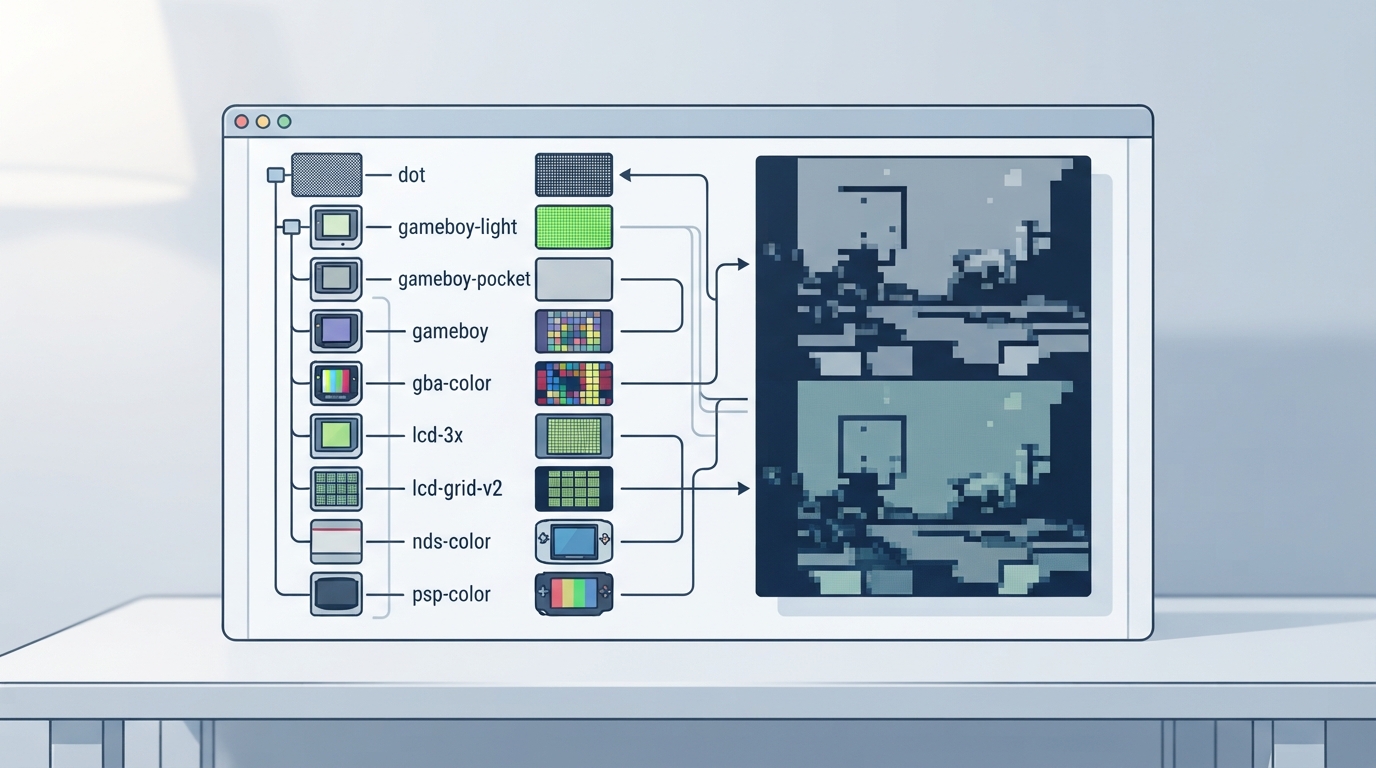
The official Libretro documentation page for the handheld shader directory describes it as a collection of handheld-specific shaders. The page contains a description plus a preview image section that enumerates each shader name and its associated preview image. It does not document installation steps, configuration options, or menu paths.
What the official page covers
- Description: "Collection of handheld specific shaders."
- Preview Image: a list of shader names, each paired with a preview image asset.
Shader names listed on the page
The Preview Image section lists the following shader names: dot, gameboy-light, gameboy-pocket, gameboy, gba-color, lcd-3x, lcd-grid-v2-gba-color-motionblur, lcd-grid-v2 (listed twice), nds-color, and psp-color.
What the page does not specify
- Installation or selection steps are not documented on the page.
- Menu paths in RetroArch are not documented on the page.
- Compatibility with specific emulator cores or devices is not documented on the page.
- Expected visual outcomes are not documented on the page.
Where to go next
Because the official page only lists the shader collection and its preview images, readers who need installation or configuration steps should consult the broader Libretro/RetroArch shader documentation rather than this page alone. This article does not add procedures beyond what the source states.
Reference table · Scroll horizontally to see all columns.
| Shader name | Listed on official page |
|---|---|
| dot | Yes |
| gameboy-light | Yes |
| gameboy-pocket | Yes |
| gameboy | Yes |
| gba-color | Yes |
| lcd-3x | Yes |
| lcd-grid-v2-gba-color-motionblur | Yes |
| lcd-grid-v2 | Yes (listed twice) |
| nds-color | Yes |
| psp-color | Yes |
Sources & references
Content responsibility: FrameTinker editorial desk. Source authors and software maintainers are credited separately below; this is not a claim of hands-on testing.
Published .
RetroArch: handheld — official gaming software documentation https://raw.githubusercontent.com/libretro/docs/master/docs/shader/handheld.mdRetrieved Oct 14, 2026Something doesn’t match your setup?
Suggest a correction