

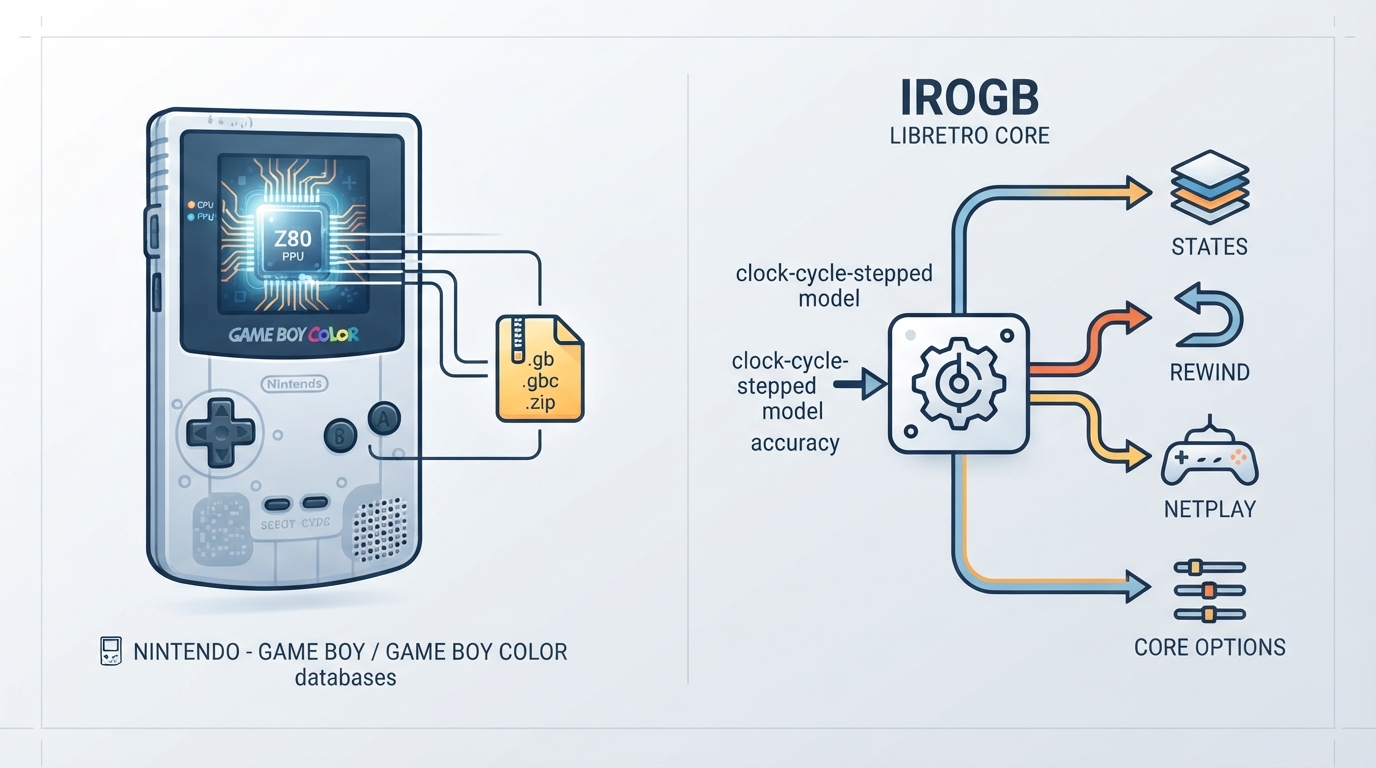
IroGB is a libretro port of the IroGB Game Boy Color emulator. According to the official libretro documentation, it is a reasonably accurate CGB emulator core that operates on a clock-cycle-stepped model and passes over 95% of the test cases across three of the most widely used GB/GBC emulator test suites (mooneye, blargg, and acid), with improved test coverage yet to come. The project was developed as a passion project aiming to balance emulation accuracy with practical system requirements.
Supported content and databases
The IroGB core can load content with the following file extensions: .gb, .gbc, and .zip.
IroGB is associated with two RetroArch databases: Nintendo - Game Boy and Nintendo - Game Boy Color.
Features
The core respects the following frontend-level settings or features in RetroArch:
- States, Rewind, Netplay, and Core Options are listed as supported.
The core's library name in RetroArch is 'IroGB'.
Core options
The core provides two options in the core options menu. In the documentation, default settings are shown in bold.
The first option is 'Select which BIOS to use (if available).' with the setting key irogb_bios. The available choices are Auto, DMG BIOS, CGB BIOS, and Skip BIOS. The default is Auto.
The second option is 'Disable re-coloring of DMG games (only applicable with CGB BIOS)' with the setting key irogb_monochrome_dmg. The available choices are enabled and disabled. The default is disabled.
Controller support
The IroGB core supports the Game Boy Joypad device type.
License and developers
The IroGB core is licensed under GPLv3. A summary of the licenses behind RetroArch and its cores can be found in the libretro documentation. The core was authored by Alex Sutila/Xuanli Lin.
Loading content with IroGB
Based on the documented extensions and database associations, a typical RetroArch workflow for using IroGB involves the following steps. These steps are a general description of RetroArch usage and are presented as a source summary, not as tested instructions.
- 1. Place your Game Boy or Game Boy Color content files, or .zip archives, in a directory accessible to RetroArch. 2. Launch RetroArch. 3. Ensure the IroGB core is installed through the online updater or otherwise available in your core list. 4. Load the content using the 'Load Content' menu and select the IroGB core if it is not detected automatically. 5. Adjust the BIOS option and the DMG re-coloring option in the core options menu as needed.
Documented limitations and unknowns
- The documentation notes that improved test coverage for IroGB is yet to come. Independent hands-on verification of the core's behavior and these instructions has not been performed. Compatibility with specific games, systems, or configurations is not documented in the source material.
Official links
The IroGB repository is hosted on GitHub, and core issues can be reported through the repository's issue tracker.
Reference table · Scroll horizontally to see all columns.
| Feature | Supported |
|---|---|
| States | Yes |
| Rewind | Yes |
| Netplay | Yes |
| Core Options | Yes |
Reference table · Scroll horizontally to see all columns.
| Option | Setting key | Choices | Default |
|---|---|---|---|
| Select which BIOS to use (if available). | irogb_bios | Auto, DMG BIOS, CGB BIOS, Skip BIOS | Auto |
| Disable re-coloring of DMG games (only applicable with CGB BIOS) | irogb_monochrome_dmg | enabled, disabled | disabled |
Sources & references
Content responsibility: FrameTinker editorial desk. Source authors and software maintainers are credited separately below; this is not a claim of hands-on testing.
Published .
RetroArch: irogb — official gaming software documentation https://raw.githubusercontent.com/libretro/docs/master/docs/library/irogb.mdRetrieved Oct 13, 2026Something doesn’t match your setup?
Suggest a correction