

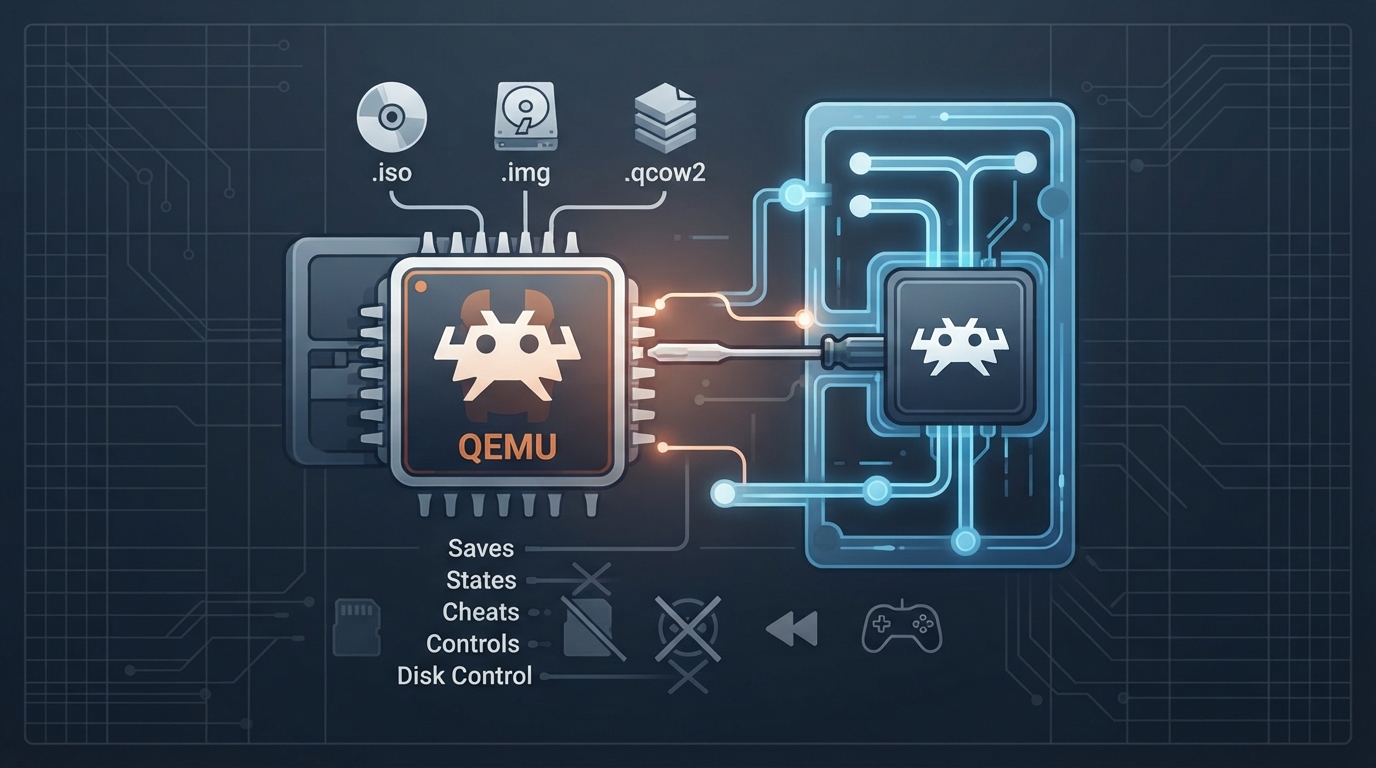
The QEMU core is a port of the QEMU emulator to libretro, allowing users to run various operating systems and games on their devices. This guide will walk you through the setup process and provide information on the core's features and limitations.
Before setting up the QEMU core, ensure you have the following prerequisites: RetroArch installed on your device, the QEMU core downloaded and installed, and a compatible operating system or game to run.
- The QEMU core supports the following file extensions:
The QEMU core respects the following frontend-level settings or features:
The QEMU core has the following limitations: Saves, States, Rewind, Core Options, Memory Monitoring (achievements), RetroArch Cheats, Controls, Subsystem, and Disk Control are not supported.
For more information and to report issues, visit the QEMU core repository: https://github.com/io12/qemu-libretro
Sources & references
Content responsibility: FrameTinker editorial desk. Source authors and software maintainers are credited separately below; this is not a claim of hands-on testing.
Published .
RetroArch: qemu — official gaming software documentation https://raw.githubusercontent.com/libretro/docs/master/docs/library/qemu.mdRetrieved Oct 13, 2026Something doesn’t match your setup?
Suggest a correction