

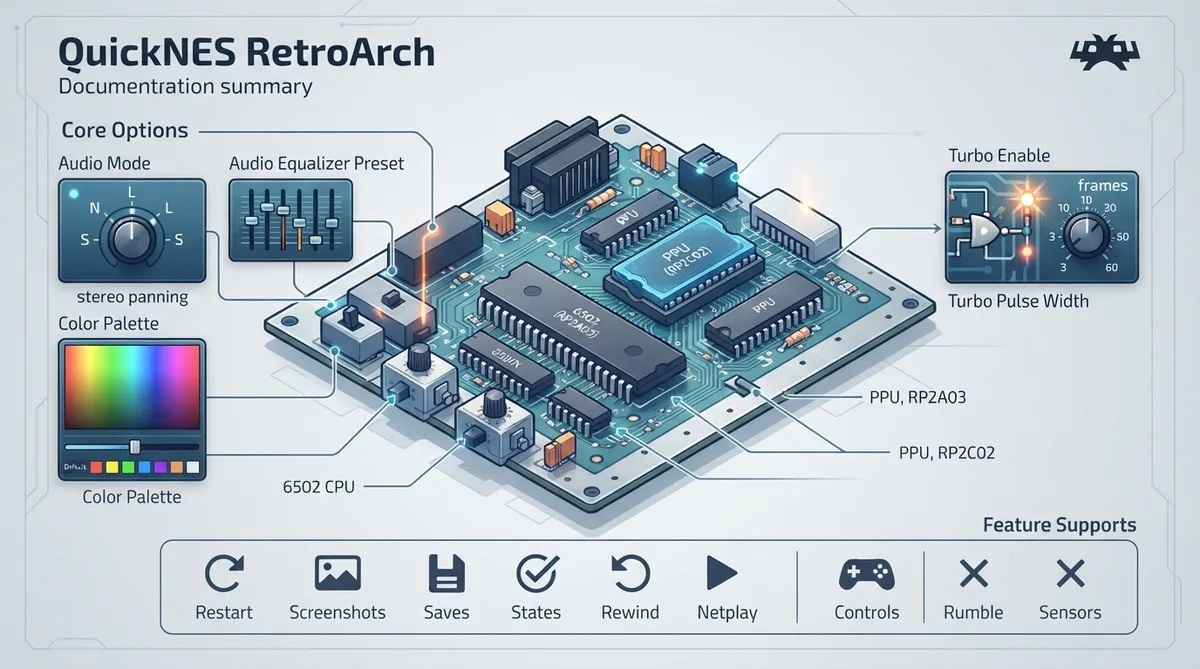
QuickNES is a Nintendo NES / Famicom emulation core for RetroArch. The official libretro documentation page for the core records its background, its user-facing core options, and a table of supported and unsupported RetroArch features. This article summarizes that documentation; it is a source summary and not a hands-on tested walkthrough.
Background
According to the official documentation, Nes_Emu — the core NES emulator library used by QuickNES — began as a very simple NES emulator sometime in 2004. The page notes it was based on the 6502 CPU core and APU sound core used in another project; the available documentation text is truncated at that point.
Documented core options
The official documentation lists five core options with their accepted values. Defaults are shown in the documentation with bold emphasis; the values below reflect the options the page documents.
- Audio mode (quicknes_audio_nonlinear): nonlinear, linear, or stereo panning. Audio equalizer preset (quicknes_audio_eq): default, famicom, tv, flat, crisp, or tinny. Color Palette (quicknes_palette): default, asqrealc, nintendo-vc, rgb, yuv-v3, unsaturated-final, sony-cxa2025as-us, pal, bmf-final2, bmf-final3, smooth-fbx, composite-direct-fbx, pvm-style-d93-fbx, ntsc-hardware-fbx, nes-classic-fbx-fs, nescap, or wavebeam. Turbo enable (quicknes_turbo_enable): none, player 1, player 2, or both. Turbo pulse width in frames (quicknes_turbo_pulse_width): 3, 5, 10, 15, 30, 60, 1, or 2.
Feature support
The documentation's feature table marks Restart, Screenshots, Saves, States, Rewind, Netplay, Core Options, Memory Monitoring (achievements), Controls, Remapping, and Softpatching as supported. It marks Rumble, Sensors, Camera, and Subsystem as not supported.
Reference table · Scroll horizontally to see all columns.
| Feature | Documented support |
|---|---|
| Restart | Supported |
| Screenshots | Supported |
| Saves | Supported |
| States | Supported |
| Rewind | Supported |
| Netplay | Supported |
| Core Options | Supported |
| Memory Monitoring (achievements) | Supported |
| Controls | Supported |
| Remapping | Supported |
| Softpatching | Supported |
| Rumble | Not supported |
| Sensors | Not supported |
| Camera | Not supported |
| Subsystem | Not supported |
Reference table · Scroll horizontally to see all columns.
| Core option | Key | Accepted values |
|---|---|---|
| Audio mode | quicknes_audio_nonlinear | nonlinear (default), linear, stereo panning |
| Audio equalizer preset | quicknes_audio_eq | default, famicom, tv, flat, crisp, tinny |
| Color Palette | quicknes_palette | default, asqrealc, nintendo-vc, rgb, yuv-v3, unsaturated-final, sony-cxa2025as-us, pal, bmf-final2, bmf-final3, smooth-fbx, composite-direct-fbx, pvm-style-d93-fbx, ntsc-hardware-fbx, nes-classic-fbx-fs, nescap, wavebeam |
| Turbo enable | quicknes_turbo_enable | none, player 1, player 2, both |
| Turbo pulse width (in frames) | quicknes_turbo_pulse_width | 3 (default), 5, 10, 15, 30, 60, 1, 2 |
Sources & references
Content responsibility: FrameTinker editorial desk. Source authors and software maintainers are credited separately below; this is not a claim of hands-on testing.
Published .
RetroArch: quicknes — official gaming software documentation https://raw.githubusercontent.com/libretro/docs/master/docs/library/quicknes.mdRetrieved Oct 27, 2026Something doesn’t match your setup?
Suggest a correction