

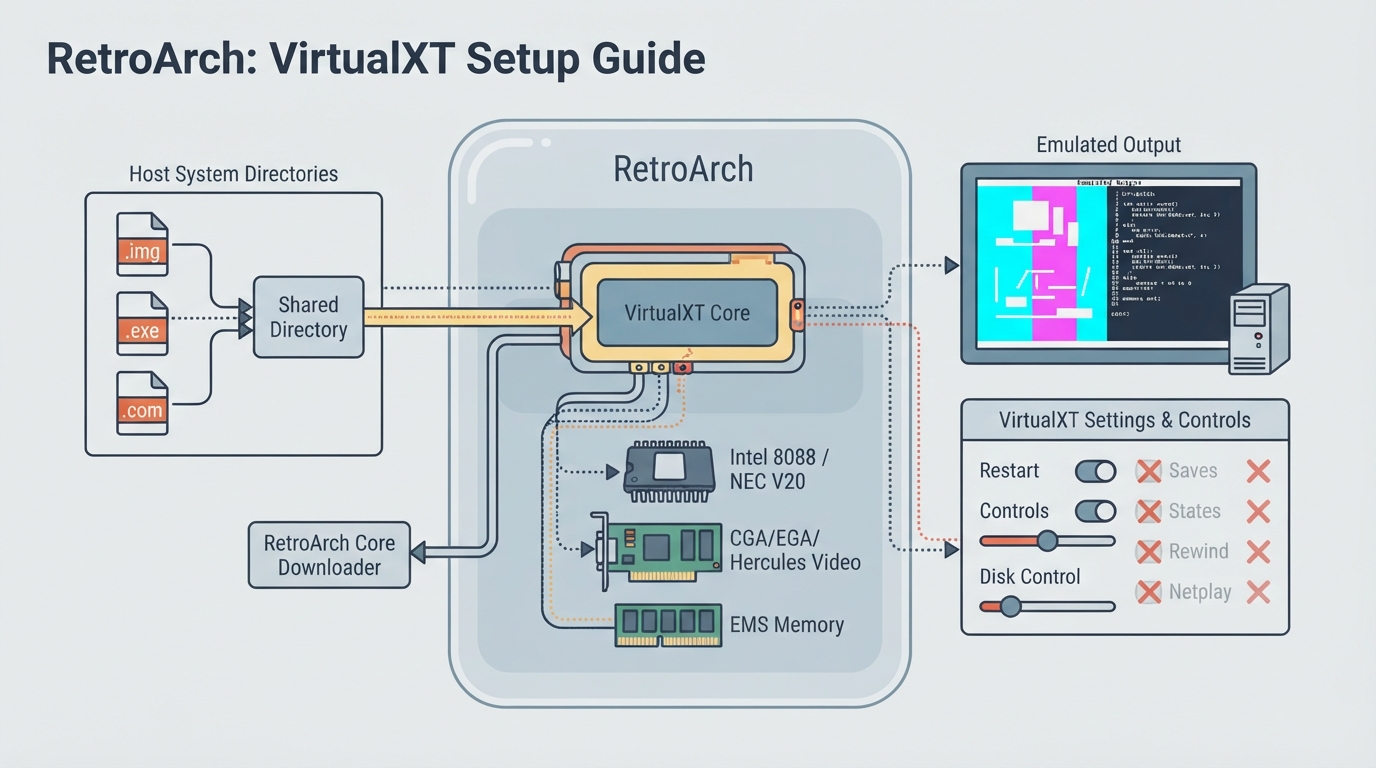
VirtualXT is a Turbo PC/XT emulator that runs on modern hardware and operating systems. It is designed to be simple and lightweight yet still capable enough to run a large library of old applications and games.
System Requirements
- To set up VirtualXT in RetroArch, follow these steps:
Download and install RetroArch on your device.
Download the VirtualXT core from the RetroArch website.
Load the VirtualXT core in RetroArch and configure the settings as desired.
Loading Games
- To load a game in VirtualXT, follow these steps:
Create a new directory for your game files.
Place your game files (e.g. .img, .exe, .com) in the directory.
Load the game in VirtualXT by selecting the directory and the game file.
Troubleshooting
- If you encounter issues with VirtualXT, try the following:
Check the RetroArch logs for error messages.
Verify that your game files are in the correct format and location.
Sources & references
Content responsibility: FrameTinker editorial desk. Source authors and software maintainers are credited separately below; this is not a claim of hands-on testing.
Published .
RetroArch: virtualxt — official gaming software documentation https://raw.githubusercontent.com/libretro/docs/master/docs/library/virtualxt.mdRetrieved Oct 14, 2026Something doesn’t match your setup?
Suggest a correction