

Lakka is described in the official libretro documentation as the official Linux distribution of RetroArch and the libretro ecosystem. Each game system is implemented as a libretro core, while the RetroArch frontend handles inputs and display, which keeps the configuration centralized. The same documentation describes Lakka as a lightweight Linux distribution that turns a small computer into a retrogaming console. This article summarizes the documented PC download, flashing, boot and installation procedure, along with the limitations the documentation states.
What you need
- A USB drive or SD card, used to write the installation image.
- Flashing software; the documentation names Etcher or Win32 Disk Imager as options.
Choosing the installation image
The documentation points to two PC images: a 64-bit build and a 32-bit build, both distributed as compressed .img.gz files. Only the image matching your intended architecture should be used; the documentation does not explain how to choose between them beyond the architecture label.
Flashing the image to USB or SD
The documentation notes that Etcher and Win32 Disk Imager are not related to RetroArch or libretro and that any other flashing software may be used instead. The two documented workflows are summarized below.
- Run Etcher.
- Select the Lakka image.
- Select the USB drive.
- Click Flash.
- Click the folder icon.
- Select the image file.
- Select the drive letter under DEVICE.
- Click Write.
Booting from the USB drive
- Insert the USB drive into the computer.
- Boot from USB. The documentation suggests using Boot Device Options with the key specified by your motherboard manufacturer, or selecting the USB device in the BIOS. The documentation notes these options may vary depending on the motherboard model.
- Wait during the bootloader phase.
Option A: Live USB mode
The documentation states that Lakka can be installed on a USB key and booted in Live Mode on any PC that meets Lakka's requirements. In this mode, changes are saved to the key and games are stored on the USB device. The documentation describes Live Mode as a way to check whether Lakka works on your hardware without altering the PC's hard drive or partitions, while also warning that certain settings and configurations may not be saved despite the persistence property.
Option B: Full setup
The documented full installation proceeds from the same USB boot described above, after which an installer is selected and a target drive is chosen. The documentation warns that installation is comparable to installing any operating system and that unexpected errors can occur, since Lakka is still under construction.
- Insert the USB drive into the computer.
- Boot from USB, either through Boot Device Options or through the BIOS setting.
- Type installer or live.
- Select Install Lakka.
- Use the up and down arrows to select the drive to install to.
- Observe the on-screen warnings: the documentation states that continuing will wipe the targeted drive.
- Select Yes in the confirmation alerts.
- After installation, return to the main menu, remove the USB drive and select Reboot. The computer will launch Lakka on the next boot.
Documented limitations
- Lakka is still under heavy development, and the documentation says you should expect bugs, missing features, features that do not work as intended, and hardware that is not yet supported.
- Because PC hardware varies widely, Lakka may not work on your hardware at all.
- Virtualization and dual-boot setups are not supported.
- Optical media installations are unsupported; the distributed images are USB images.
The documentation directs readers to the Lakka documentation site and the libretro forum for further information, and notes that bugs can be reported in the project's issue tracker unless they have already been reported.
Reference table · Scroll horizontally to see all columns.
| Architecture | Image file |
|---|---|
| 64-bit | Lakka-Generic.x86_64-2.2.2.img.gz |
| 32-bit | Lakka-Generic.i386-2.2.2.img.gz |
installer
live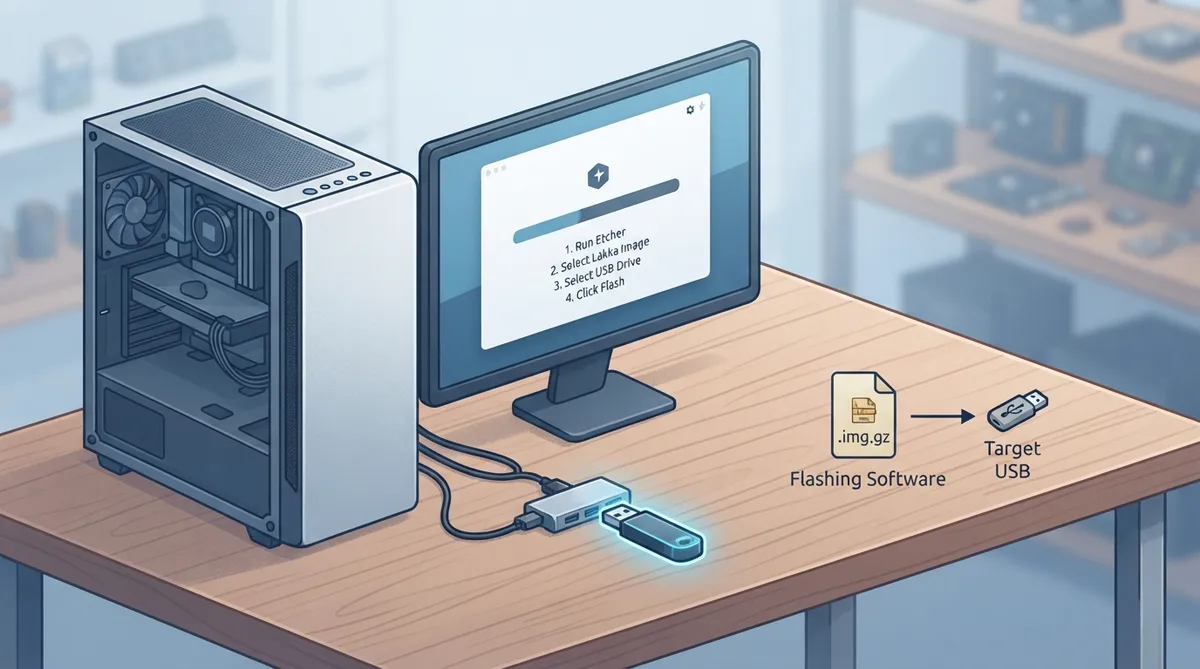 View full image
 Sources & references
Published .
RetroArch: install lakka — official gaming software documentation https://raw.githubusercontent.com/libretro/docs/master/docs/guides/install-lakka.mdRetrieved Oct 8, 2026Something doesn’t match your setup?
Suggest a correction