

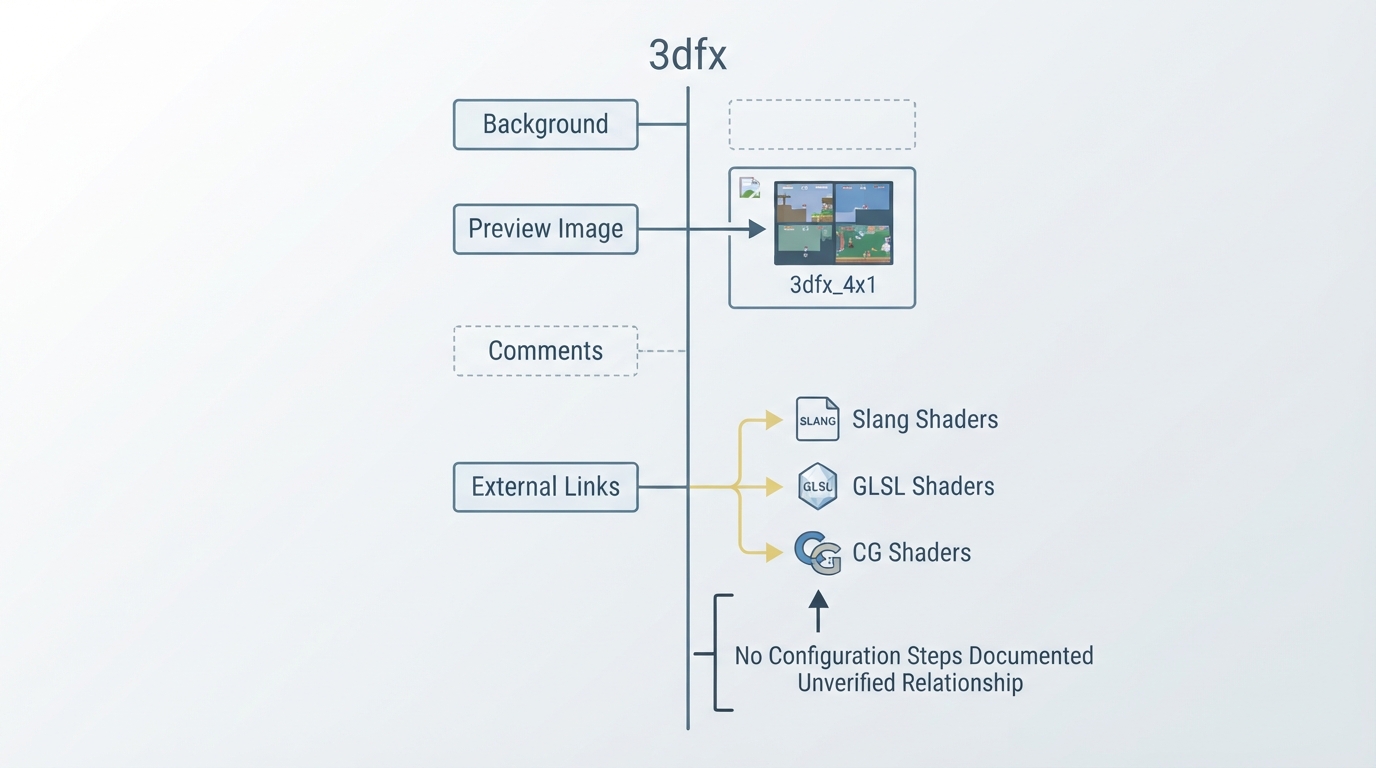
The official libretro documentation page for the 3dfx shader is a short, mostly unfinished entry. It carries the title "3dfx" and consists of several section headings, a preview image reference, and a list of external shader repositories. This guide summarizes only what that official page actually states.
What the Official Page Contains
- The page structure includes:
- - The heading "3dfx"
- - A "Background" section heading with no visible content
- - A "Preview Image" section listing 3dfx_4x1 and showing an image path for that preview
- - A "Comments" section heading with no visible content
- - An "External Links" section with three entries: Slang Shaders, GLSL Shaders, and CG Shaders
Documented Steps Are Not Yet Available
The official page does not describe any prerequisites, configuration settings, menu paths, or installation steps for the 3dfx shader. Because no ordered procedure is documented, this guide cannot present a verified setup sequence. The page's Background and Comments sections are empty.
The only visual reference on the page is a preview image identified as 3dfx_4x1. The page does not explain what this preview demonstrates or under which conditions it was captured.
Official Shader Repositories Linked from the Page
- The page links to three official shader repositories:
- - Slang Shaders: https://github.com/libretro/slang-shaders
- - GLSL Shaders: https://github.com/libretro/glsl-shaders
- - CG Shaders: https://github.com/libretro/common-shaders
These links point to the shared libretro repositories that host shader collections. The 3dfx documentation page does not state which of these repositories contains the 3dfx shader itself, nor does it describe how the shader should be used with any particular emulator or frontend.
Reference table · Scroll horizontally to see all columns.
| Section on the official page | Documented content |
|---|---|
| 3dfx | Page title |
| Background | Empty in the source |
| Preview Image | Lists 3dfx_4x1 and shows its image path |
| Comments | Empty in the source |
| External Links | Slang Shaders, GLSL Shaders, CG Shaders |
Sources & references
Content responsibility: FrameTinker editorial desk. Source authors and software maintainers are credited separately below; this is not a claim of hands-on testing.
Published .
RetroArch: 3dfx — official gaming software documentation https://raw.githubusercontent.com/libretro/docs/master/docs/shader/3dfx.mdRetrieved Oct 14, 2026Something doesn’t match your setup?
Suggest a correction