

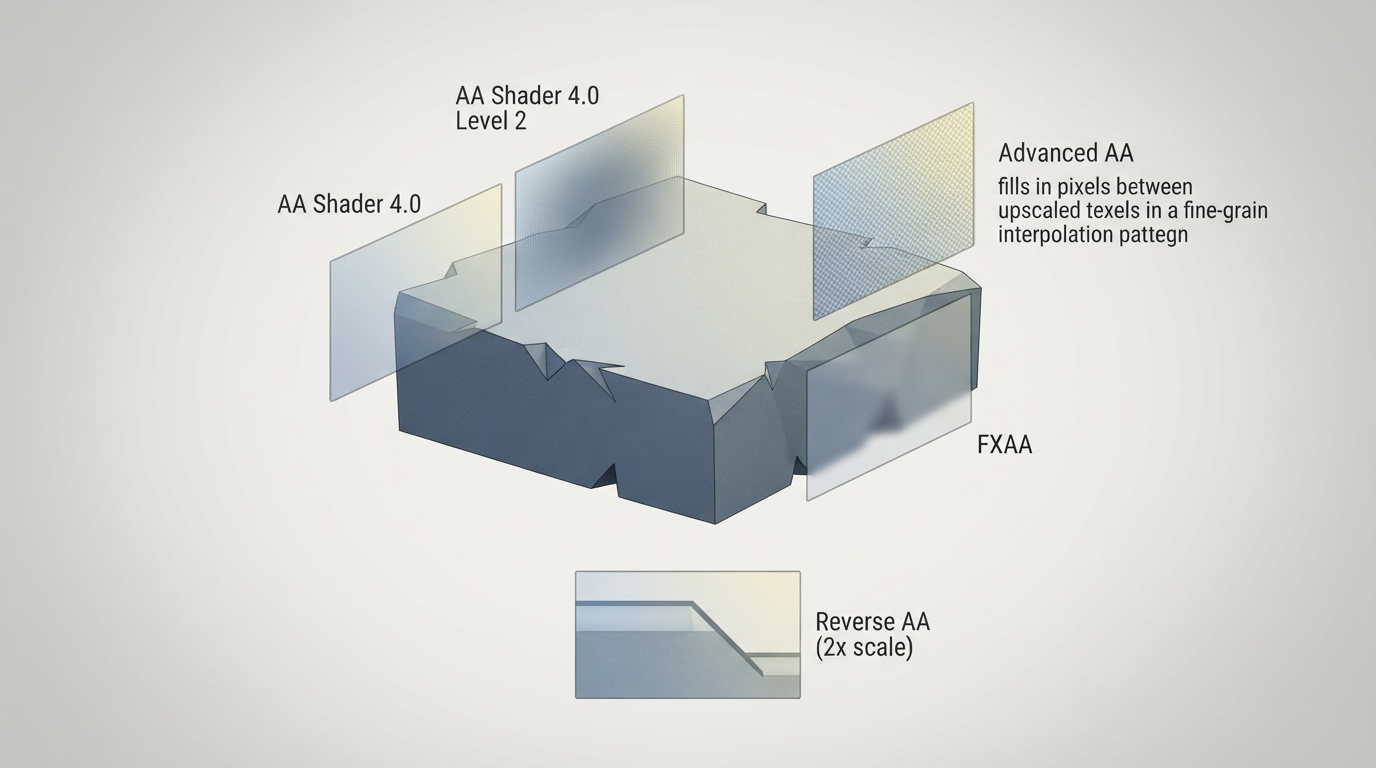
The official RetroArch documentation describes a set of post-process anti-aliasing shaders. According to the documentation, these shaders are useful for smoothing the jagged edges that occur with polygons rendered at non-native sizes. The documentation also notes that the test images it uses do not really show the effects properly in most cases, and that while some shaders—such as advanced-aa—have a visible and pleasant effect on low-res pixel art, these anti-aliasing shaders are mostly paired with high-res content.
Anti-aliasing shaders described in the documentation
- AA Shader 4.0 — A basic anti-aliasing shader with a configurable parameter that allows it to work with greater internal resolution multipliers. | AA Shader 4.0 Level 2 — An enhanced version of AA Shader 4.0 that doubles the radius of pixel analysis. | Advanced AA — An interpolation shader that fills in pixels between upscaled texels; it typically works best at 2x scale factors. | FXAA — A common and fast GPU-powered anti-aliasing algorithm created by Timothy Lottes at Nvidia; it works best on high-res content and is increasingly invasive on lower resolutions. | Reverse AA — An algorithm devised by kdepepo that reduces the effects of anti-aliasing, either natural or artificial, while avoiding many of the haloing problems caused by normal sharpening algorithms; it works best at 2x scale. There is also a 3x scale version for use with other shaders, but there is no preset to use it on its own.
Limitations and caveats
- The documentation states that the test image it uses does not really show the effects of these shaders properly in most cases. | The documentation describes these shaders as mostly paired with high-res content, although some—like advanced-aa—have a visible and pleasant effect on low-res pixel art. | The documentation states that FXAA is increasingly invasive on lower resolutions. | The documentation states that Reverse AA's 3x scale version has no preset to use it on its own.
Reference table · Scroll horizontally to see all columns.
| Shader | Documented description | Documented recommendation |
|---|---|---|
| AA Shader 4.0 | Basic anti-aliasing shader with a configurable parameter for greater internal resolution multipliers. | No specific recommendation given. |
| AA Shader 4.0 Level 2 | Enhanced version of AA Shader 4.0 that doubles the radius of pixel analysis. | No specific recommendation given. |
| Advanced AA | Interpolation shader that fills in pixels between upscaled texels. | Typically works best at 2x scale factors. |
| FXAA | Fast ApproXimate Anti-Aliasing algorithm created by Timothy Lottes at Nvidia; common and fast, GPU-powered. | Works best on high-res content; increasingly invasive on lower resolutions. |
| Reverse AA | Algorithm by kdepepo that reduces anti-aliasing effects while avoiding many haloing problems caused by normal sharpening algorithms. | Works best at 2x scale; a 3x scale version exists for use with other shaders but has no standalone preset. |
Sources & references
Content responsibility: FrameTinker editorial desk. Source authors and software maintainers are credited separately below; this is not a claim of hands-on testing.
Published .
RetroArch: antialiasing — official gaming software documentation https://raw.githubusercontent.com/libretro/docs/master/docs/shader/antialiasing.mdRetrieved Oct 14, 2026Something doesn’t match your setup?
Suggest a correction