

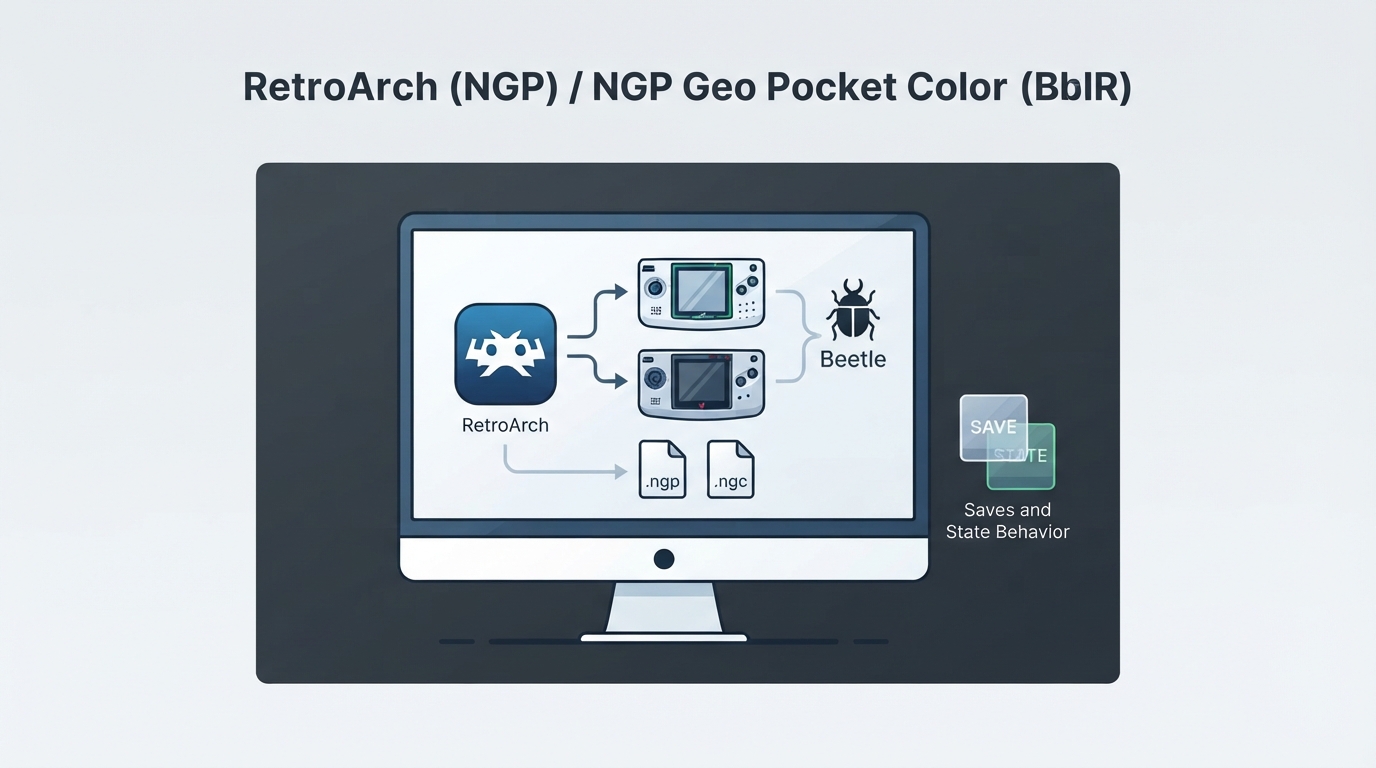
What the Beetle NeoPop Core Is
Beetle NeoPop is a SNK Neo Geo Pocket and Neo Geo Pocket Color emulator core for RetroArch. It is based on NeoPop and is also referred to as Beetle/Mednafen NGP in the documentation. Use this guide to identify the correct content types, expected save behavior, and the settings and limitations that the official core documentation describes.
Authors and License
- The core is credited to neopop_uk and the Mednafen Team.
- The core is distributed under the GPLv2 license.
Content You Can Load
The core loads content with the .ngp and .ngc file extensions. The matching RetroArch databases listed in the documentation are SNK - Neo Geo Pocket and SNK - Neo Geo Pocket Color. Only use content files you are legally entitled to run; this guide does not point to any game downloads.
Getting the Core Running in RetroArch
- 1. Install or confirm the Beetle NeoPop core is available through the RetroArch core downloader; the internal core name shown by RetroArch is "Beetle NeoPop".
- 2. Start RetroArch and load content with a .ngp or .ngc extension.
- 3. If RetroArch does not pick the core automatically for that file, load the core manually first and then load the content through the core.
- 4. Once content is running, open the core options menu to review the available language setting and the controls menu to confirm button mapping.
Save and State Files
Battery-backed cartridge saves are written into the frontend's save directory using the naming pattern 'content-name'.flash. Save states are written into the frontend's state directory using the naming pattern 'content-name'.state#, where # is the state slot number. Keeping those two directories backed up preserves both in-game progress and quick-save data.
Core Options
The documentation lists one core option, Language, identified internally as ngp_language. It selects the system language of the BIOS and accepts the values english (the default) or japanese. This option requires a restart, so the core must be closed and the content relaunched before the new value takes effect.
Reported Video and Audio Timing
- Reported core FPS: 60.
- Reported sample rate: 44100 Hz.
- Reported core aspect ratio: 20/19.
Controls
User 1 supports three device types in the controls menu: None, RetroPad, and RetroPad with Analog. RetroPad is the default, and the documentation states there is no reason to switch to the analog variant. Button mapping is described in the controller table below.
Supported Features at a Glance
The documentation indicates that the core supports restart, screenshots, saves, save states, rewind, netplay (but not link-cable emulation), core options, memory monitoring for achievements, RetroArch cheats, controls, and remapping. Native cheats, multi-mouse, rumble, sensors, camera, location, subsystem, softpatching, disk control, username, language, crop overscan, and LED features are listed as not supported.
If Something Does Not Work
- Confirm the content file actually uses the .ngp or .ngc extension before troubleshooting further.
- Check that the selected core is Beetle NeoPop, since the wrapper name and internal core name should match.
- If progress appears missing, look for the expected 'content-name'.flash and 'content-name'.state# files in the frontend's save and state directories and check that the core is pointed at those locations.
- Restart the core after changing the Language option, because the change is only applied on the next launch.
Scope of This Guide
This page reflects the official Beetle NeoPop core documentation for RetroArch. Compatibility with specific games, performance on specific hardware, and anything not described in that documentation have not been verified here, so those areas should be treated as unknown rather than assumed.
Reference table · Scroll horizontally to see all columns.
| Feature | Supported |
|---|---|
| Restart | Yes |
| Screenshots | Yes |
| Saves | Yes |
| States | Yes |
| Rewind | Yes |
| Netplay | Yes (not link-cable emulation) |
| Core Options | Yes |
| Memory Monitoring (achievements) | Yes |
| RetroArch Cheats | Yes |
| Native Cheats | No |
| Controls | Yes |
| Remapping | Yes |
| Multi-Mouse | No |
| Rumble | No |
| Sensors | No |
| Camera | No |
| Location | No |
| Subsystem | No |
| Softpatching | No |
| Disk Control | No |
| Username | No |
| Language | No |
| Crop Overscan | No |
| LEDs | No |
Reference table · Scroll horizontally to see all columns.
| Neo Geo Pocket input | RetroPad input |
|---|---|
| A | B |
| B | A |
| Option | Start |
| D-Pad Up | D-Pad Up |
| D-Pad Down | D-Pad Down |
| D-Pad Left | D-Pad Left |
| D-Pad Right | D-Pad Right |
Reference table · Scroll horizontally to see all columns.
| Option | Internal key | Values | Default | Restart required |
|---|---|---|---|---|
| Language | ngp_language | english, japanese | english | Yes |
Reference table · Scroll horizontally to see all columns.
| Setting | Reported value |
|---|---|
| Core FPS | 60 |
| Sample rate | 44100 Hz |
| Aspect ratio | 20/19 |
Sources & references
Content responsibility: FrameTinker editorial desk. Source authors and software maintainers are credited separately below; this is not a claim of hands-on testing.
Published .
RetroArch: beetle neopop — official gaming software documentation https://raw.githubusercontent.com/libretro/docs/master/docs/library/beetle_neopop.mdRetrieved Oct 12, 2026Something doesn’t match your setup?
Suggest a correction