

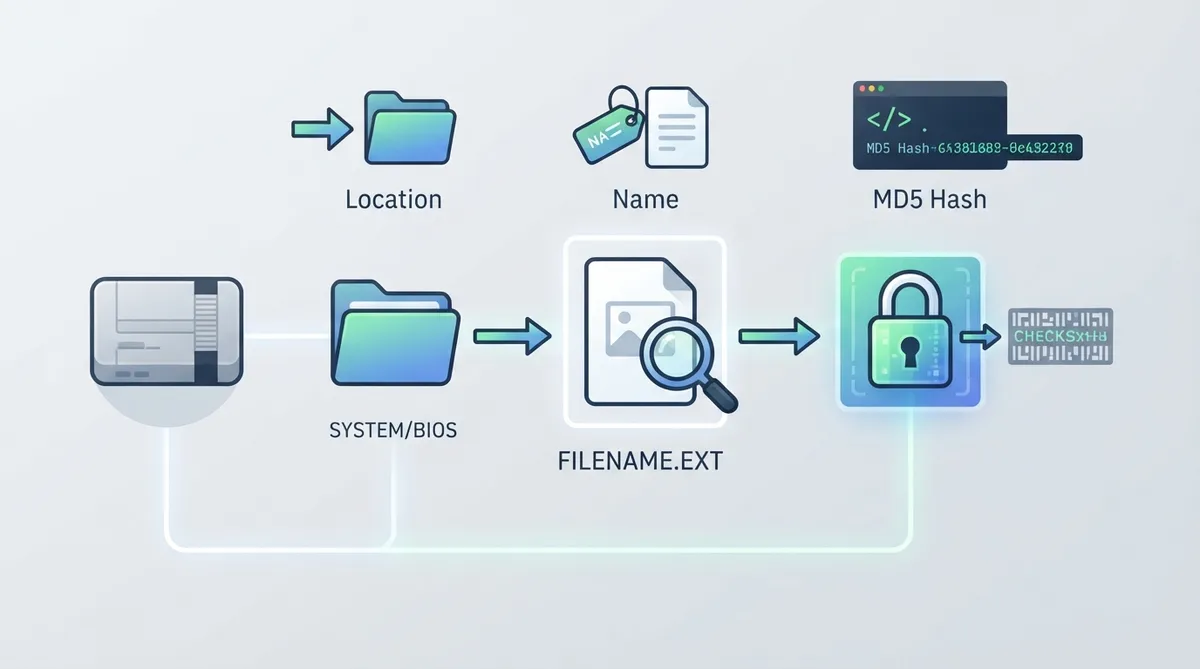
RetroArch's official documentation describes BIOS verification as a three-part check. A BIOS file must satisfy all of the following: correct location, correct name, and a matching file hash (MD5). If any one of these does not match what the documentation specifies for the core, the file is not verified as the right BIOS.
The three documented checks
- Location — place the BIOS file in the correct folder.
- Name — match the filename and extension shown in the core information or docs page.
- File Hash (MD5) — match the hash listed in the documentation.
Step 1: Confirm the BIOS location
According to the documentation, the BIOS file usually goes in the system folder. In RetroArch you can find that folder under Settings -> Directory -> System/BIOS; the current path appears in the right column. The specific core information page tells you exactly where the file belongs, and you may need to create a subfolder.
Step 2: Confirm the filename and extension
Check that the file has the same name and extension that appears on the core info or documentation page. A renamed file, or one with a different extension, does not satisfy this check.
Step 3: Compare the MD5 hash
The documentation describes the hash as probably the most important part of the check. The MD5 hash of your BIOS file should match the one listed in the docs. A matching name and location alone are not presented as sufficient verification.
Reference table · Scroll horizontally to see all columns.
| Check | What to confirm | Where to look |
|---|---|---|
| Location | BIOS file is in the correct folder (may need a subfolder) | Settings -> Directory -> System/BIOS in RetroArch; core information page |
| Name | Filename and extension match | Core info or docs page |
| File Hash (MD5) | Hash matches the documented value | Documentation |
Sources & references
Content responsibility: FrameTinker editorial desk. Source authors and software maintainers are credited separately below; this is not a claim of hands-on testing.
Published .
RetroArch: bios — official gaming software documentation https://raw.githubusercontent.com/libretro/docs/master/docs/library/bios.mdRetrieved Oct 21, 2026Something doesn’t match your setup?
Suggest a correction