

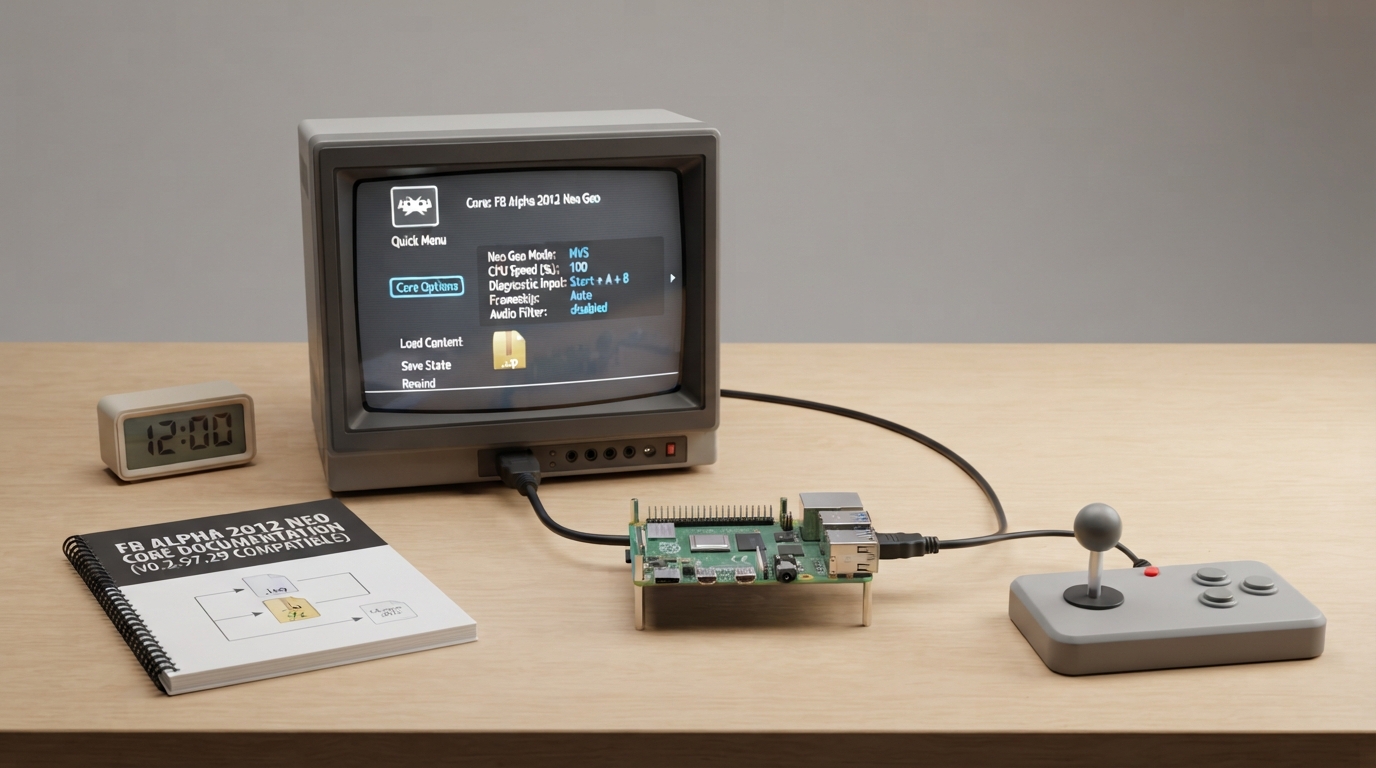
FB Alpha 2012 Neo Geo is a libretro core for RetroArch aimed at Neo-Geo games. According to the official libretro documentation, it is based on a snapshot of the Final Burn Alpha codebase from circa 2012 and is compatible with FB Alpha v0.2.97.29 ROM sets. This guide summarizes what that documentation states so you can decide whether the core fits your setup.
Who this core is intended for
The documentation states that this core variant exists solely for use with RAM-constrained platforms, such as certain console or embedded platforms, that cannot load the full core together with large games. It is limited to Neo-Geo games only, and the documentation notes that most users should use up-to-date FBNeo instead.
Compatibility requirements
- Per the official documentation, this core requires:
- - RetroArch with the FB Alpha 2012 Neo Geo core installed.
- - Content matching FB Alpha v0.2.97.29 ROM sets.
- - Content in one of the supported file extensions: .iso, .zip, or .7z.
Loading content and adjusting settings
The documentation describes the following workflow. These steps are a summary of the source and have not been hands-on tested.
- 1. Ensure the FB Alpha 2012 Neo Geo core is available in RetroArch.
- 2. Load content whose extension is .iso, .zip, or .7z and that matches an FB Alpha v0.2.97.29 ROM set.
- 3. Open the core options menu. The documentation states that core options are set when content is loaded, so load content before adjusting them.
- 4. Configure the available options as needed. The documented options include:
- - Core-Provided Aspect Ratio (DAR or PAR). This applies only when RetroArch's aspect ratio is set to 'Core provided' in the Video settings.
- - CPU Speed (%) from 100 to 200 in steps of 10. This enables overclocking of the emulated CPU; it can reduce slowdown but may cause glitches.
- - Diagnostic Input, shown only for games that have a diagnostic input. Selecting a key combination enables access to the service menu.
- - Audio Filter (disabled or enabled), which applies a low pass audio filter.
- - Frameskip (disabled, Auto, or Manual). Frameskip is used to avoid audio buffer under-run (crackling).
- - Neo Geo Mode (MVS, AES, UNIBIOS, or DIPSWITCH), which selects which bios to load.
- Note that the documentation also states that each game's DIP switches are added as further core options.
Frontend features the core supports
The documentation lists States and Rewind as frontend-level settings or features that the core respects. It does not document other features, so compatibility with additional frontend features is not established here.
Core identity and license
The documentation states that the core's library name is 'FB Alpha 2012 Neo Geo', that it was authored by Team FB Alpha, and that it is licensed under a non-commercial license.
The documentation does not describe troubleshooting outcomes or recovery procedures for this core.
Reference table · Scroll horizontally to see all columns.
| Option | Documented values | Default |
|---|---|---|
| Core-Provided Aspect Ratio | DAR, PAR | DAR |
| CPU Speed (%) | 100, 110, 120, 130, 140, 150, 160, 170, 180, 190, 200 | 100 |
| Diagnostic Input | None, Hold Start, Start + A + B, Hold Start + A + B, Start + L + R, Hold Start + L + R, Hold Select, Select + A + B, Hold Select + A + B, Select + L + R, Hold Select + L + R | None |
| Audio Filter | disabled, enabled | disabled |
| Frameskip | disabled, Auto, Manual | disabled |
| Neo Geo Mode | MVS, AES, UNIBIOS, DIPSWITCH | MVS |
- The documentation states defaults are bolded in the core options list; the defaults shown here reflect that listing.
- The Diagnostic Input option is shown only for games that have a diagnostic input.
- Each game's DIP switches are added as further core options.
Sources & references
Content responsibility: FrameTinker editorial desk. Source authors and software maintainers are credited separately below; this is not a claim of hands-on testing.
Published .
RetroArch: fbalpha2012 neogeo — official gaming software documentation https://raw.githubusercontent.com/libretro/docs/master/docs/library/fbalpha2012_neogeo.mdRetrieved Oct 12, 2026Something doesn’t match your setup?
Suggest a correction