

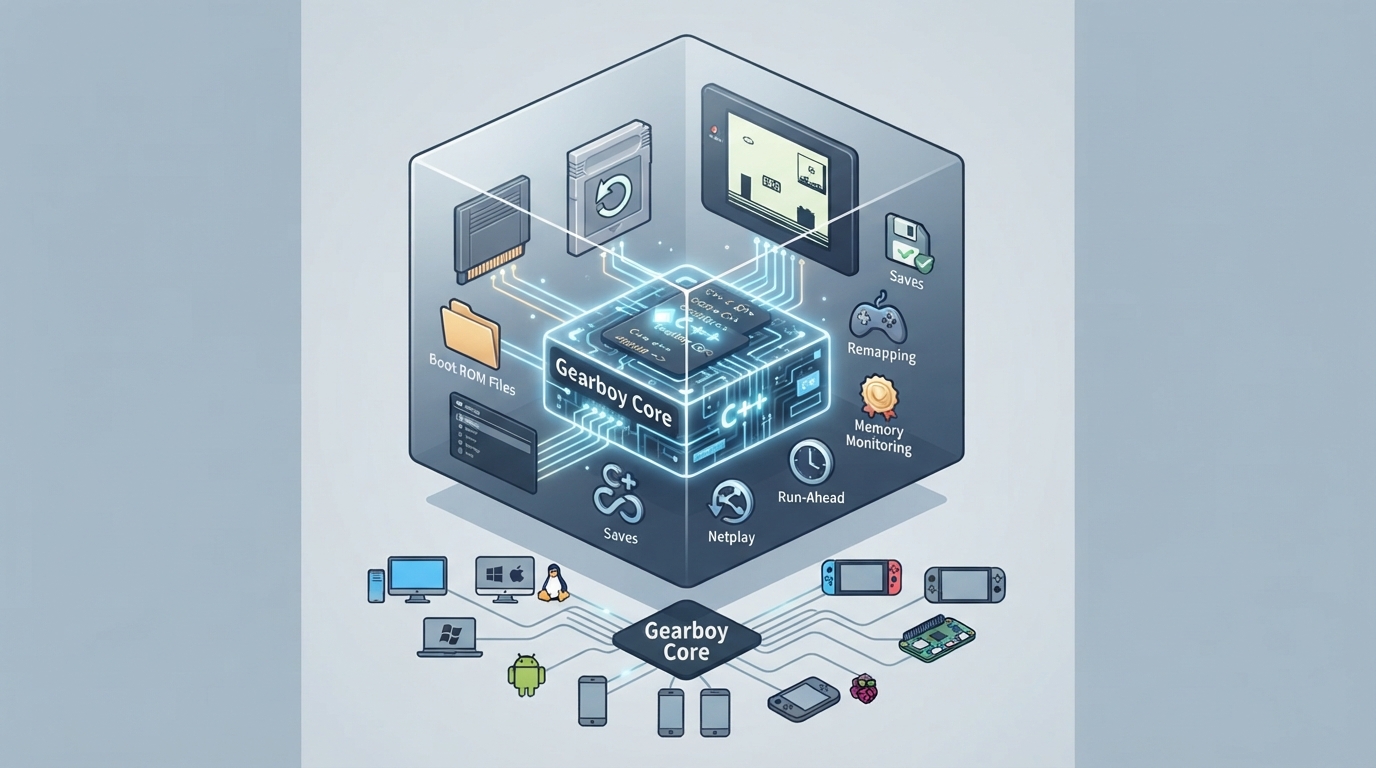
Gearboy is an open source, cross-platform Nintendo Game Boy (DMG), Game Boy Color (GBC) and Super Game Boy (SGB) emulator written in C++. The libretro core runs inside RetroArch and can be configured through the core options menu. This guide summarizes the documented setup steps, options and limitations from the official libretro documentation.
Platforms and content
The core lists support for Windows, Linux, macOS, Raspberry Pi, Android, iOS, tvOS, webOS, PlayStation Vita, PlayStation 3, Nintendo 3DS, Nintendo GameCube, Nintendo Wii, Nintendo WiiU, Nintendo Switch, Emscripten, Classic Mini systems (NES, SNES, C64, ...), OpenDingux, RetroFW and QNX.
Content that can be loaded by the Gearboy core uses the following file extensions: .gb, .dmg, .gbc, .cgb and .sgb.
Boot ROM (BIOS) files
Gearboy does not require boot ROM files, but they can be used optionally. Place boot ROM files in RetroArch's system directory, then enable the DMG Bootrom or GBC Bootrom core option. When a boot ROM is enabled it runs as it does on original hardware; invalid ROMs may fail to boot, and the selected boot ROM may enable hardware differences for systems such as Game Boy Pocket or Game Boy Advance. The checksums below identify the original boot ROMs, and other boot ROM images of the corresponding sizes can also be loaded.
Frontend features
Documented frontend features the core respects include Restart, Screenshots, Saves, States, Rewind, Run-Ahead, Netplay, Core Options, Memory Monitoring for achievements, Game Genie and GameShark cheats, Controls, Remapping, Sensors, Subsystem and Softpatching. Native Cheats, Multi-Mouse, Rumble, Camera, Location, Disk Control, Username, Language, Crop Overscan and LEDs are not supported. Achievements are supported in single-player mode and disabled in linked sessions. Save states, and therefore rewind and run-ahead, are unavailable while a boot ROM is executing.
Core options
The Game Boy Model option selects which hardware is emulated, with Auto as the default; Auto selects the best hardware based on the ROM header, Game Boy DMG forces original Game Boy hardware, and Game Boy Advance emulates Game Boy Advance hardware behavior for Game Boy and Game Boy Color games (Game Boy Advance ROMs are not supported). The Mapper option selects which Memory Bank Controller is emulated, with Auto detecting the mapper from the loaded ROM including cartridge database overrides. The Super Game Boy option runs compatible games in Super Game Boy mode and is enabled by default; disabling it runs them as standard Game Boy games. Options marked (restart) take effect after restarting or reloading the content.
Game Link Cable setup
- To run two linked Game Boy systems, enable Game Link Cable Enable (restart), choose Close Content, then load the ROM again. This runs two independent copies of the same ROM. Controller port 1 controls Screen 1, and controller port 2 controls Screen 2. Both machines continue running when only one screen is displayed. RetroArch's Restart action resets the existing machine or linked pair and preserves battery memory, but does not apply changes to Game Link Cable Enable; both enabling and disabling this option require Close Content followed by loading the ROM again.
To link different ROMs, load the 2 Player Game Boy Link subsystem (gb_link_2p) and select a ROM for each screen. Selecting this subsystem enables linked mode regardless of the enable option. The subsystem can also load the same ROM into both slots. Linked mode supports DMG and CGB games, including CGB fast serial and double-speed operation; Super Game Boy mode and borders are disabled while linking. Both machines run inside one core instance, and this does not connect to desktop Gearboy link sessions.
retroarch -L gearboy_libretro.so --subsystem gb_link_2p first.gb second.gbBarcode Boy
Barcode Boy Mode defaults to Auto, which attaches the accessory to games recognized by the ROM database. For unrecognized or patched compatible games, select Enabled, choose Close Content, then load the ROM again. Choose a Barcode Boy Card, or select Custom and set the Barcode Boy Custom Digit 1-13 options from left to right. Resume the game and press Scan Barcode (RetroPad R, the right shoulder button on port 1) when the game is ready to read a card; changing the card or digits does not scan automatically. Barcode Boy uses the serial port and is disabled in Game Link Cable sessions.
Save and state files
The core saves to and loads from RetroArch's save directory using .srm for cartridge battery saves and .rtc for real time clock saves. In linked mode, Screen 2 uses .srm2 and .rtc2. State files use the .state# naming pattern in the frontend's state directory.
Geometry and timing
The core reports 59.7275005696 FPS and a 44100 Hz sample rate. Its base size is 160x144, or 256x224 when an SGB border is displayed. Linked mode displays 320x144 horizontally, 160x288 vertically, or 160x144 when only one screen is selected. The maximum width is 320 and the maximum height is 288.
Reference table · Scroll horizontally to see all columns.
| Filename | Description | Size | md5sum |
|---|---|---|---|
| dmg_boot.bin | Game Boy boot ROM - Optional | 256 bytes | 32fbbd84168d3482956eb3c5051637f5 |
| cgb_boot.bin | Game Boy Color boot ROM - Optional | 2304 bytes | dbfce9db9deaa2567f6a84fde55f9680 |
Reference table · Scroll horizontally to see all columns.
| File | Description |
|---|---|
| *.srm | Cartridge battery save |
| *.rtc | Real time clock save |
| *.srm2 | Screen 2 cartridge battery save in linked mode |
| *.rtc2 | Screen 2 real time clock save in linked mode |
| *.state# | State |
Reference table · Scroll horizontally to see all columns.
| Property | Value |
|---|---|
| FPS | 59.7275005696 |
| Sample rate | 44100 Hz |
| Base size | 160x144 |
| SGB border size | 256x224 |
| Max width | 320 |
| Max height | 288 |
| Aspect ratio, single screen | 10:9 |
| Aspect ratio, SGB border | 8:7 |
| Aspect ratio, two horizontal screens | 20:9 |
| Aspect ratio, two vertical screens | 5:9 |
Sources & references
Content responsibility: FrameTinker editorial desk. Source authors and software maintainers are credited separately below; this is not a claim of hands-on testing.
Published .
RetroArch: gearboy — official gaming software documentation https://raw.githubusercontent.com/libretro/docs/master/docs/library/gearboy.mdRetrieved Oct 13, 2026Something doesn’t match your setup?
Suggest a correction