

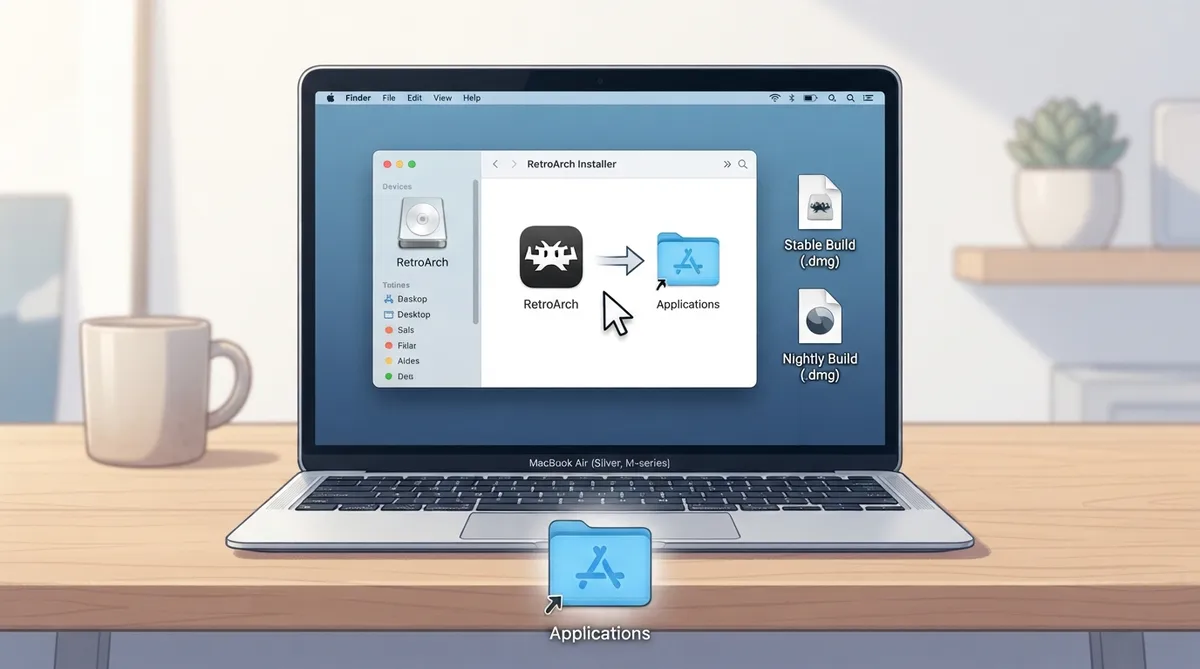
This guide summarizes the official Libretro documentation for downloading, installing and updating RetroArch on macOS. The instructions are a source summary rather than a hands-on tested procedure.
Prerequisites
The downloadable Metal build of RetroArch requires macOS 10.13 or later. Building RetroArch for older versions of macOS is technically possible, but those builds are not provided due to resource constraints.
Choosing and downloading a build
Most people should start with the Stable build. Stable download: https://buildbot.libretro.com/stable/{{ unit.stable }}/apple/osx/universal/RetroArch_Metal.dmg
The Nightly build contains the latest commits available on GitHub, along with enhancements and features added daily, and it may not be as stable as the Stable version. Nightly download: https://buildbot.libretro.com/nightly/apple/osx/universal/RetroArch_Metal.dmg
The downloadable builds are named "Metal" for historical reasons. Despite the name, the build is a Universal binary supporting both Intel and Apple Silicon Macs, and it includes multiple video drivers: Vulkan, glcore (OpenGL 3/4), and an experimental Metal driver.
Installing from the .dmg
- 1. Download one of the .dmg files (Stable or Nightly).
- 2. Open the .dmg file.
- 3. Copy RetroArch.app into the Applications folder.
Video drivers
Most users should use the Vulkan or glcore video drivers.
Updating RetroArch
There are no automatic updates in RetroArch.
- 1. Download the new .dmg file.
- 2. Open the .dmg file.
- 3. Copy RetroArch.app into the Applications folder.
- 4. When prompted, choose to overwrite the old version.
Reference table · Scroll horizontally to see all columns.
| Build | Description | Download URL |
|---|---|---|
| Stable | Recommended starting point for most users | https://buildbot.libretro.com/stable/{{ unit.stable }}/apple/osx/universal/RetroArch_Metal.dmg |
| Nightly | Contains the latest commits from GitHub and features added daily; may be less stable than Stable | https://buildbot.libretro.com/nightly/apple/osx/universal/RetroArch_Metal.dmg |
Reference table · Scroll horizontally to see all columns.
| Video driver | Included in Metal build | Notes |
|---|---|---|
| Vulkan | Yes | Recommended for most users |
| glcore (OpenGL 3/4) | Yes | Recommended for most users |
| Metal | Yes | Experimental, largely untested and not well supported; switch to Vulkan or glcore if issues occur |
Sources & references
Published .
RetroArch: install macos — official gaming software documentation https://raw.githubusercontent.com/libretro/docs/master/docs/guides/install-macos.mdRetrieved Oct 8, 2026Something doesn’t match your setup?
Suggest a correction