

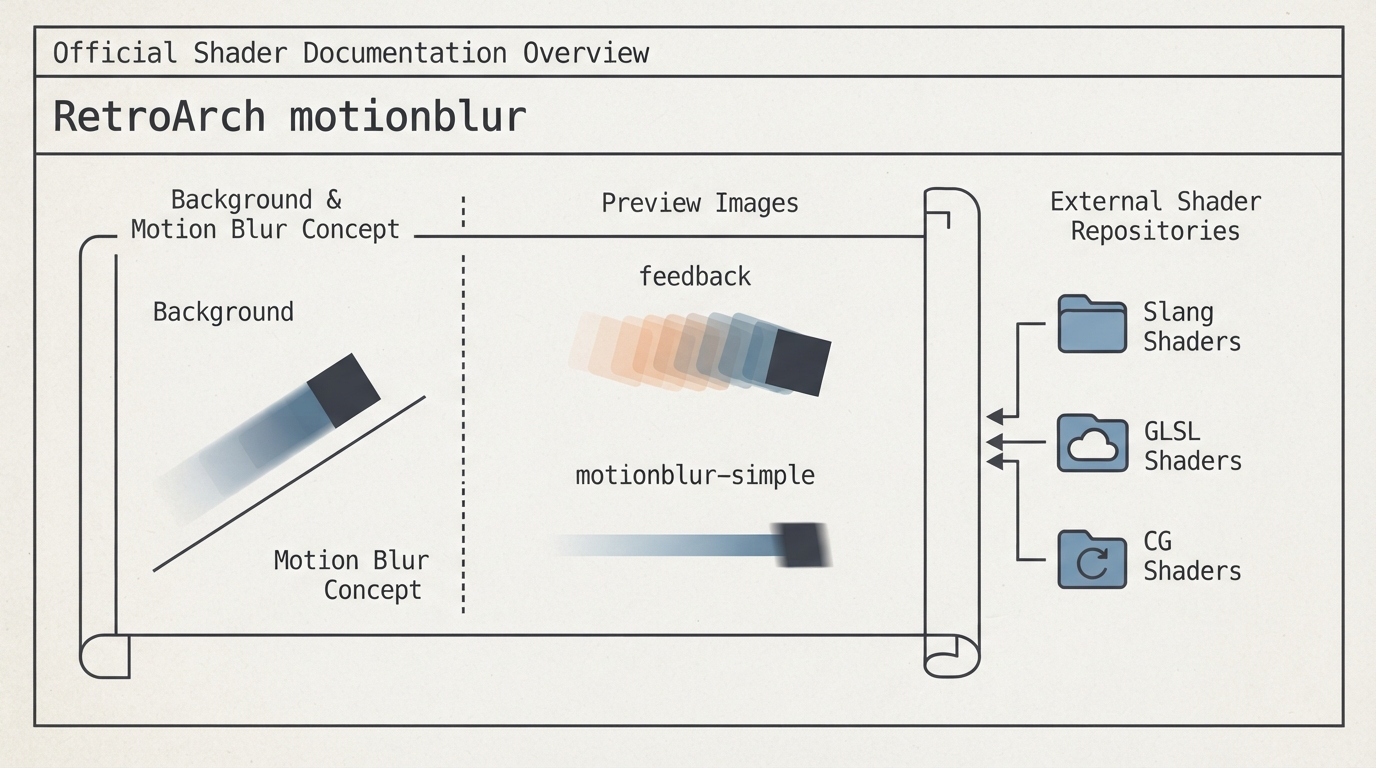
This article summarizes the official RetroArch documentation page for the motionblur shader. It is a source summary, not a hands-on tutorial. The official page is a short stub: it names the topic and lists a few preview images and external resources, but provides no background prose, prerequisites, concrete steps, or settings.
What the official page contains
- The official motionblur page documents the topic under a Background heading, includes a Preview Image section, and ends with an External Links section. / The Preview Image section shows two named entries: feedback and motionblur-simple. / The External Links section points to three shader repositories: Slang Shaders, GLSL Shaders, and CG Shaders.
Why no setup steps are provided here
The official page does not state prerequisites, concrete installation or activation steps, shader parameters, recommended settings, or limitations for the motionblur shader. Because those details are not present in the approved source, this article does not invent them. The page's substantive content is limited to the named preview images and the external shader repositories listed above.
Pointers listed by the official page
The documentation lists three shader repositories as external links: Slang Shaders, GLSL Shaders, and CG Shaders. The page does not explain which repository contains the motionblur shader, how to install it, or how to enable it.
Sources & references
Content responsibility: FrameTinker editorial desk. Source authors and software maintainers are credited separately below; this is not a claim of hands-on testing.
Published .
RetroArch: motionblur — official gaming software documentation https://raw.githubusercontent.com/libretro/docs/master/docs/shader/motionblur.mdRetrieved Oct 14, 2026Something doesn’t match your setup?
Suggest a correction