

Overview
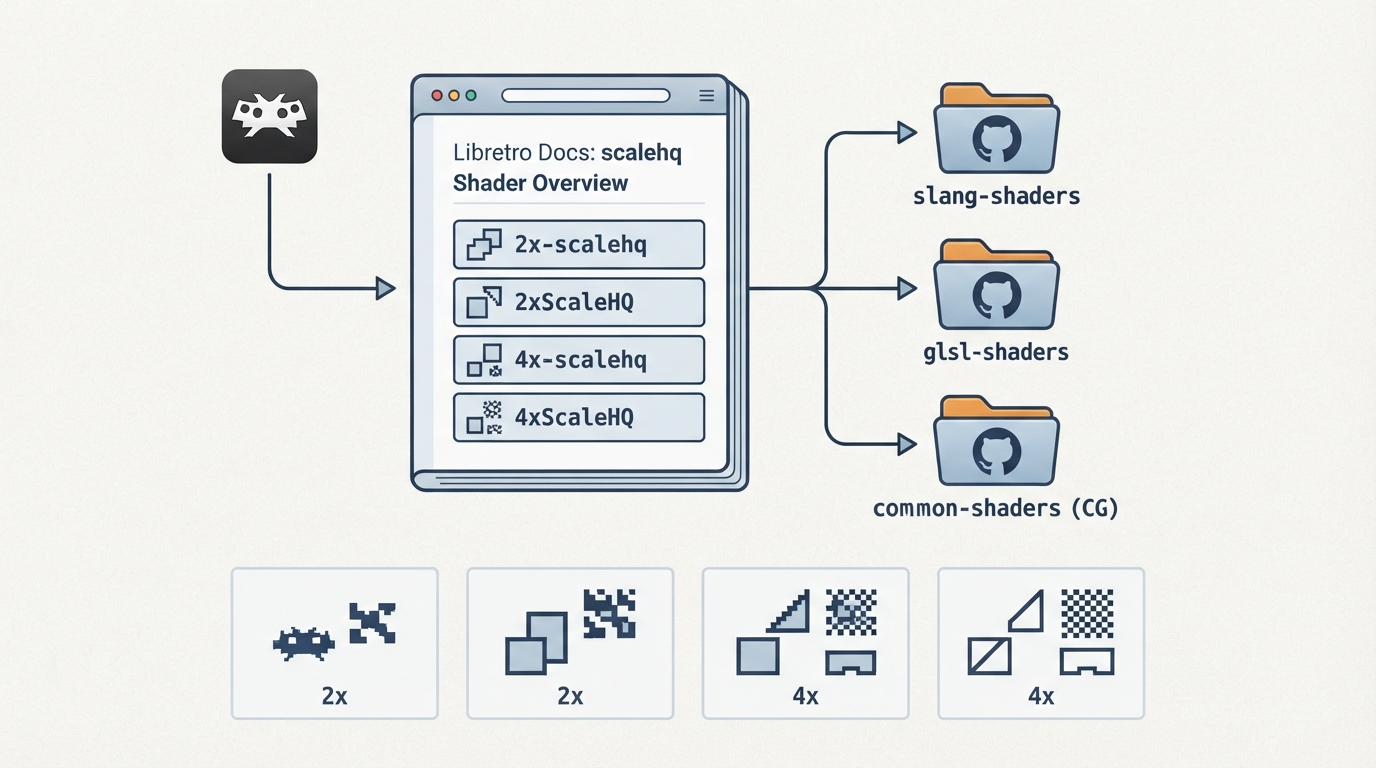
The scalehq shader family is documented on an official Libretro documentation page. The page is a short reference entry: it identifies the shader family, lists its documented variants, and points to shader repositories for distribution. It does not contain installation instructions, configuration settings, prerequisites, or performance guidance.
What the official page states
Documented variants
- The page lists four scalehq variants:
- - 2x-scalehq
- - 2xScaleHQ
- - 4x-scalehq
- - 4xScaleHQ
Shader repositories linked from the page
Under an External Links section, the page points to the slang-shaders, glsl-shaders, and common-shaders (CG) repositories maintained under the libretro GitHub organization. These are the distribution locations referenced by the documentation for obtaining shader files.
Where to look for the shaders
RetroArch users typically select shaders from the in-app shader menu after the shader files are available locally. The official page summarized here does not document that menu workflow, so no step-by-step procedure is reproduced; the linked repositories are the sources the page itself cites for the shader files.
What the documentation does not cover
The documentation page contains no Background text, no Comments content, and no stated prerequisites, settings, or limitations for the scalehq shaders. Those details are not available from this source and are not asserted here.
Reference table · Scroll horizontally to see all columns.
| Variant | Scale factor indicated by name |
|---|---|
| 2x-scalehq | 2x |
| 2xScaleHQ | 2x |
| 4x-scalehq | 4x |
| 4xScaleHQ | 4x |
Sources & references
Content responsibility: FrameTinker editorial desk. Source authors and software maintainers are credited separately below; this is not a claim of hands-on testing.
Published .
RetroArch: scalehq — official gaming software documentation https://raw.githubusercontent.com/libretro/docs/master/docs/shader/scalehq.mdRetrieved Oct 14, 2026Something doesn’t match your setup?
Suggest a correction