

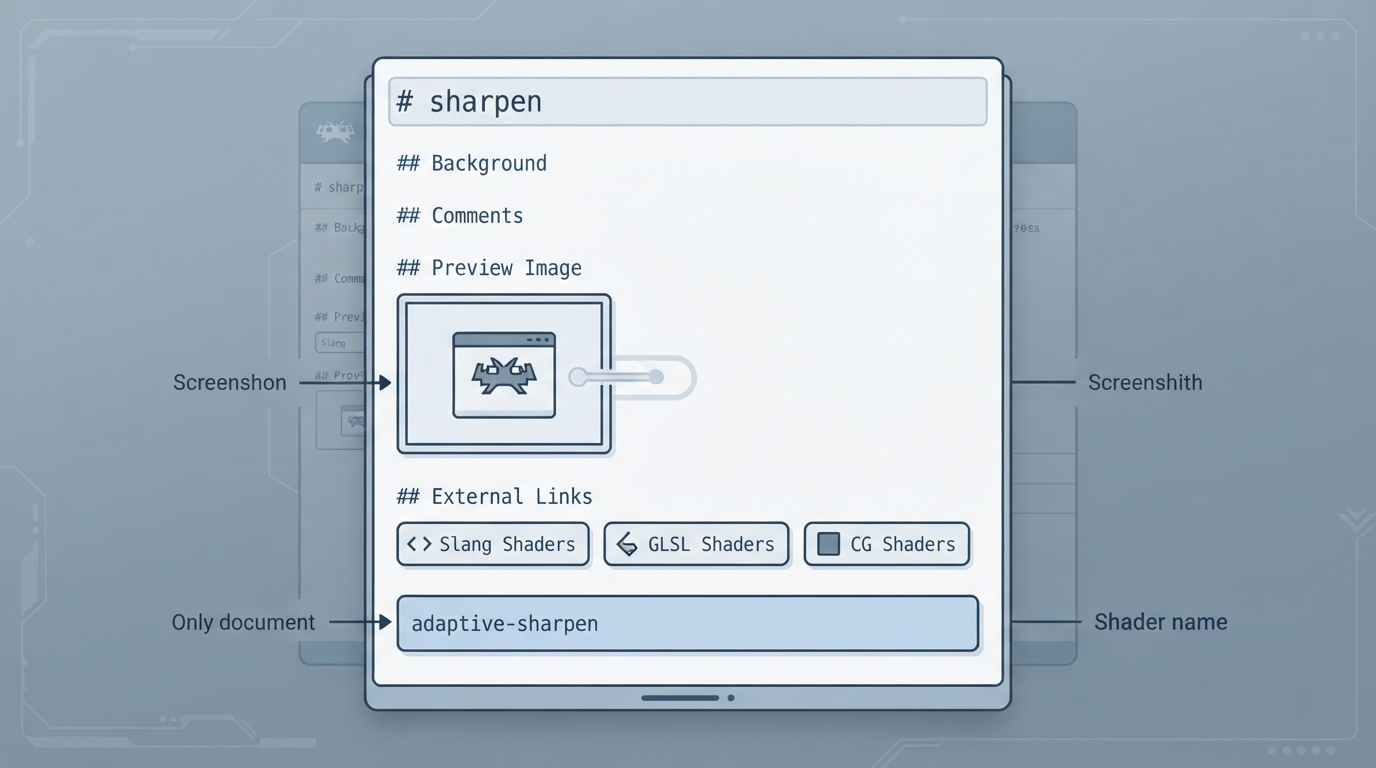
The libretro documentation repository includes a shader page titled "sharpen." As published, the page is a stub: it contains section headings, one listed shader entry, one preview image reference, and a set of external links. It does not describe installation, menu paths, settings, or expected visual results. This article summarizes exactly what the official page contains and clearly marks everything else as not documented.
What the page lists
The documentation names one sharpen entry: adaptive-sharpen. That name is the only shader identifier given on the page.
- The page records:
- - Shader entry: adaptive-sharpen
- - A preview image path pointing to an adaptive-sharpen screenshot under the shader image directory
- - External links to the Slang, GLSL, and CG shader repositories
Sections left empty by the source
The page contains Background, Comments, and other sections, but they hold no text in the published document. Because those sections are empty, the page provides no background explanation and no editorial comments about adaptive-sharpen.
External shader repositories referenced
The page points readers to three shader repositories maintained for libretro: Slang Shaders, GLSL Shaders, and CG Shaders. These links are the only external destinations recorded on the page.
Not documented on the page
The official page does not state prerequisites, target platforms, RetroArch versions, menu navigation, setting names or values, expected outcomes, compatibility, or recovery steps for adaptive-sharpen. Where those details would normally appear, the document is blank. Because they are absent rather than contradicted, they are simply unknown here.
How to use this page
Treat the documentation as an index entry rather than a tutorial: it confirms that an adaptive-sharpen shader is catalogued under the sharpen topic and shows where a preview image lives, but leaves all operational detail to the linked shader repositories. Anyone needing setup or behavior specifics must consult those repositories or test in RetroArch directly.
If you need guidance the official page does not contain, treat the gap as a real gap in the source rather than something this article is withholding. The page is short, and this summary reflects that length.
Reference table · Scroll horizontally to see all columns.
| Page element | Content recorded |
|---|---|
| Listed shader | adaptive-sharpen |
| Preview image | adaptive-sharpen screenshot path under the shader image directory |
| Background section | Empty |
| Comments section | Empty |
| External links | Slang Shaders, GLSL Shaders, CG Shaders |
Sources & references
Content responsibility: FrameTinker editorial desk. Source authors and software maintainers are credited separately below; this is not a claim of hands-on testing.
Published .
RetroArch: sharpen — official gaming software documentation https://raw.githubusercontent.com/libretro/docs/master/docs/shader/sharpen.mdRetrieved Oct 14, 2026Something doesn’t match your setup?
Suggest a correction