

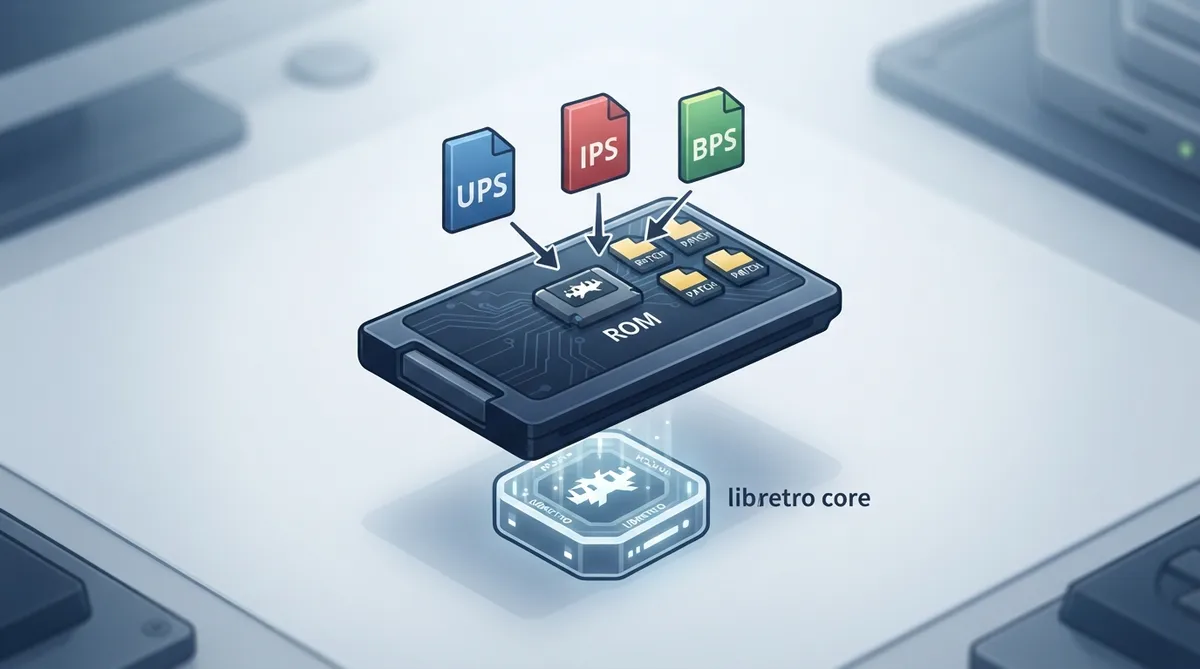
Softpatching lets RetroArch apply a patch file to a ROM at load time, without permanently modifying the original ROM data. This guide summarizes what the official RetroArch softpatching documentation states about supported patch formats, the naming rules that trigger autopatching, how multiple patches are ordered, and which libretro cores are listed as compatible.
Overview
RetroArch currently supports the UPS, IPS, BPS, and XDelta patching formats. XDelta support is noted as applying when enabled at compile-time, so a given build may or may not include it.
Autopatching does not depend on a menu setting described in the source. It only takes place if the libretro implementation supports loading ROMs from memory.
Prerequisites
- A RetroArch installation that supports one of the documented patch formats.
- A ROM file placed alongside its matching patch file.
- A libretro core that supports loading ROMs from memory.
How to apply a patch
- Place the ROM file and its patch file in the same folder, giving the patch the same base name as the ROM.
- Name the patch with the matching extension for its format, such as rom.ups, rom.ips, or rom.bps for a ROM named rom.bin.
- Load the ROM in RetroArch with a compatible core. The patch is applied automatically when the naming matches.
Applying multiple patches
You can apply multiple patches to one ROM by using the .ips$ extension, where $ is a number. For example, with rom.ips, rom.ips1, and rom.ips2 present next to rom.bin, all three are applied to rom.bin in that order.
Patch order matters because patches are applied sequentially: rom.ips, then rom.ips1, then rom.ips2.
Documented core support
The official documentation lists softpatching support per core. The entries below reflect what that page records; support is not implied for cores that are not listed.
Listed as supported: Virtual Jaguar for Atari Jaguar; Beetle Cygne for Bandai WonderSwan/Color; Gearcoleco for ColecoVision; Geargrafx for NEC PC Engine / TurboGrafx-16; and melonDS DS for Nintendo DS.
For Game Boy Advance, the documentation lists Meteor, mGBA, VBA-M, and VBA Next as supported.
For Game Boy / Color, the documentation lists SameBoy as not supported; the other GB/GBC cores on that page are marked as supported.
Limitations
- Autopatching requires a core that supports loading ROMs from memory.
- Atari Jaguar CD images are not softpatched; only cartridge content is.
- XDelta support depends on whether it was enabled at compile-time in your build.
The core compatibility tables in the official documentation are the authoritative reference for a specific core, since the list may change as cores are updated.
Reference table · Scroll horizontally to see all columns.
| ROM file | Patch file | Result |
|---|---|---|
| rom.bin | rom.ips | Autopatched when the core supports loading ROMs from memory |
| rom.bin | rom.ips1 | Second patch, applied after rom.ips |
| rom.bin | rom.ips2 | Third patch, applied after rom.ips1 |
Reference table · Scroll horizontally to see all columns.
| System | Core | Softpatching supported |
|---|---|---|
| Atari - Jaguar | Virtual Jaguar | Yes |
| Bandai - WonderSwan/Color | Beetle Cygne | Yes |
| Coleco - ColecoVision | Gearcoleco | Yes |
| NEC PC Engine | Geargrafx | Yes |
| Nintendo - DS | melonDS DS | Yes |
| Nintendo - Game Boy / Color | SameBoy | No |
| Nintendo - Game Boy Advance | Meteor | Yes |
| Nintendo - Game Boy Advance | mGBA | Yes |
| Nintendo - Game Boy Advance | VBA-M | Yes |
| Nintendo - Game Boy Advance | VBA Next | Yes |
 View full image
 Sources & references
Published .
RetroArch: softpatching — official gaming software documentation https://raw.githubusercontent.com/libretro/docs/master/docs/guides/softpatching.mdRetrieved Oct 8, 2026Something doesn’t match your setup?
Suggest a correction