

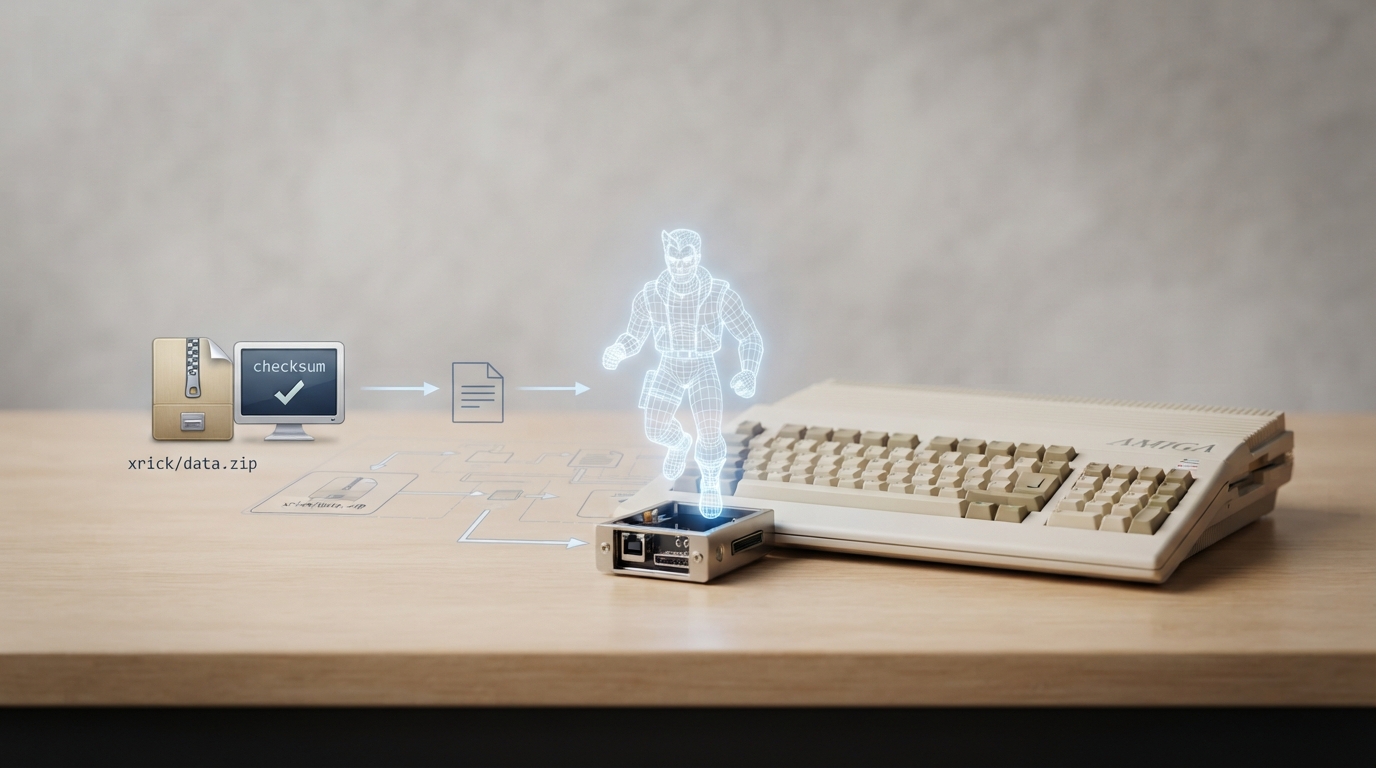
XRick is an open-source implementation of the game Rick Dangerous, a platform game originally developed by Core Design for several 1980s home computers and consoles, and released in 1989. This guide summarizes the official libretro documentation for the RetroArch XRick core, including the files it needs, the content format it accepts, and the feature set the documentation states.
What the XRick core is
The documentation lists XRick as an open-source implementation of Rick Dangerous. The original game was published in 1989 by MicroProse on the Firebird Software label in the UK and on the MicroPlay label in America, and was also published in Spain by Erbe Software. A sequel, Rick Dangerous 2, followed in 1990.
- Documented project details: Authors: fabiensanglard, r-type, phcoder. License: GPLv3.
Prerequisites
- Before using the core, the documentation indicates you need:
- - A working RetroArch installation with the XRick core available.
- - The required data file, described as xrick/data.zip, which the documentation says contains the audio and visual files required for the core to work.
- - Game content in the supported format (.zip).
Required data file and checksum
The documentation lists one required file for the core to work, with an MD5 checksum you can use to confirm you have the correct copy. The filename and hash are shown in the table below.
Documented setup steps
The official documentation does not provide a long walkthrough; the practical information it contains can be organized into these source-backed steps.
- 1. Confirm the XRick core is present in your RetroArch setup. The documentation is the official libretro page for this core; it does not describe installation steps beyond that.
- 2. Place the required data file at the documented path: xrick/data.zip.
- 3. Verify the file's MD5 checksum against the value listed in the documentation (see the table in this article) to ensure the copy is the expected one.
- 4. Load your game content in the supported .zip format.
- 5. Review and adjust the documented core option, Crop Border, as desired.
- 6. Optionally use the listed supported features, such as screenshots, core options, and native cheats.
Core option: Crop Border
The documentation lists one core option, Crop Border, with settings ON or OFF. It removes the 32 pixels of empty padding on either side of the game screen. The documentation also notes that cheat mode indicators are only shown when cropping is disabled.
Documented display and audio characteristics
According to the documentation, the core reports an FPS of 25, a sample rate of 22050.0 Hz, an aspect ratio of 4/3, a base width of 801, and a base height of 600.
Feature support at a glance
The documentation states that screenshots, core options, native cheats, and controls are supported, while restart, saves, states, rewind, netplay, memory monitoring for achievements, RetroArch cheats, remapping, multi-mouse, and rumble are not. This means, for example, that save states and rewind are not available with this core per the source documentation.
Database entry
The documentation links a database entry for Rick Dangerous in the libretro-database repository, which can be used for content identification and metadata purposes.
Reference table · Scroll horizontally to see all columns.
| Filename | Description | MD5 |
|---|---|---|
| xrick/data.zip | Audio and visual files required for Core to work. | A471E64E9F69AFBE59C10CC94ED1B184 |
Reference table · Scroll horizontally to see all columns.
| Feature | Supported |
|---|---|
| Restart | No |
| Screenshots | Yes |
| Saves | No |
| States | No |
| Rewind | No |
| Netplay | No |
| Core Options | Yes |
| Memory Monitoring (achievements) | No |
| RetroArch Cheats | No |
| Native Cheats | Yes |
| Controls | Yes |
| Remapping | No |
| Multi-Mouse | No |
| Rumble | No |
Reference table · Scroll horizontally to see all columns.
| Option | Settings | Notes |
|---|---|---|
| Crop Border | ON | OFF | Removes the 32 pixels of empty padding either side of the game screen. Cheat mode indicators are only shown if cropping is disabled. |
Sources & references
Content responsibility: FrameTinker editorial desk. Source authors and software maintainers are credited separately below; this is not a claim of hands-on testing.
Published .
RetroArch: xrick — official gaming software documentation https://raw.githubusercontent.com/libretro/docs/master/docs/library/xrick.mdRetrieved Oct 14, 2026Something doesn’t match your setup?
Suggest a correction