

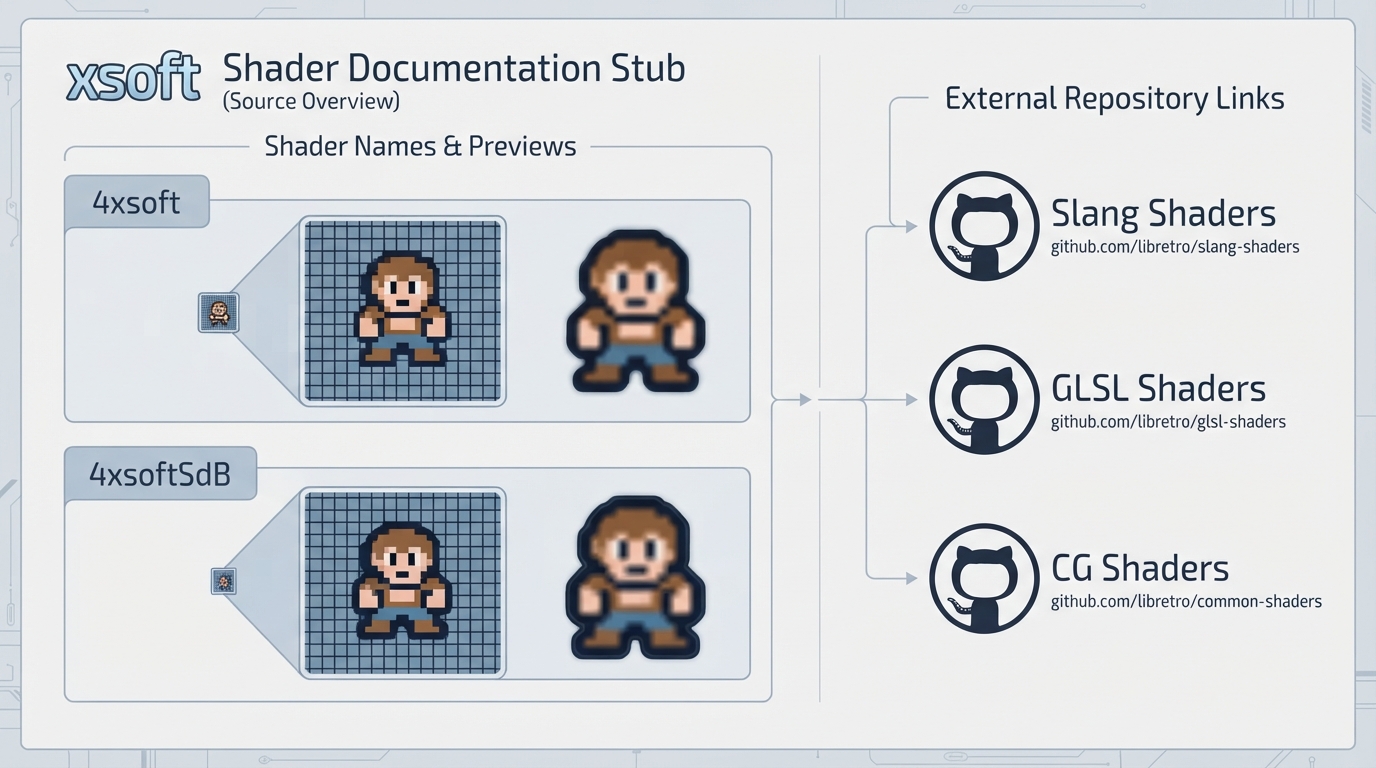
This guide is a source summary of the official RetroArch documentation page for xsoft shaders. The page itself is a stub: it presents shader names, preview images, and external repository links, but contains no background text, no prerequisite list, no step-by-step instructions, and no settings or limitations notes.
What the official page lists
- 4xsoft
- 4xsoftSdB
Each of the two listed shaders is accompanied by a preview image on the official page, referenced as ../image/shader/xsoft/4xsoft.png for 4xsoft and ../image/shader/xsoft/4xsoftSdB.png for 4xsoftSdB.
External links on the official page
The source page links out to three shader repositories: Slang Shaders at https://github.com/libretro/slang-shaders, GLSL Shaders at https://github.com/libretro/glsl-shaders, and CG Shaders at https://github.com/libretro/common-shaders.
Reference table · Scroll horizontally to see all columns.
| Shader name | Preview image path |
|---|---|
| 4xsoft | ../image/shader/xsoft/4xsoft.png |
| 4xsoftSdB | ../image/shader/xsoft/4xsoftSdB.png |
Reference table · Scroll horizontally to see all columns.
| Label | URL |
|---|---|
| Slang Shaders | https://github.com/libretro/slang-shaders |
| GLSL Shaders | https://github.com/libretro/glsl-shaders |
| CG Shaders | https://github.com/libretro/common-shaders |
Sources & references
Content responsibility: FrameTinker editorial desk. Source authors and software maintainers are credited separately below; this is not a claim of hands-on testing.
Published .
RetroArch: xsoft — official gaming software documentation https://raw.githubusercontent.com/libretro/docs/master/docs/shader/xsoft.mdRetrieved Oct 14, 2026Something doesn’t match your setup?
Suggest a correction