

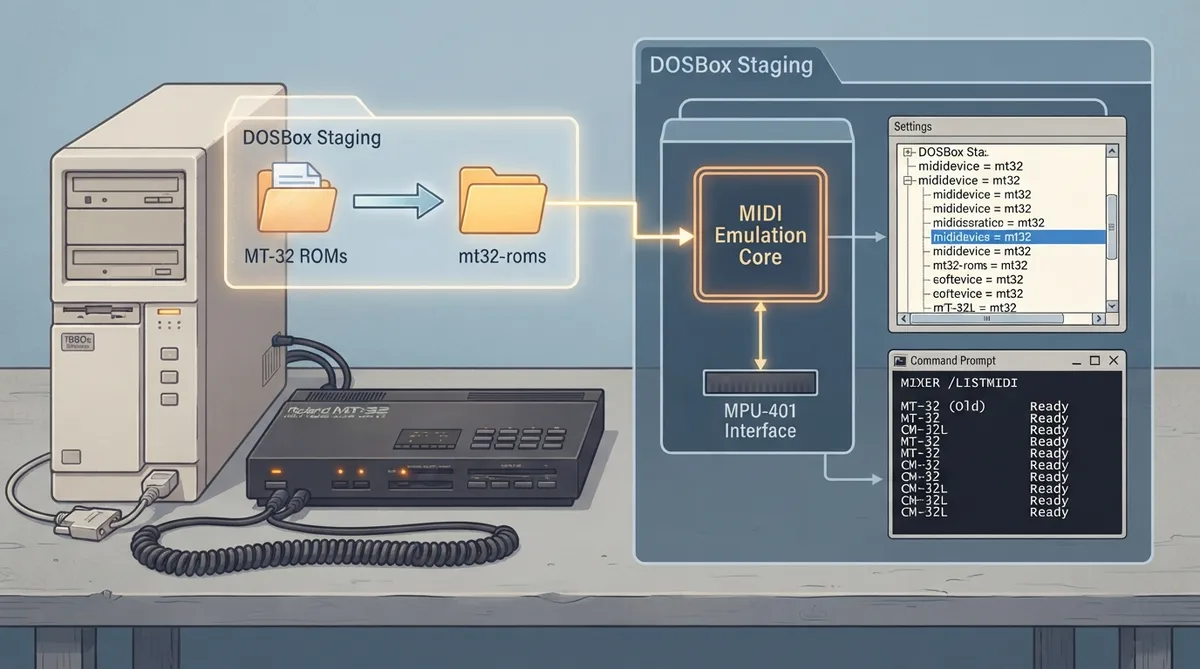
DOSBox Staging emulates the Roland MT-32 sound module and the MPU-401 MIDI interface that connected it to the PC. This guide summarizes the official DOSBox Staging 0.83 documentation for enabling the MT-32 device, installing its required ROM files, and choosing a model. The steps below are a source summary, not a hands-on tested procedure.
Prerequisites: ROM files are required
Emulating the MT-32 requires the original ROM data from the hardware. The MT-32 MIDI device cannot function without these files. The documentation states that the ROM files cannot be bundled with release packages due to copyright restrictions, so you must obtain and install them yourself.
Installing the ROM files
- 1. Obtain the MT-32 ROM files.
- 2. Unpack the ZIP archive.
- 3. Move the contents of the MAME folder into the mt32-roms folder inside your DOSBox Staging configuration folder.
Enabling the MT-32 MIDI device
With the ROM files in place, enable the MT-32 MIDI device in your configuration file as shown below.
[midi]
mididevice = mt32
Checking detected models and troubleshooting ROMs
Run the MIXER /LISTMIDI command to see the list of available MT-32 models.
Both the control and PCM ROMs need to be present for a given model. If a model could not be detected, or you get a "Failed to find ROMs for model <model_name>" error at startup, make sure both ROM sets have been copied to your ROM folder for that model.
Choosing an MT-32 model
For most games, the documentation suggests setting model to mt32_old or mt32_new in the [mt32] section. These pick the best available v1.0x or v2.0x ROM set, respectively. According to the documentation, the minor ROM revision rarely matters at all.
MPU-401 setting for MT-32 games
DOSBox Staging emulates both the MT-32 sound module and the MPU-401 MIDI interface that connected the PC and the sound module. Most MT-32 games, including older Sierra and Legend Entertainment adventures, need the interface's Intelligent Mode. Because Intelligent Mode fully supports UART Mode too, the documentation notes it is safe to leave mpu401 at its default intelligent setting for most MT-32 games.
Reference table · Scroll horizontally to see all columns.
| Setting | Effect |
|---|---|
| model = mt32_old | Selects the best available v1.0x ROM set |
| model = mt32_new | Selects the best available v2.0x ROM set |
Sources & references
Content responsibility: FrameTinker editorial desk. Source authors and software maintainers are credited separately below; this is not a claim of hands-on testing.
Published .
DOSBox Staging: roland mt 32 — official gaming software documentation https://raw.githubusercontent.com/dosbox-staging/dosbox-staging/main/website/docs/0.83/manual/sound/sound-devices/roland-mt-32.mdRetrieved Nov 1, 2026Something doesn’t match your setup?
Suggest a correction