

Before you begin
RetroBat does not include games. You must supply your own game backups (ROMs).
1. Place the game in its system folder
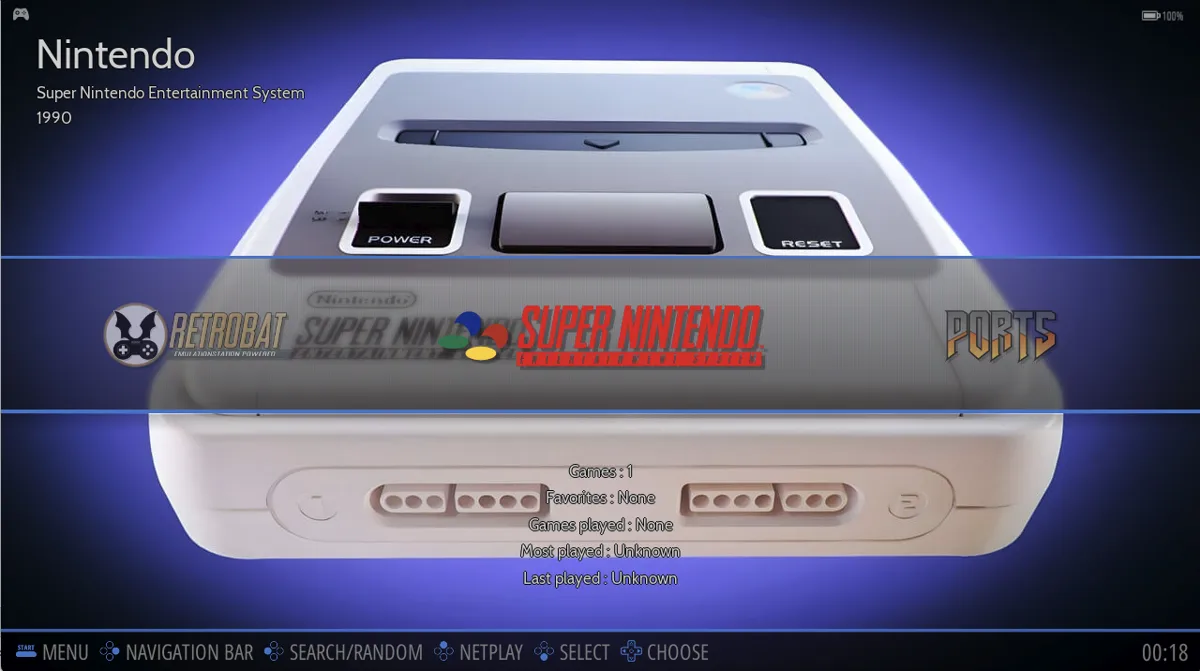
Put the ROM in the corresponding system directory inside RetroBat’s roms folder. The path pattern is <RetroBat folder>\roms\<system>\. For example, with RetroBat installed at C:\RetroBat, a Super Nintendo game belongs in C:\RetroBat\roms\snes\.
2. Check compressed-game options
- - For CD and DVD systems, the documentation recommends .chd: it compresses the game and can be read directly by most emulators.
- - Most RetroArch cores read .zip and .7z files directly. Some standalone emulators, including Dolphin, PCSX2, DuckStation, and PPSSPP, instead have RetroBat mount or extract the archive before each launch, increasing loading time.
Extraction controls are under MAIN MENU > GAME SETTINGS > COMPRESSION. DECOMPRESSION controls whether extracted files are kept or deleted. DECOMPRESSION PATH defaults to roms\.uncompressed. The group also includes NEVER TRY TO MOUNT AS DRIVE.
3. Use the scraper
- 1. Press START on the controller or ENTER on the keyboard to open MAIN MENU, then select SCRAPER.
- 2. In the SCRAPE tab, select the source, games, and systems you want to scrape.
- 3. Select SCRAPE NOW.
If using ScreenScraper, RetroBat’s documentation recommends creating a free account at https://www.screenscraper.fr/ and entering the username and password in the ACCOUNTS tab.
4. Update the game list
After scraping finishes, press START or ENTER to open MAIN MENU. Select GAME SETTINGS, then UPDATE GAMELISTS to refresh the game list.
Sources & references
Content responsibility: FrameTinker editorial desk. Source authors and software maintainers are credited separately below; this is not a claim of hands-on testing.
Published .
RetroBat: get started — adding a game — official gaming software documentation https://raw.githubusercontent.com/RetroBat-Official/retrobat-wiki/master/lang/en/get-started/adding-a-game.mdRetrieved Nov 10, 2026Something doesn’t match your setup?
Suggest a correction