

PCSX2's official "General Issues" documentation covers common problems users encounter and recommends updating PCSX2 before starting any troubleshooting. This guide summarizes the documented procedures for verifying game dumps and what to do when verification fails. It is a source summary of the official documentation, not a hands-on tested walkthrough.
Prerequisite: update PCSX2 first
Before troubleshooting, the documentation highly recommends updating your PCSX2 version if you have not already done so.
Symptom: game stuck on a black screen or not loading correctly
Per the documentation, a game stuck on a black screen or not loading correctly usually indicates that your dump is corrupt. The documented way to check is to verify the dump's integrity.
How to verify a game dump
- 1. In the game list, right-click on the game you want to check.
- 2. Click on Properties.
- 3. In the game properties window, click the Verify button under the disc track list.
What the verification result means
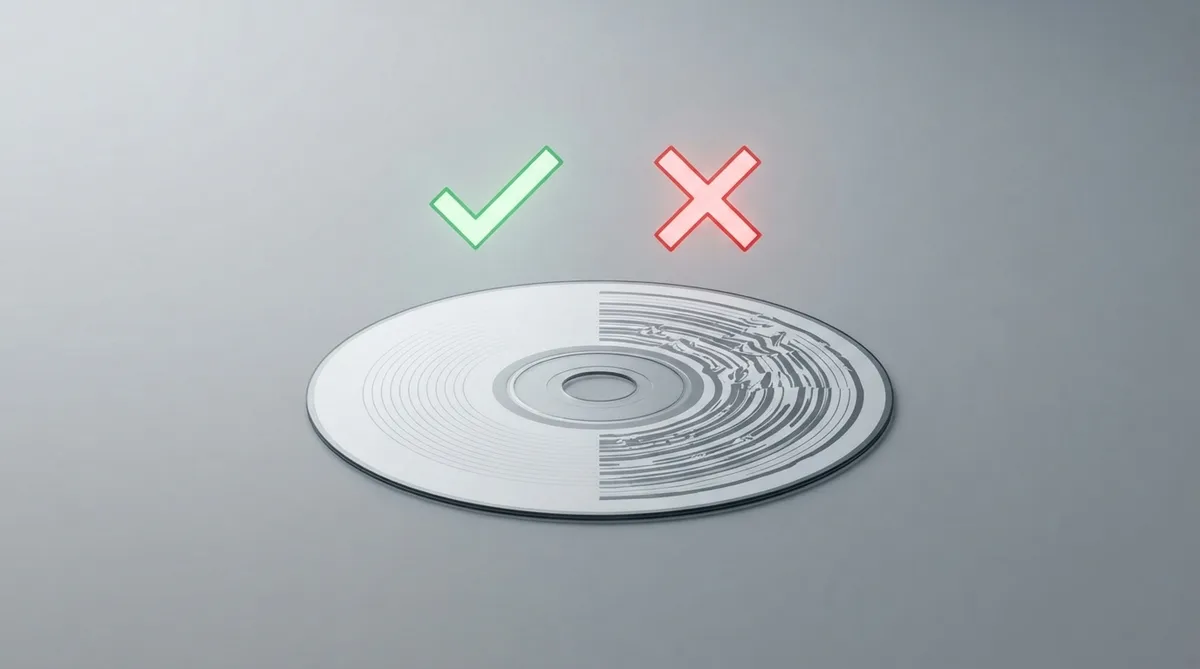
If the verify check returns a green checkmark, your game dump is working just fine.
If it returns a red cross, your dump is corrupted and you will have to re-dump your game. The documentation points to the disc dumping guide for instructions on how to do so.
ffmpeg-related issues on Windows
- 1. Download the ffmpeg Windows files from the link provided in the official documentation.
- 2. Extract the archive.
- 3. Place the extracted DLL files in your PCSX2 folder, in the same folder as the main PCSX2 executable.
Where to get further help
- The official documentation suggests the following resources:
- - The Reporting for issues page, to find out how to report issues.
- - The compatibility page, to see if the game has been tested to run properly.
- - The wiki page for the game, for similar information.
- - The PCSX2 Discord server, for further assistance.
- - The GitHub issues page, to see whether an issue has already been reported.
Reference table · Scroll horizontally to see all columns.
| Verification result | Meaning | Documented next action |
|---|---|---|
| Green checkmark | Game dump is working fine | None needed |
| Red cross | Game dump is corrupted | Re-dump the game using the disc dumping guide |
Sources & references
Content responsibility: FrameTinker editorial desk. Source authors and software maintainers are credited separately below; this is not a claim of hands-on testing.
Published .
PCSX2: general — official gaming software documentation https://raw.githubusercontent.com/PCSX2/pcsx2-net-www/main/docs/troubleshooting/general.mdRetrieved Nov 2, 2026Something doesn’t match your setup?
Suggest a correction