

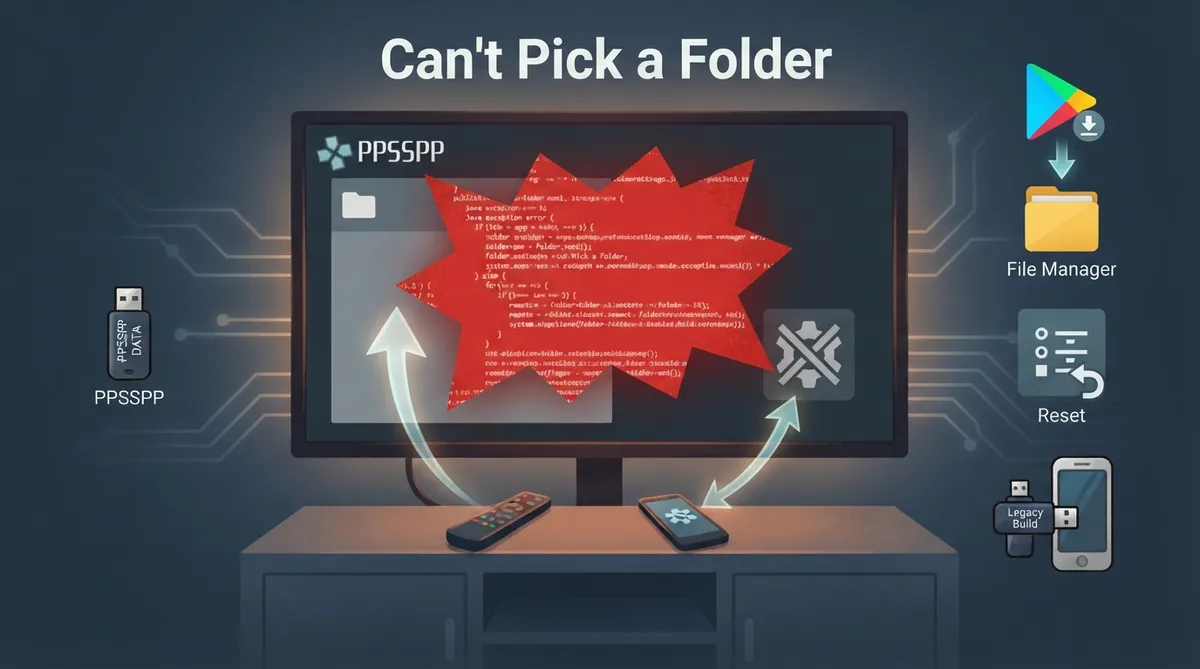
When you try to pick a folder for PSP data in PPSSPP on Android, the app may instead show a large red Java exception message rather than any folder chooser. The official PPSSPP troubleshooting documentation addresses this specific failure and lists several things to try.
Why this happens
According to the documentation, the error means one of two things: the device has no folder picker at all, or the picker is provided by a default app that has been disabled somehow. A missing picker is unlikely on a phone but likely on Android TV. The docs note that many Android TV and Google TV devices ship without the system DocumentsUI component.
In many cases the underlying problem is that the system "Files" app has been uninstalled somehow. The documentation says this should not be allowed on some phones, but it can happen; one possible cause is using "de-bloating" apps on modified Android OS versions.
Android TV and Google TV: install a compatible file manager
The documentation suggests installing a third-party file manager from the Google Play Store that supports system intents. It specifically recommends trying AnExplorer or X-plore File Manager, which are described as designed to work with Android TV remotes and able to "fill the gap" left by the missing system picker.
Use the PPSSPP Legacy build
If you know how to install APKs, the docs say the PPSSPP Legacy build can work around the problem entirely. The documentation notes this build is useful on TVs and older phones, where I/O is described as performing slightly better, but the trade-off is that you lose Google Play auto-updates.
Re-enable the system Files app
- Reset App Preferences: Go to Settings > Apps > See all apps, tap the three-dot menu in the top right, and select "Reset app preferences." Per the docs, this can re-enable the system "Files" app if it was stuck in a disabled state.
- Brevent: The docs cite one user report of success using Brevent, which can help reinstall or re-enable the "Files" app if it is missing.
- Manual re-enable: Look for an app simply named "Files" (blue folder icon) in your App settings. If it is marked as disabled, try enabling it.
The documentation includes a report from one user who found the Files app had been disabled and could not be reactivated normally; reinstalling the same app from the Play Store did not solve it. In that case, resetting app preferences fixed the problem.
Reference table · Scroll horizontally to see all columns.
| Symptom context | Documented fix |
|---|---|
| Android TV or Google TV with no folder picker | Install a compatible file manager such as AnExplorer or X-plore File Manager |
| Willing to install APKs manually | Use the PPSSPP Legacy build (no Google Play auto-updates) |
| System Files app disabled or stuck | Reset app preferences under Settings > Apps |
| System Files app missing | Brevent can help reinstall or re-enable it (one user report) |
| Files app listed as disabled | Manually enable it in App settings |
Sources & references
Content responsibility: FrameTinker editorial desk. Source authors and software maintainers are credited separately below; this is not a claim of hands-on testing.
Published .
PPSSPP: cant pick folder — official gaming software documentation https://raw.githubusercontent.com/hrydgard/ppsspp-site/main/docs/troubleshooting/cant-pick-folder.mdRetrieved Oct 19, 2026Something doesn’t match your setup?
Suggest a correction