

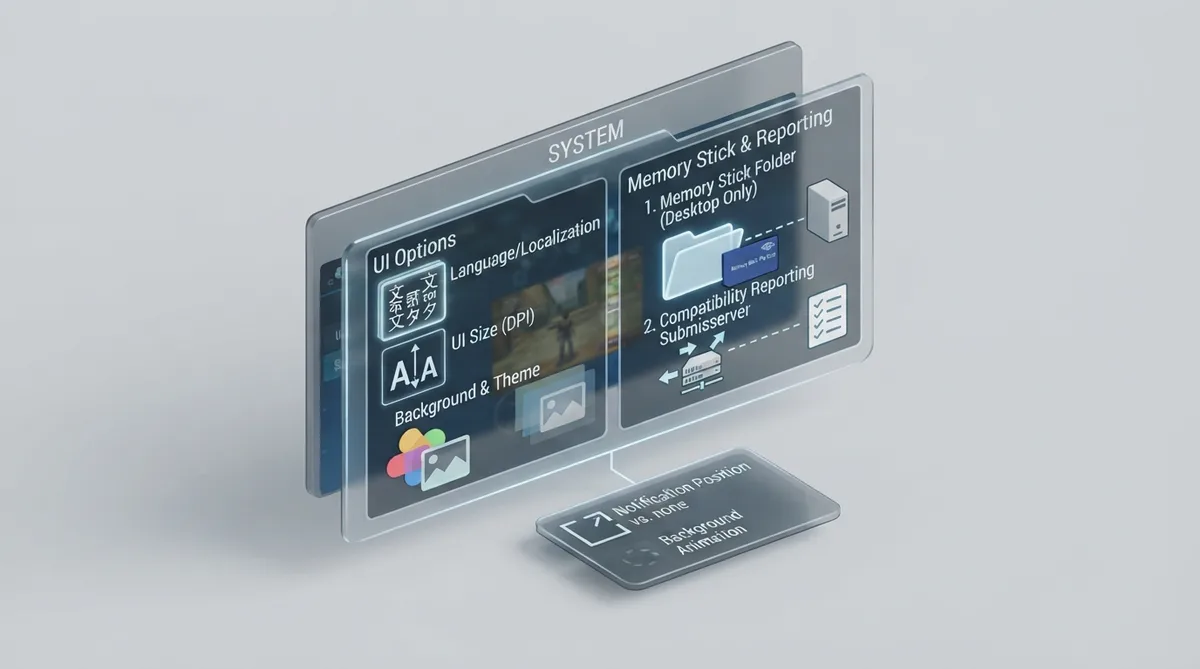
PPSSPP's System settings group the generic emulator options that are not tied to graphics or audio: user-interface appearance, savestate-related items, desktop file shortcuts, emulated Memory Stick behavior, and compatibility reporting. This article summarizes what the official PPSSPP documentation states about each option so you can locate and understand the controls.
User interface options
Language changes the language used by PPSSPP's user interface.
UI size adjustment (DPI) lets you increase or decrease the size of PPSSPP's UI elements.
Set UI background lets you pick an image to use as the background of PPSSPP. Transparent UI background controls whether the running game shows through behind the menu while you are browsing the menu with the game paused.
Notification screen position controls where notifications appear. According to the documentation, setting it to None disables all notifications.
UI background animation controls what the menu background looks like when no game is being played. Theme selects a color theme for the interface, and the Color Tint / Color Saturation options let you control the color of the menu.
Memory Stick options
Show Memory Stick Folder opens your Memory Stick folder. The documentation states this option is only available on desktops.
Memory Stick inserted exists because some games ask you to remove and insert the Memory Stick. The option lets the game believe that this removal and insertion happened.
Memory Stick size sets the size the emulator reports to the game. The documentation notes that a few games get confused by very large Memory Sticks, that built-in workarounds already cover most of them, and that this option is available in case those workarounds do not work.
Compatibility server reporting
Enable compatibility server reports sends some information to PPSSPP's report server. The documentation states this can sometimes help with diagnosing bugs.
Recovery notes
The official documentation does not provide step-by-step troubleshooting or undo procedures for the System section. For options that change appearance or reporting behavior, the safest documented action is to revisit the same setting and change it back; for the Memory Stick options, the documentation describes only what the controls do, not a dedicated reset sequence.
Reference table · Scroll horizontally to see all columns.
| Option | Documented behavior | Availability note |
|---|---|---|
| Language | Changes the language of PPSSPP's user interface. | Not specified |
| UI size adjustment (DPI) | Increases or decreases the size of PPSSPP's UI elements. | Not specified |
| Set UI background | Pick an image to use as the PPSSPP background. | Not specified |
| Transparent UI background | Controls whether the running game shows through behind the menu while paused. | Not specified |
| Notification screen position | Controls where notifications show up; set to None to disable all notifications. | Not specified |
| UI background animation | Controls what the menu background looks like when no game is being played. | Not specified |
| Theme | Selects a color theme. | Not specified |
| Color Tint / Color Saturation | Controls the color of the menu. | Not specified |
| Show Memory Stick Folder | Opens the Memory Stick folder. | Desktop only per documentation |
| Memory Stick inserted | Lets the game believe the Memory Stick was removed and inserted. | Not specified |
| Memory Stick size | Sets the Memory Stick size reported to the game; built-in workarounds cover most confusion with large sizes. | Not specified |
| Enable compatibility server reports | Reports some information to PPSSPP's report server to help diagnose bugs. | Not specified |
Sources & references
Content responsibility: FrameTinker editorial desk. Source authors and software maintainers are credited separately below; this is not a claim of hands-on testing.
Published .
PPSSPP: system — official gaming software documentation https://raw.githubusercontent.com/hrydgard/ppsspp-site/main/docs/settings/system.mdRetrieved Oct 19, 2026Something doesn’t match your setup?
Suggest a correction