

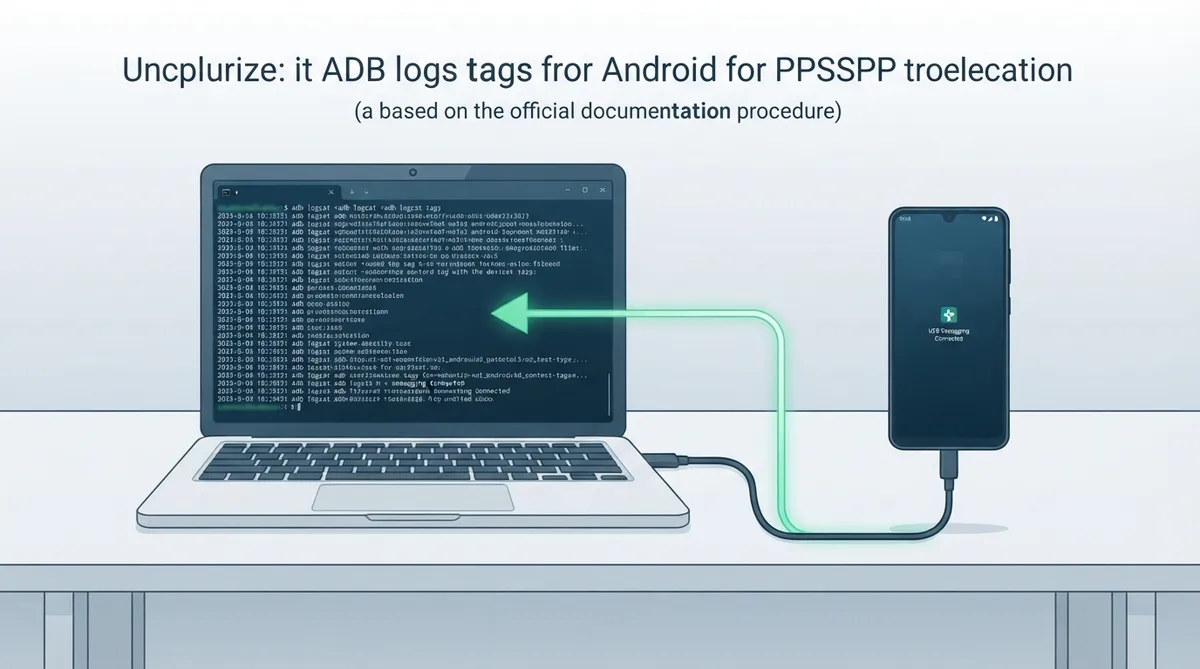
Logs of crashes can make fixing them much easier, according to PPSSPP's official troubleshooting documentation. The page describes one traditional way to get that log output on Android: using the adb command line tool with a filtered logcat command. This guide summarizes that documented procedure; it has not been hands-on tested.
Prerequisites
- Before running any commands, the documentation asks you to have the following in place:
- - The adb command line tool installed on your PC or Mac (see the installation options below).
- - Your Android device in developer mode, which allows sideloading APKs.
- - "USB Debugging" checked in the device's developer settings.
- - A USB connection between your device and your PC/Mac.
Installing the adb command line tool
The documentation lists two ways to get adb onto your PC or Mac. Either install the platform tools somewhere, which should include adb.exe, or install the full Android SDK and then locate adb.exe or the adb command. On Mac, the documented example location is similar to /Users/YOUR_USER_NAME/Library/Android/sdk/platform-tools/adb. On PC, it will be wherever you installed the SDK, followed by /sdk/platform-tools/adb.exe.
Preparing the Android device
Put the device into developer mode (which lets you sideload APKs) and make sure "USB Debugging" is checked in developer settings. Then connect the device to your PC or Mac via USB.
Running the log capture command
In a command prompt, enter the following line, which the documentation says to type all of: a filtered adb logcat command that is limited to specific log tags such as DEBUG, AndroidRuntime, PPSSPPNativeActivity, PPSSPP, NativeGLView, NativeRenderer, NativeSurfaceView, PowerSaveModeReceiver, InputDeviceState, PpssppActivity and CameraHelper.
adb logcat -s DEBUG AndroidRuntime PPSSPPNativeActivity PPSSPP NativeGLView NativeRenderer NativeSurfaceView PowerSaveModeReceiver InputDeviceState PpssppActivity CameraHelperAn alternative to ADB
The documentation also points to an external article with alternative log-collection instructions. It warns that this approach will collect a lot of irrelevant logs too, making the output harder to read, and states that the adb way is preferable.
Sources & references
Content responsibility: FrameTinker editorial desk. Source authors and software maintainers are credited separately below; this is not a claim of hands-on testing.
Published .
PPSSPP: gettings logs — official gaming software documentation https://raw.githubusercontent.com/hrydgard/ppsspp-site/main/docs/troubleshooting/gettings-logs.mdRetrieved Oct 19, 2026Something doesn’t match your setup?
Suggest a correction