

What the documentation covers
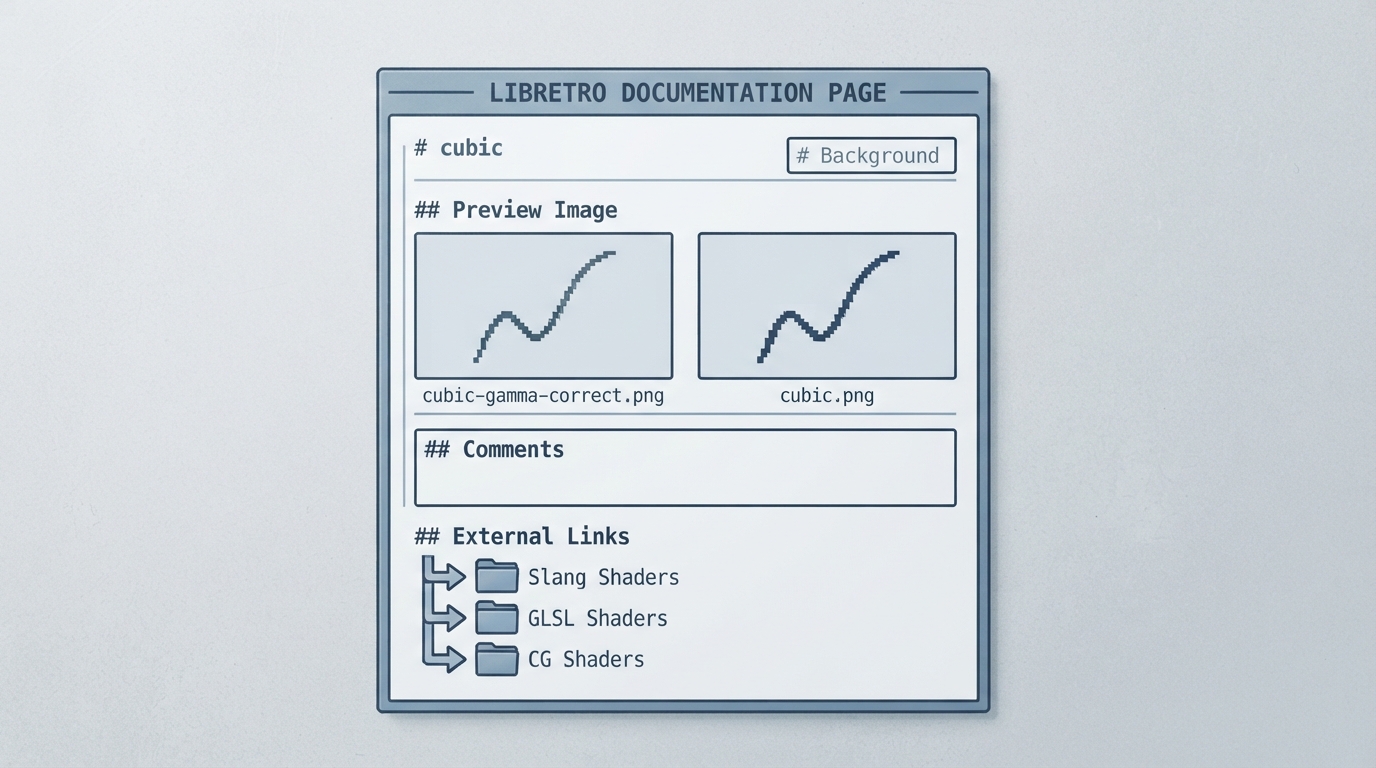
The official page is titled "cubic" and is published in the libretro documentation set. It contains an empty Background section, an empty Comments section, and an External Links section. The only concrete content is a shader name, two preview images, and three repository links.
- The documented shader name appears in the page bullet list and in the second preview image alt text: "cubic".
Preview images listed on the page
- The page names two preview images: "cubic-gamma-correct" and "cubic".
The two preview images suggest the shader exists in a plain and a gamma-corrected form, but the documentation page itself does not explain the difference between them or which files produce each result.
External links listed
The External Links section points to the Slang Shaders, GLSL Shaders, and CG Shaders repositories. Those are the only resources the page offers for obtaining the shader.
Limits of this documentation
- No Background text is provided, so the shader's purpose is not documented. No Comments text is provided, so known issues or tuning notes are absent. No prerequisites, installation steps, RetroArch menu paths, or targeted platform versions appear on the page.
Where to go next
If you need the shader files, the three linked repositories are the referenced sources. Any installation or configuration guidance must come from those projects rather than from the cubic page, which does not include it.
Reference table · Scroll horizontally to see all columns.
| Documented item | Status on the page |
|---|---|
| Shader name | cubic |
| Preview images | cubic-gamma-correct, cubic |
| Background | Empty section |
| Comments | Empty section |
| External links | Slang Shaders, GLSL Shaders, CG Shaders |
Sources & references
Content responsibility: FrameTinker editorial desk. Source authors and software maintainers are credited separately below; this is not a claim of hands-on testing.
Published .
RetroArch: cubic — official gaming software documentation https://raw.githubusercontent.com/libretro/docs/master/docs/shader/cubic.mdRetrieved Oct 14, 2026Something doesn’t match your setup?
Suggest a correction