

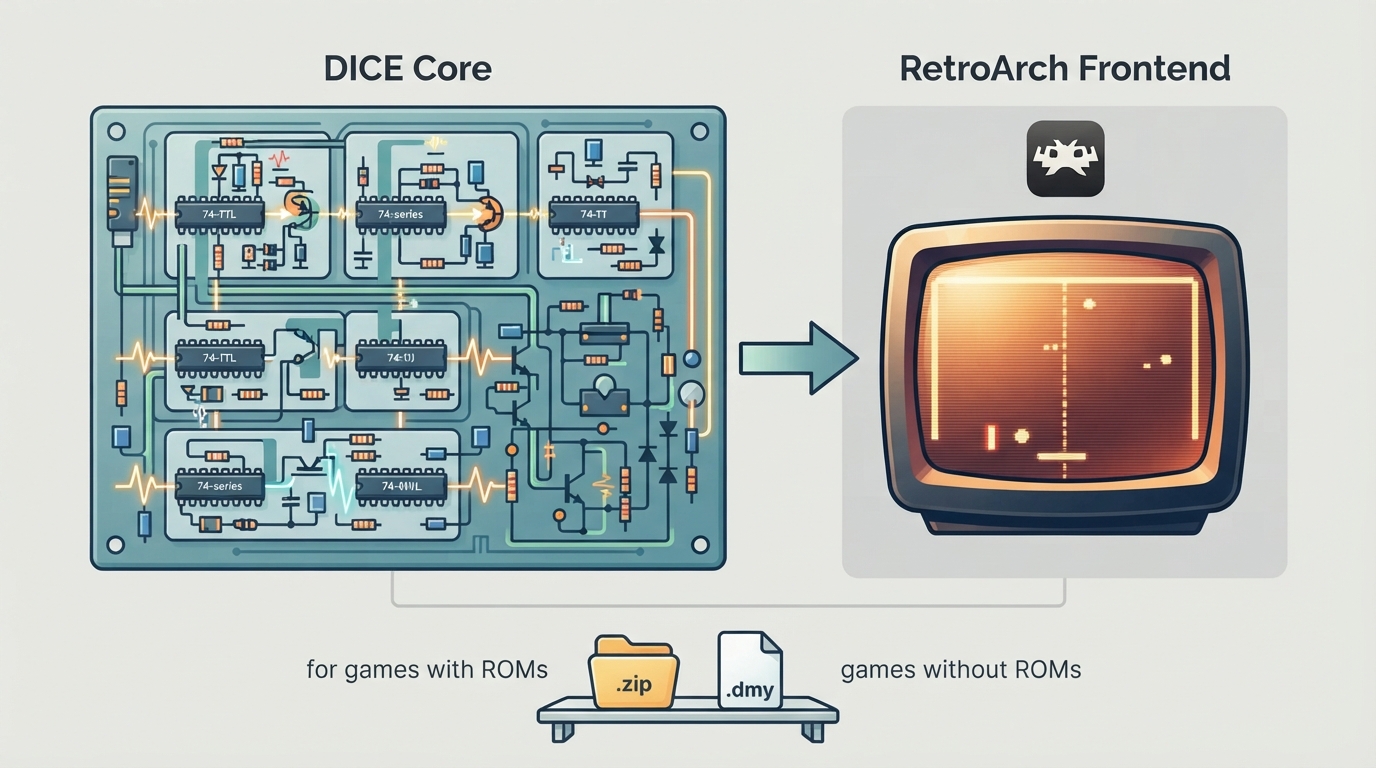
DICE is a Discrete Integrated Circuit Emulator. It emulates computer systems that lack any type of CPU and consist only of discrete logic components. The dice-libretro core is a Libretro port of DICE built to run inside RetroArch. The DICE core credits Adam B and the DICE Team for the standalone emulator, and Ken Mitton. The core is licensed under GPLv3.
Prerequisites
- Requirements are described as minimal. The core reports no BIOS requirement and no directory requirements. Content loads with the .zip and .dmy extensions. Do not contact the DICE team to request ROM files.
Starting the DICE core
- 1. Confirm the game you want to run and whether it needs a ROM. Some DICE-supported titles use zipped ROMs and launch similarly to MAME or FBNeo, where the filename matters. A filename reference table is published in the core repository's usage section.
- 2. If the game does not use a ROM at all — pong, breakout, pinpong and similar titles are given as examples — copy the matching dummy launcher file from the dummy_files folder in the dice-libretro repository into your ROM folder. These files have a correct name, for example pong.dmy, which lets RetroArch set up lr-dice for the correct game.
- 3. Load the content through RetroArch as you would any other core, then configure inputs, since controls vary by game.
Supported content extensions
The DICE core loads content with the .zip and .dmy extensions. The .dmy files serve games with no ROM component, as described above. A DICE database entry exists in the libretro database associated with this core.
Frontend feature support
In the documentation's feature table, the core reports support for Restart, Core Options, Controls, Remapping, Multi-Mouse and Language. It reports no support for Saves, States, Rewind, Netplay, Memory Monitoring (achievements), RetroArch Cheats, Native Cheats, Rumble, Sensors, Location, Subsystem, Softpatching, Disk Control, Username, Crop Overscan and LEDs.
Inputs and controls
The DICE core accepts RetroPad, RetroPad with Analog, and Mouse device types in the controls menu, with RetroPad bolded as the default. Most games are playable with just a joypad, and the actual control mapping varies by game. On the joypad mapping, Button 1, Button 2, Button 3, Coin, Start, the D-pad directions, Dollar and Paddle are the descriptors listed; the mouse can act as a paddle, as covered in the core's mouse-support notes.
Core options and mouse support
The core exposes numerous options for using mice to simulate spinners and paddle controllers. The simpler path documented is Easy: one mouse can be used for paddle 1 by enabling the core option "Use mouse pointer for paddle 1" under Core Options. A keyboard or gamepad is still useful for the remaining buttons. The more advanced path is multi-mouse support, which depends on certain libretro drivers on Linux and Windows and is described in the core repository's retromouse.md file.
Known limitations
- Save files, save states, rewind, netplay, cheats in both RetroArch and native form, rumble, sensors, camera, location, subsystem loading, softpatching, disk control, username, crop overscan and LED output are all marked as unsupported. Multi-mouse input depends on libretro drivers rather than being universally available.
Compatibility listing
The documentation lists 21 titles across Atari, Exidy, Ramtek and Midway hardware from 1972 to 1977. Seven of them are marked as not needing a ROM: Breakout, Crossfire, Gotcha, Hi-Way, Pin Pong, Pong Doubles, Quadrapong, Rebound, Space Race and TV Basketball. The remaining entries, such as Anti-Aircraft, Attack, Clean Sweep, Crash 'N Score, Indy 4, Jet Fighter, Shark Jaws, Steeplechase, Stunt Cycle and Wipe Out, are marked as needing a ROM.
Related emulation notes
Reference table · Scroll horizontally to see all columns.
| Feature | Supported |
|---|---|
| Restart | Yes |
| Saves | No |
| States | No |
| Rewind | No |
| Netplay | No |
| Core Options | Yes |
| Memory Monitoring (achievements) | No |
| RetroArch Cheats | No |
| Native Cheats | No |
| Controls | Yes |
| Remapping | Yes |
| Multi-Mouse | Yes |
| Rumble | No |
| Sensors | No |
| Camera | No |
| Location | No |
| Subsystem | No |
| Softpatching | No |
| Disk Control | No |
| Username | No |
| Language | Yes |
| Crop Overscan | No |
| LEDs | No |
Sources & references
Content responsibility: FrameTinker editorial desk. Source authors and software maintainers are credited separately below; this is not a claim of hands-on testing.
Published .
RetroArch: dice — official gaming software documentation https://raw.githubusercontent.com/libretro/docs/master/docs/library/dice.mdRetrieved Oct 12, 2026Something doesn’t match your setup?
Suggest a correction