

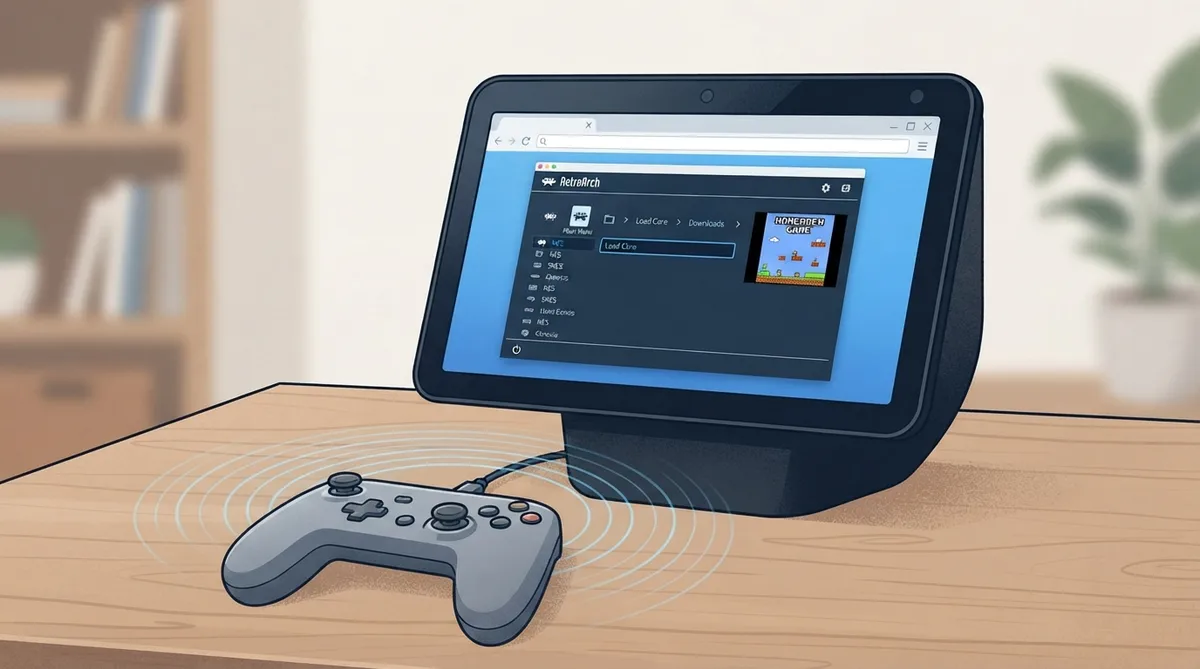
Facebook Portal is a video calling device. It runs Android, but it does not include the Google Play Store, so RetroArch cannot be installed on it as a normal app. Instead, the web version of RetroArch can be run in the Portal's browser.
Steps
- 1. Pair a controller: open the Portal's Bluetooth settings, put the controller in pairing mode, and select it in the list.
- 2. Open the web browser and go to web.libretro.com.
- 3. Choose the core for the system you want to play.
- 4. Load content. The web version offers homebrew games for each core under Downloads in its main menu.
Performance expectation
Because RetroArch runs in the Portal's browser rather than as a native app, expect lower performance than on a dedicated gaming device.
Notes on content
The documentation points to homebrew games provided for each core under Downloads in the web version's main menu. Other content is not described in the source.
Evidence and publication details
Sources & references
Published .
RetroArch: install facebookportal — official gaming software documentation https://raw.githubusercontent.com/libretro/docs/master/docs/guides/install-facebookportal.mdRetrieved Oct 8, 2026Something doesn’t match your setup?
Suggest a correction