

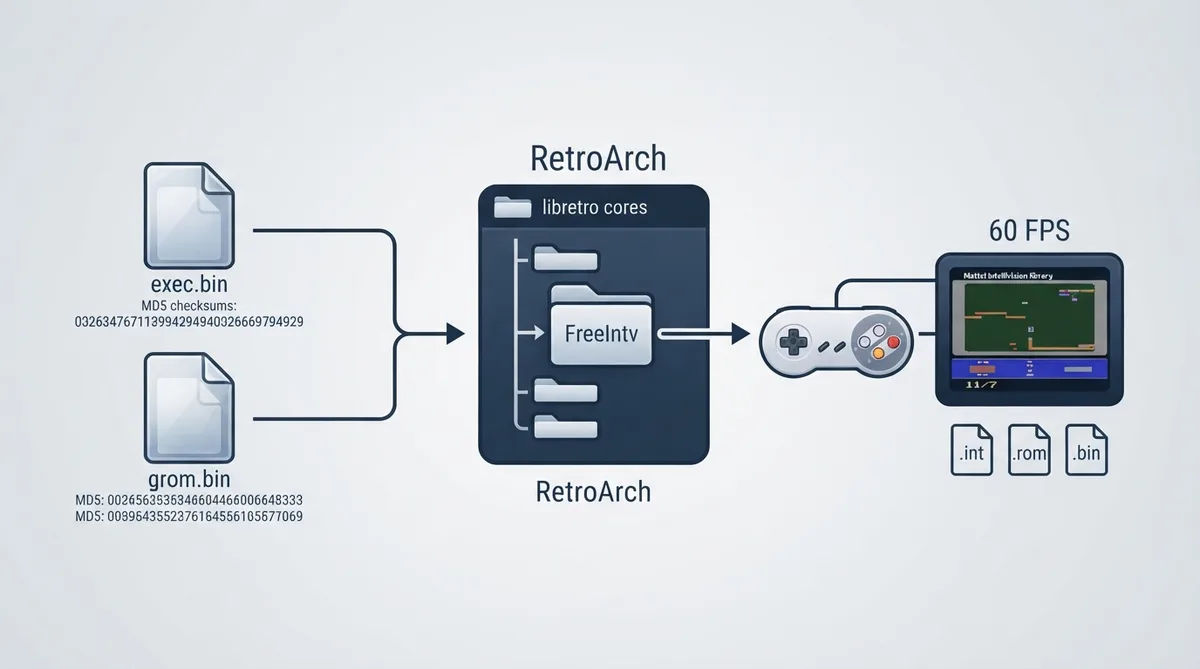
FreeIntv is a libretro emulation core for the Mattel Intellivision. It is designed to be compatible with SNES-era and later joypads, even for games that originally relied on a number pad. This guide summarizes the official core documentation into practical setup steps. It is a source summary rather than a hands-on tested walkthrough.
Overview
- - Author: David Richardson
- - License: GPLv2+
- - Core directory name: FreeIntv
- - Database: Mattel - Intellivision
- - Core-provided FPS: 60
- - Core-provided sample rate: 44100 Hz
- - Core-provided aspect ratio: 11/7
Prerequisites
- - A RetroArch installation that can load libretro cores
- - The FreeIntv core
- - Two required Intellivision BIOS files: exec.bin (Executive ROM) and grom.bin (Graphics ROM)
- - Game content with one of the accepted extensions: .int, .rom, or .bin
Setup steps
1. Place exec.bin and grom.bin in a BIOS directory configured in RetroArch. Both files are marked as required by the documentation.
2. Verify the BIOS files with the documented MD5 checksums: exec.bin should be 62e761035cb657903761800f4437b8af and grom.bin should be 0cd5946c6473e42e8e4c2137785e427f. Mismatched files may not load correctly.
3. Make sure the FreeIntv core is installed. The core's directory name is FreeIntv, and its content database is Mattel - Intellivision. Load a compatible game file (.int, .rom, or .bin).
4. Map your controller using the documented RetroPad mappings. The D-Pad provides 8-way movement, the left analog stick acts as the 16-way disc, and the right analog stick covers keypad numbers 1-9. A, B, and Y map to the right, left, and top action buttons respectively. X repeats the last selected Intellivision keypad button. L/R activate the Mini-Keypad, LT is Keypad Clear, RT is Keypad Enter, the left thumb is keypad 0, the right thumb is keypad 5, Start pauses the game, and Select performs a controller swap.
5. Use supported core features as needed. The documentation lists support for screenshots, states, memory monitoring for achievements, controls, remapping, and emapping. Features such as restart, saves, rewind, netplay (state-based), core options, and cheats are listed as unsupported.
Known limitations
FreeIntv does not currently emulate Entertainment Computer System (ECS) functionality. The documentation invites contributions to the source code.
Restart, saves, rewind, state-based netplay, core options, cheats (both menu and native), multi-mouse, and rumble are indicated as not supported. Rely on save states rather than in-core saves.
Expected output
With both BIOS files present and valid, and with a supported game file loaded, the core is expected to run the game at 60 FPS with a 44100 Hz sample rate and an 11/7 aspect ratio. Actual behavior may vary and has not been tested here.
Recovery notes
The official documentation does not include troubleshooting steps. If a game fails to load, confirm that the BIOS files match the documented MD5 checksums and that the ROM uses a supported extension. Do not download copyrighted BIOS or game files from unauthorized sources.
This guide reflects the official FreeIntv documentation as published. Compatibility with specific games is not documented and has not been verified.
Reference table · Scroll horizontally to see all columns.
| Filename | Description | MD5 checksum | Required |
|---|---|---|---|
| exec.bin | Executive ROM | 62e761035cb657903761800f4437b8af | Yes |
| grom.bin | Graphics ROM | 0cd5946c6473e42e8e4c2137785e427f | Yes |
Sources & references
Content responsibility: FrameTinker editorial desk. Source authors and software maintainers are credited separately below; this is not a claim of hands-on testing.
Published .
RetroArch: freeintv — official gaming software documentation https://raw.githubusercontent.com/libretro/docs/master/docs/library/freeintv.mdRetrieved Oct 13, 2026Something doesn’t match your setup?
Suggest a correction