

This guide summarizes the official libretro documentation page for the HBMAME core in RetroArch. It covers what the core is documented to be compatible with, which core options the documentation lists and their default states, and the documented guidance on when other arcade cores may fit better. The source was not hands-on tested for this summary, so treat the settings below as a documentation summary rather than a verified walkthrough.
What the HBMAME core is for
The documentation describes HBMAME (HomeBrew MAME) as a derivative of MAME that contains various hacks and homebrews. The core is stated to be compatible with the latest HBMAME ROM sets.
Prerequisites
- - A RetroArch installation with the HBMAME core family available.
- - HBMAME ROM sets; the documentation states compatibility with the latest HBMAME ROM sets.
Documented core options and defaults
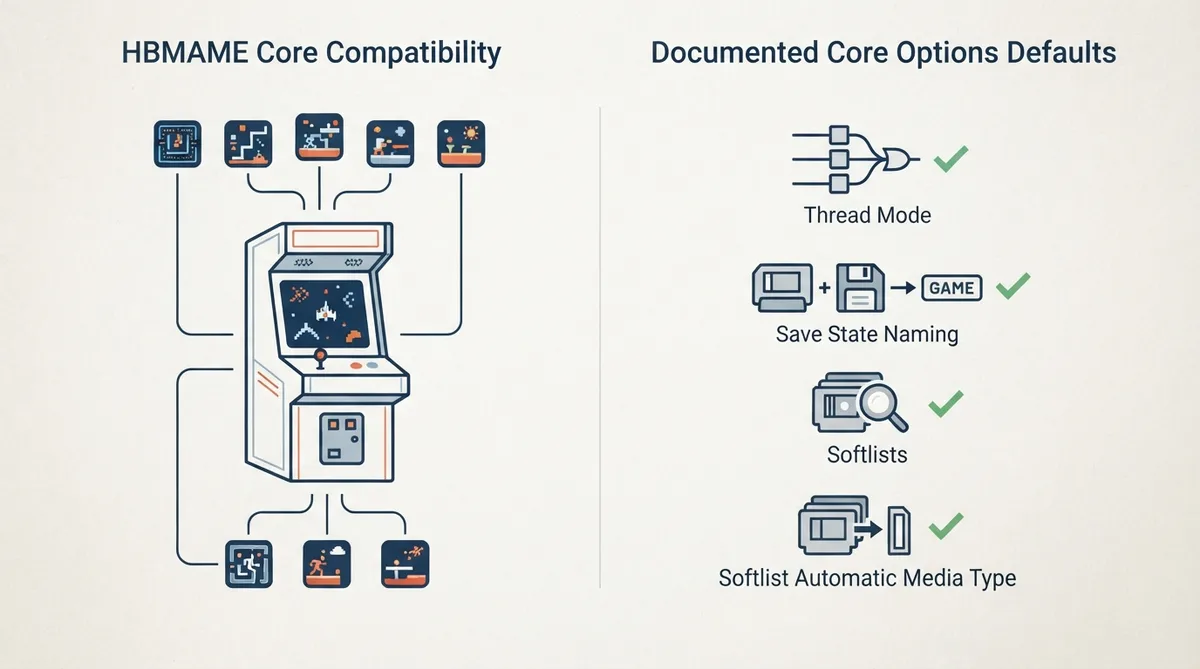
The documentation lists twelve core options. The source text confirms the default orientation for four of them: Thread Mode is shown with enabled as the default and disabled as the alternative; Save State Naming is shown with Game as the default and System as the alternative; Softlists is shown with enabled as the default; and Softlist Automatic Media Type is shown with enabled as the default. The table accompanying this article lists the remaining option names and setting keys alongside these confirmed defaults.
Save states and softlists
Two options are documented with specific value choices rather than an on/off toggle. Save State Naming offers Game or System, and the documentation shows Game as the default. Softlists is an enabled/disabled option shown as enabled by default. Softlist Automatic Media Type is also shown enabled by default.
Thread Mode default
Among the options whose defaults are explicitly shown in the source text, Thread Mode is the only toggle shown as enabled by default; Save State Naming is the only option shown with a choice default. The remaining option names listed in the table are included for reference, but their default states are not confirmed by the summarized source text.
Documented limitations
- - The documentation page summarized here does not describe controls or input mapping details.
- - It does not describe BIOS or ROM set placement procedures beyond compatibility with the latest HBMAME ROM sets.
- - Behavior notes for individual core options are not included in the summarized source text.
Reference table · Scroll horizontally to see all columns.
| Core option | Setting key | Default status in source |
|---|---|---|
| Thread Mode | mame_thread_mode | Enabled (confirmed) |
| Save State Naming | mame_saves | Game (confirmed; alternate: System) |
| Softlists | mame_softlists_enable | Enabled (confirmed) |
| Softlist Automatic Media Type | mame_softlists_auto_media | Enabled (confirmed) |
| Cheats | mame_cheats_enable | Not confirmed in summarized source |
| Throttle | mame_throttle | Not confirmed in summarized source |
| Boot to BIOS | mame_boot_to_bios | Not confirmed in summarized source |
| Boot to OSD | mame_boot_to_osd | Not confirmed in summarized source |
| Read Configuration | mame_read_config | Not confirmed in summarized source |
| Write Configuration | mame_write_config | Not confirmed in summarized source |
| MAME INI Paths | mame_mame_paths_enable | Not confirmed in summarized source |
| Auto Save/Load States | mame_auto_save | Not confirmed in summarized source |
Sources & references
Content responsibility: FrameTinker editorial desk. Source authors and software maintainers are credited separately below; this is not a claim of hands-on testing.
Published .
RetroArch: hbmame — official gaming software documentation https://raw.githubusercontent.com/libretro/docs/master/docs/library/hbmame.mdRetrieved Oct 25, 2026Something doesn’t match your setup?
Suggest a correction