

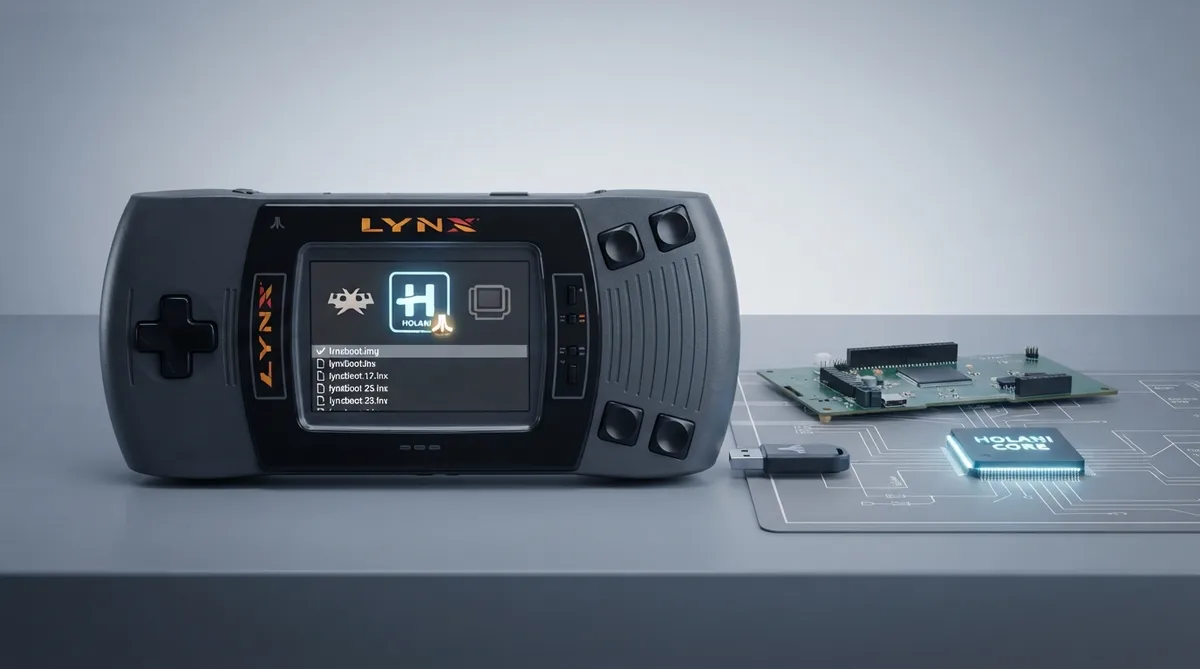
What the Holani core is
Holani is a cycle-stepped Atari Lynx video game system emulator that runs as a libretro core inside RetroArch. Its stated primary goal is to get closer to the Lynx hardware and provide a better emulation experience. The core was authored by LLeny and is distributed under the GNU General Public License v3.0.
Prerequisites
- - A RetroArch installation that can load libretro cores.
- - A Holani core build available to your frontend.
- - Lynx content files with the .lnx or .o extension.
- - The Lynx boot image file named lynxboot.img, placed in the frontend's system directory.
The documentation lists the firmware file lynxboot.img as the Lynx Boot Image and describes it as required, with the MD5 checksum fcd403db69f54290b51035d82f835e7b. It is placed in the frontend's system directory.
Loadable content and associated database
- - Accepted file extensions: .lnx and .o.
- - Associated RetroArch database: Atari - Lynx.
Frontend features the core supports
The documentation notes which frontend-level settings and features the Holani core respects.
- Supported: Restart, Screenshots, Saves, States, Rewind, Netplay (state based, but not link-cable emulation), Core Options, Memory Monitoring for achievements, Cheats via the Cheats menu, Controls, and Remapping.
- Not supported: Native Cheats, Multi-Mouse, Rumble, Sensors, Camera, Location, Subsystem, Softpatching, Disk Control, Username, Language, Crop Overscan, and LEDs.
Netplay is listed as supported on a state-based basis. The documentation explicitly states that this is not link-cable emulation.
Directory, geometry, and timing
- - The core's directory name is Holani.
- - States are saved and loaded in the frontend's State directory using the pattern 'content-name'.state#.
- - The core-provided FPS is dynamic.
- - The core-provided sample rate is 16,000 Hz.
Controller mapping
The documentation lists one user device type. The default for user 1 is RetroPad. The other listed option, RetroPad w/Analog, is described in the source as having no reason to switch to it. A None device type is also listed and does not disable input.
- Remap descriptors mapped to RetroPad inputs: B, Pause to Start, D-Pad Up, D-Pad Down, D-Pad Left, D-Pad Right, A, Option 1 to L1, and Option 2 to R1.
Setting up and running content
- 1. Make sure the Holani core is installed or otherwise available to your RetroArch frontend.
- 2. Place lynxboot.img in the frontend's system directory.
- 3. Confirm your content uses a .lnx or .o file extension, or allow RetroArch to use the associated Atari - Lynx database to identify content.
- 4. Load the content through RetroArch with the Holani core.
- 5. Use the mapping listed above for gameplay.
- 6. Save states through the frontend's State directory if you rely on them; the core writes them there under the content-name.state# pattern.
The same documentation page lists two other Atari Lynx cores you can compare against: Beetle Lynx and Handy. The core's official website, downloads, libretro info file, and issue tracker are linked from the source page.
Reference table · Scroll horizontally to see all columns.
| Feature | Status |
|---|---|
| Restart | Supported |
| Screenshots | Supported |
| Saves | Supported |
| States | Supported |
| Rewind | Supported |
| Netplay (state based) | Supported, not link-cable emulation |
| Core Options | Supported |
| Memory Monitoring (achievements) | Supported |
| Cheats (Cheats menu) | Supported |
| Native Cheats | Not supported |
| Controls | Supported |
| Remapping | Supported |
| Multi-Mouse | Not supported |
| Rumble | Not supported |
| Sensors | Not supported |
| Camera | Not supported |
| Location | Not supported |
| Subsystem | Not supported |
| Softpatching | Not supported |
| Disk Control | Not supported |
| Username | Not supported |
| Language | Not supported |
| Crop Overscan | Not supported |
| LEDs | Not supported |
Reference table · Scroll horizontally to see all columns.
| Remap descriptor | RetroPad input |
|---|---|
| B | B |
| Pause | Start |
| D-Pad Up | D-Pad Up |
| D-Pad Down | D-Pad Down |
| D-Pad Left | D-Pad Left |
| D-Pad Right | D-Pad Right |
| A | A |
| Option 1 | L1 |
| Option 2 | R1 |
Reference table · Scroll horizontally to see all columns.
| Filename | Description | MD5 checksum |
|---|---|---|
| lynxboot.img | Lynx Boot Image - Required | fcd403db69f54290b51035d82f835e7b |
Sources & references
Content responsibility: FrameTinker editorial desk. Source authors and software maintainers are credited separately below; this is not a claim of hands-on testing.
Published .
RetroArch: holani — official gaming software documentation https://raw.githubusercontent.com/libretro/docs/master/docs/library/holani.mdRetrieved Oct 13, 2026Something doesn’t match your setup?
Suggest a correction