

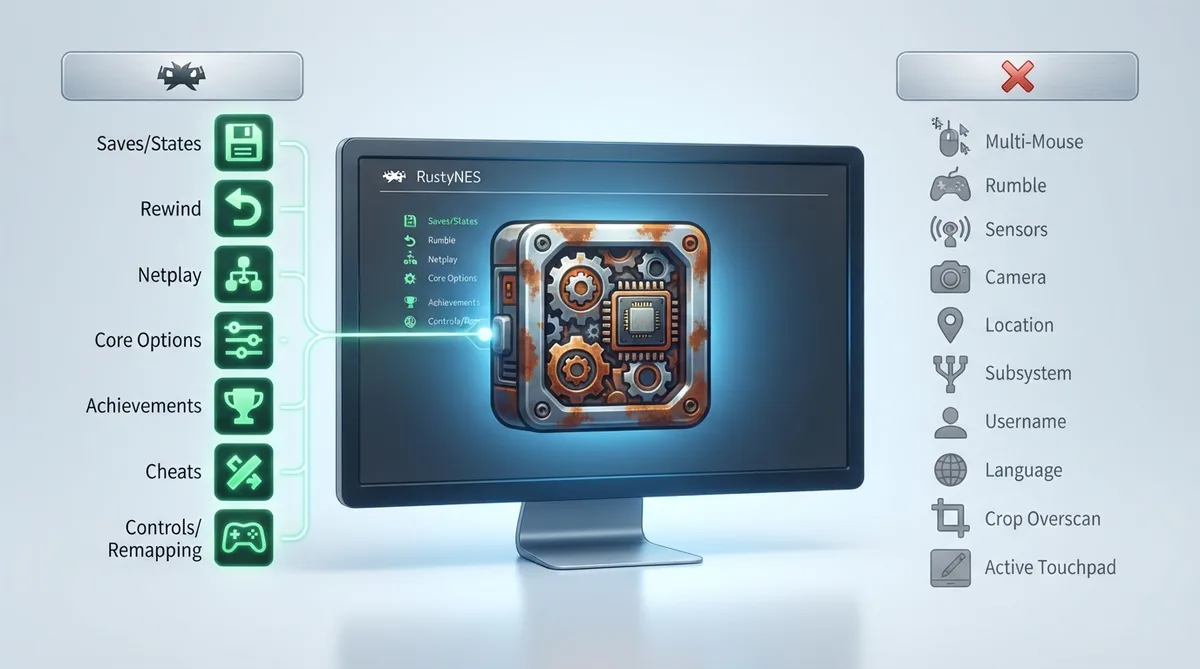
RustyNES is the Nintendo NES / Famicom core available for RetroArch. According to the official libretro documentation, it is a cycle-accurate NES and Famicom emulator written entirely in pure Rust, targeting the highest accuracy bar comparable to Mesen and higan. This article summarizes the documented scope; it is not a hands-on tested walkthrough.
What the documentation says
The official documentation describes RustyNES as a pure-Rust emulator aimed at high accuracy rather than a lightweight or compatibility-focused core. Readers should treat the accuracy comparison to Mesen and higan as the documentation's stated target, not as an independently verified result.
Documented RetroArch feature support
The official documentation includes a feature-support table for the core. It lists a range of RetroArch features as supported, including Restart, Screenshots, Saves, States, Rewind, Netplay, Core Options, Memory Monitoring (achievements), RetroArch Cheats, Native Cheats, Controls, Remapping, Softpatching, and Disk Control. The following table summarizes the features it lists as unsupported.
What the supported features mean for players
Documented support for Saves and States means save files and save-state persistence are listed as available, while Rewind is also listed as supported. Controls and Remapping indicate input configuration is in scope, and Netplay indicates networked play is listed as supported. Core Options are documented as available, so tuning is done through the core's options rather than through the unsupported extras listed above.
Achievements, cheats, and softpatching
Memory Monitoring (achievements) is listed as supported, and both RetroArch Cheats and Native Cheats are documented as available. Softpatching is also listed as supported, so patch-based ROM variants can be applied through the core's softpatching path. Disk Control is documented as supported as well.
Before you rely on this
The documentation does not detail installation steps, core-option values, or configuration procedures in the supplied material. Treat any setup beyond core selection as undocumented here, and consult RetroArch's own core management and controller configuration documentation for environment-specific steps.
Reference table · Scroll horizontally to see all columns.
| Feature | Documented as supported |
|---|---|
| Multi-Mouse | No |
| Rumble | No |
| Sensors | No |
| Camera | No |
| Location | No |
| Subsystem | No |
| Username | No |
| Language | No |
| Crop Overscan | No |
| Active Touchpad | No |
Sources & references
Content responsibility: FrameTinker editorial desk. Source authors and software maintainers are credited separately below; this is not a claim of hands-on testing.
Published .
RetroArch: rustynes — official gaming software documentation https://raw.githubusercontent.com/libretro/docs/master/docs/library/rustynes.mdRetrieved Oct 27, 2026Something doesn’t match your setup?
Suggest a correction