

ScummVM's configuration file is a text file containing configuration keys and parameters, and it provides a way to edit both global and game-specific settings. The same settings are also accessible directly from the Launcher. This guide summarizes the official documentation's description of the file's locations, structure, and default-file behavior.
Where the configuration file is stored
The configuration file saves to different default locations depending on the platform, so the first step in editing it directly is locating the copy ScummVM is actually using. The documentation notes that the configuration file path is also displayed on the Paths tab of the ScummVM settings, which gives a reliable way to confirm the active file before you open or back it up.
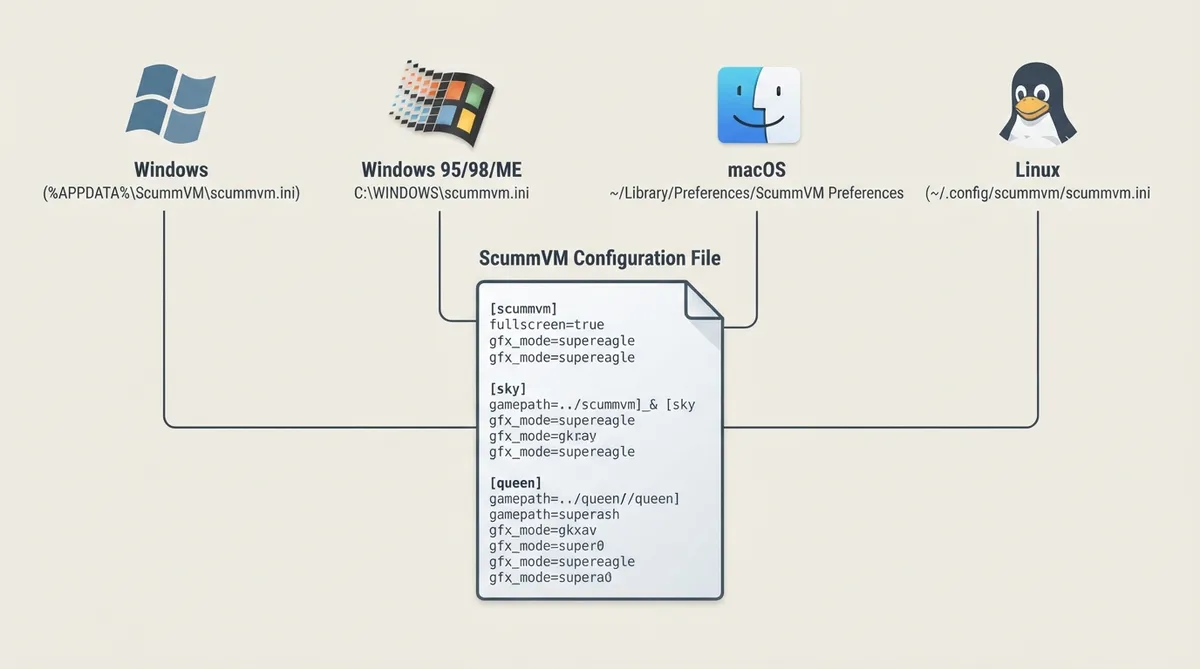
- Documented default configuration file locations:
- - Windows: %APPDATA%\ScummVM\scummvm.ini
- - Windows 95/98/ME: C:\WINDOWS\scummvm.ini
- - macOS: ~/Library/Preferences/ScummVM Preferences
- - Linux: ~/.config/scummvm/scummvm.ini — ScummVM follows the XDG Base Directory Specification, so the location might vary depending on the value of the XDG_CONFIG_HOME environment variable
How settings are organized in the file
The file is divided into sections by heading. Global settings are listed under the [scummvm] heading, and global keymaps settings are listed under the [keymapper] heading. Game-specific settings, including keymaps, are listed under the heading for that game — for example, [queen] for Flight of the Amazon Queen. Configuration keys are the mechanism used to change settings.
This split matters when you decide where a change belongs. A value placed under [scummvm] affects ScummVM globally, while the same kind of value placed under a game's section applies only to that title. Because game-specific settings have their own heading, per-game overrides can coexist with the global baseline without duplicating the whole configuration.
Example excerpts from the documentation
[scummvm]
gfx_mode=supereagle
fullscreen=true
savepath=C:\saves\

[sky]
path=C:\games\SteelSky\
In these documentation excerpts, the [scummvm] section sets a global graphics mode (supereagle), fullscreen behavior and a save path, while the [sky] section sets the game path for that title. The example illustrates the same global-versus-per-game split described above: shared preferences live under [scummvm], and title-specific values such as the install path live under the game's own heading.
Changing settings through configuration keys
Edits made to the file take the form of configuration keys: each setting is a key paired with a parameter value, placed under the appropriate heading. The documentation presents the Launcher as an equally valid route to the same settings, so the practical decision is whether to change a value in the Launcher or to edit the corresponding key in the text file under the correct section. Because global and game-specific settings occupy separate sections, a key placed under the wrong heading changes the wrong scope.
Supplying an initial configuration file
An initial (default) configuration file can be specified via the command line using the --i or --initial-cfg option. ScummVM uses this default file if the configuration file is missing from its usual location — for example, after an initial install — or if the user deletes their configuration file. This makes the option useful for restoring a known baseline rather than rebuilding settings by hand.
The documentation also notes that the default location for the screenshotpath depends on the system; it does not give a single fixed path.
Reference table · Scroll horizontally to see all columns.
| Platform | Documented default configuration file location |
|---|---|
| Windows | %APPDATA%\ScummVM\scummvm.ini |
| Windows 95/98/ME | C:\WINDOWS\scummvm.ini |
| macOS | ~/Library/Preferences/ScummVM Preferences |
| Linux | ~/.config/scummvm/scummvm.ini, subject to the XDG_CONFIG_HOME environment variable |
Sources & references
Content responsibility: FrameTinker editorial desk. Source authors and software maintainers are credited separately below; this is not a claim of hands-on testing.
Published .
ScummVM: configuration file — official gaming software documentation https://raw.githubusercontent.com/scummvm/scummvm/master/doc/docportal/advanced_topics/configuration_file.rstRetrieved Oct 19, 2026Something doesn’t match your setup?
Suggest a correction