

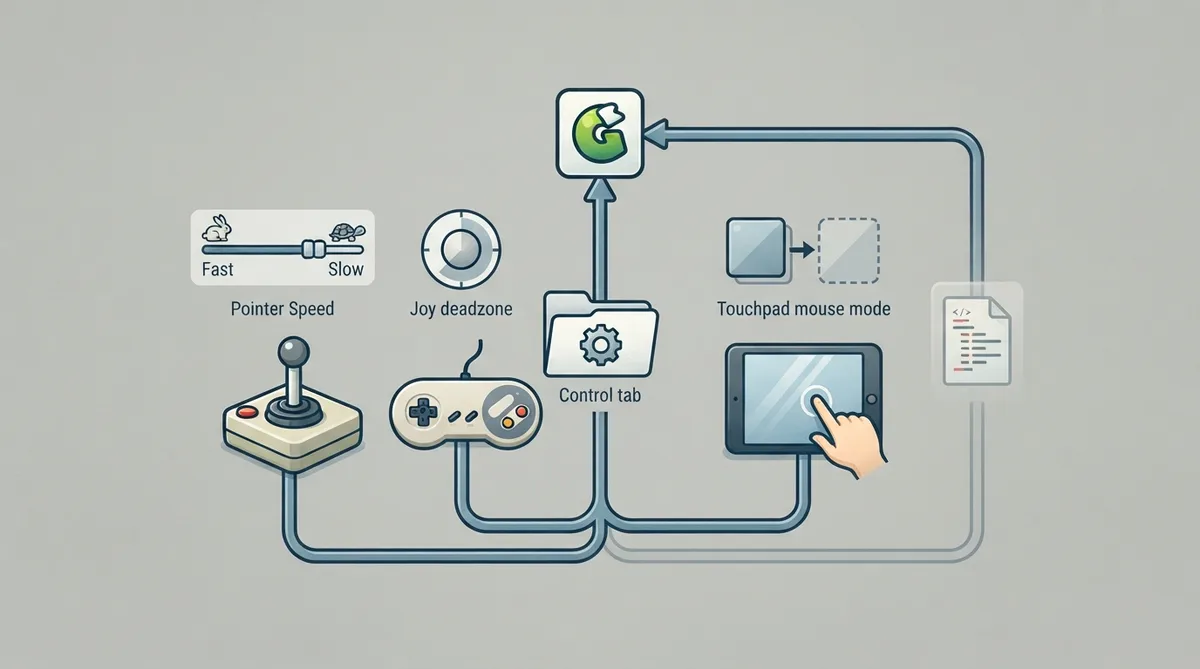
The ScummVM Control tab groups the settings that affect joysticks, game controllers and touch screens. According to the official documentation, this tab is not always available, so what you see depends on your setup. The same page notes that every setting described there can also be changed through the configuration file, with the relevant key listed in italics after each setting's description.
Opening the Control tab
- From the Launcher, select Global Options.
- Select the Control tab.
Documented settings
Pointer Speed sets the speed for the mouse pointer when it is controlled by the keyboard or a joystick.
Joy deadzone sets the deadzone for an analog joystick. The documentation notes that a lower value reduces the size of the deadzone.
Touchpad mouse mode toggles between direct mode and touchpad mode.
All of these settings can also be changed in the ScummVM configuration file. The documentation lists the configuration key in italics after each setting description, so you can match an option on the tab to its key before editing the file.
Reference table · Scroll horizontally to see all columns.
| Setting | Documented behavior |
|---|---|
| Pointer Speed | Sets the speed for the mouse pointer when it is controlled by the keyboard or a joystick. |
| Joy deadzone | Sets the deadzone for an analog joystick; a lower value reduces the size of the deadzone. |
| Touchpad mouse mode | Toggles between direct mode and touchpad mode. |
Sources & references
Content responsibility: FrameTinker editorial desk. Source authors and software maintainers are credited separately below; this is not a claim of hands-on testing.
Published .
ScummVM: control — official gaming software documentation https://raw.githubusercontent.com/scummvm/scummvm/master/doc/docportal/settings/control.rstRetrieved Oct 19, 2026Something doesn’t match your setup?
Suggest a correction