

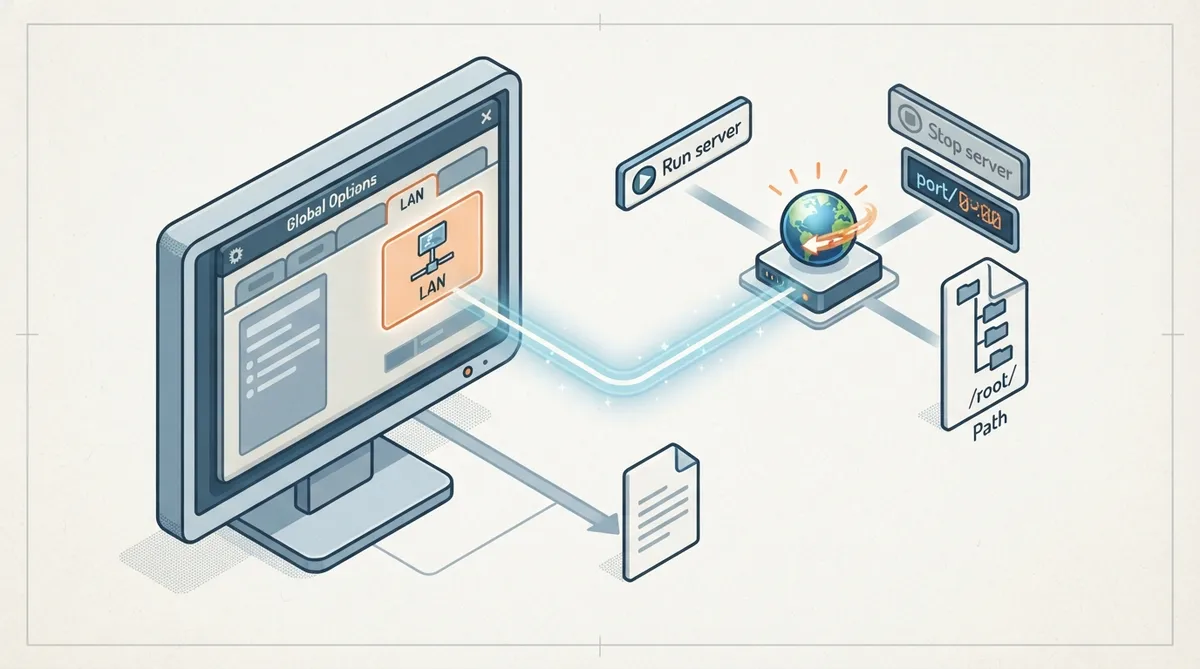
ScummVM's LAN tab in Global Options controls its local web server on the Local Area Network. The official documentation lists the tab's controls and their purpose. This article summarizes that page; it does not add setup steps the documentation does not describe.
Opening the LAN tab
- From the ScummVM Launcher: 1) select Global Options; 2) if needed, click the > scroll arrow until the LAN tab is visible; 3) select the LAN tab.
Documented controls
- Run server — starts the web server; while it is running, the interface displays the URL at which the web server can be accessed. Stop server — stops the web server.
- Server's port — the port on which the web server is available. /root/ Path — the root path of the server; any sub-directories under it will be accessible.
The documentation describes the visible result of starting the server as the URL being displayed while it runs. It does not describe further behavior, such as how other devices connect or what the browser page contains; for that, the page points readers to the separate ScummVM LAN usage guide.
Same settings in the configuration file
The settings can also be changed in ScummVM's configuration file. The documentation notes that the configuration key is listed in italics after each setting description, so the tab and the file expose the same options.
Reference table · Scroll horizontally to see all columns.
| Control | Documented purpose |
|---|---|
| Run server | Starts the web server; while running, the URL at which it can be accessed is displayed |
| Stop server | Stops the web server |
| Server's port | The port on which the web server is available |
| /root/ Path | The root path of the server; sub-directories under it are accessible |
Sources & references
Content responsibility: FrameTinker editorial desk. Source authors and software maintainers are credited separately below; this is not a claim of hands-on testing.
Published .
ScummVM: lan — official gaming software documentation https://raw.githubusercontent.com/scummvm/scummvm/master/doc/docportal/settings/lan.rstRetrieved Oct 19, 2026Something doesn’t match your setup?
Suggest a correction