

The Misc tab in ScummVM's Global Options collects settings that do not belong on the other tabs. This guide explains how to reach the tab and what each documented control does, based on the official ScummVM documentation.
Opening the Misc tab
- From the ScummVM Launcher, select **Global Options**.
- If the Misc tab is not visible, click the **>** scroll arrow until it appears.
- Select the **Misc** tab.
The documentation notes that the same settings can also be changed in the ScummVM configuration file.
Documented settings on the Misc tab
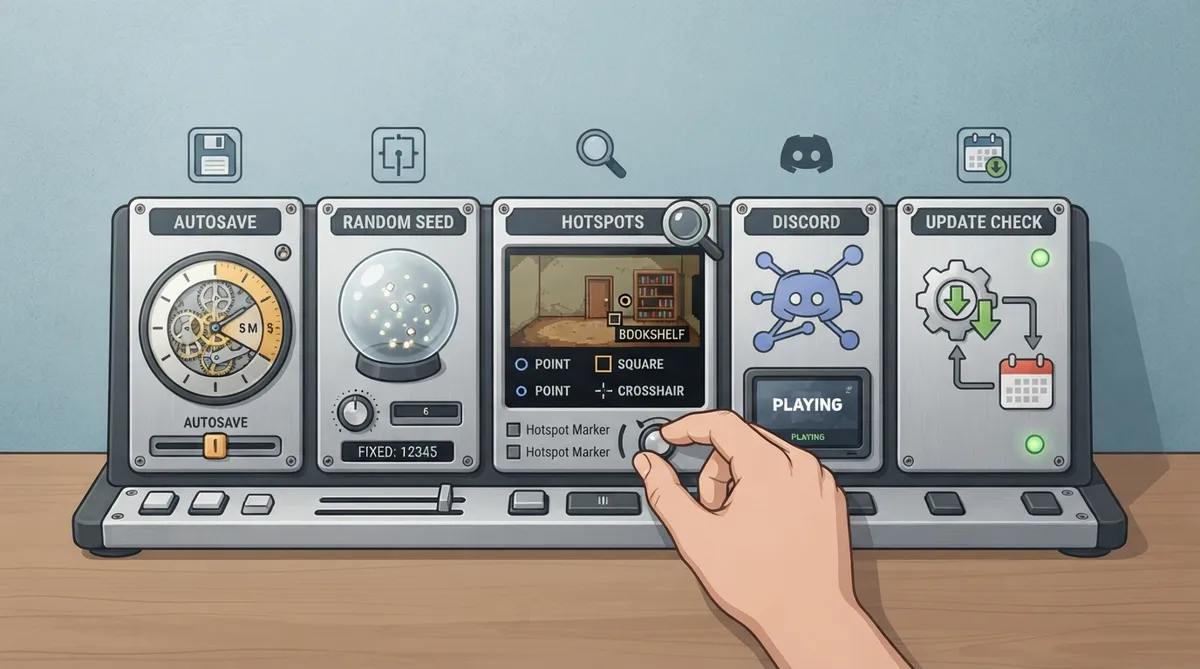
**Autosave:** Adjusts the time period between autosaves. The documented default is 5 minutes.
**Random seed:** ScummVM generates a random seed each time it starts. Setting a fixed seed here ensures that random events in games play out the same way every time.
**Enable hotspot display:** Enables visual markers and labels for interactive objects in supported games. When enabled, pressing the hotspot key (default 'h') displays markers at clickable locations.
**Hotspot marker:** Selects the visual style for hotspot markers. Documented options are Point (circular marker), Square (rectangular outline) and Crosshair (crosshair symbol).
**Show hotspot labels:** When enabled, displays text labels next to hotspot markers showing the name of the interactive object.
**Enable Discord Integration:** Shows the currently running game in a Discord user's status, provided Activity Status is also enabled in Discord settings.
**Update check:** Use this option to automatically check for updates to ScummVM. Click the **Check now** button to manually check for updates.
Notes on scope and verification
Hotspot display settings apply only to supported games, as described in the documentation.
Reference table · Scroll horizontally to see all columns.
| Setting | Documented behavior |
|---|---|
| Autosave | Adjusts time between autosaves; default 5 minutes |
| Random seed | Fixed seed makes random events play out the same way every time |
| Enable hotspot display | Shows markers/labels for interactive objects in supported games; hotspot key default 'h' |
| Hotspot marker | Point, Square or Crosshair marker style |
| Show hotspot labels | Displays text labels next to markers naming the interactive object |
| Enable Discord Integration | Shows currently running game in Discord status if Activity Status is enabled |
| Update check | Automatically checks for ScummVM updates; Check now button runs a manual check |
Sources & references
Content responsibility: FrameTinker editorial desk. Source authors and software maintainers are credited separately below; this is not a claim of hands-on testing.
Published .
ScummVM: misc — official gaming software documentation https://raw.githubusercontent.com/scummvm/scummvm/master/doc/docportal/settings/misc.rstRetrieved Oct 19, 2026Something doesn’t match your setup?
Suggest a correction