

Overview
The official ScummVM documentation includes a dedicated page for running ScummVM on the RISC OS operating system. It is intended as the reference for what you need before getting ScummVM up and running on that platform.
System requirements
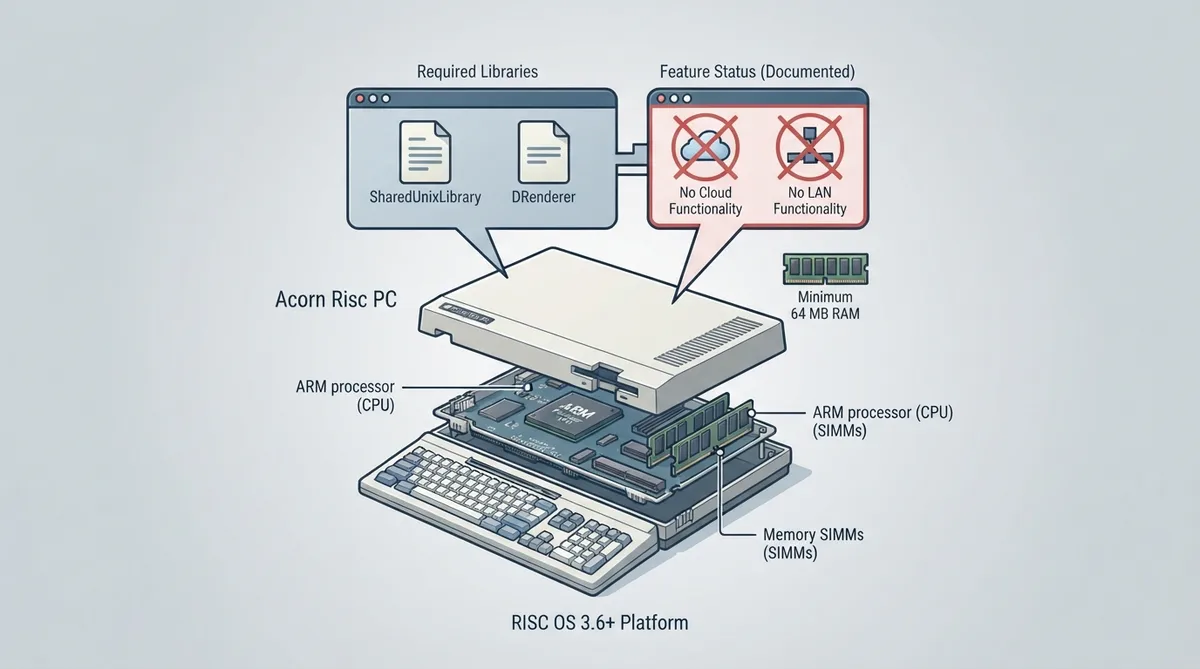
According to the documentation, you need a system running RISC OS 3.6 or later, along with a minimum of 64 MB RAM. The source notes that 32 MB may work in some circumstances but is not generally recommended.
Required libraries
The documentation lists the SharedUnixLibrary and DRenderer as required components for the RISC OS setup. The source page links to external RISC OS package pages for these libraries rather than bundling installation instructions in the ScummVM document itself.
Documented feature limitations
- ScummVM for RISC OS does not have cloud functionality.
- ScummVM for RISC OS does not have LAN functionality.
Scope note
The source documentation excerpt does not describe step-by-step installation, per-game settings, save-file location, or specific troubleshooting procedures for RISC OS. This guide therefore does not include those steps; consult the official page and the linked library pages for the full procedure.
Sources & references
Content responsibility: FrameTinker editorial desk. Source authors and software maintainers are credited separately below; this is not a claim of hands-on testing.
Published .
ScummVM: risc os — official gaming software documentation https://raw.githubusercontent.com/scummvm/scummvm/master/doc/docportal/other_platforms/risc_os.rstRetrieved Oct 27, 2026Something doesn’t match your setup?
Suggest a correction